Remove "Sign in with Google" button from login page

  1. My goal: remove the "Sign in with Google" button from the login page without having to build a custom login page app.

  2. Issue: the "Sign in with Google" button is confusing to have on the form because it's not actually an option for users to sign in. Sometimes users accidentally click it and it causes issues.

  3. Steps I've taken to troubleshoot: searching the community forum for solutions, looking at the Retool branding settings.

  4. Additional info: cloud enterprise plan

Thank you!
Hello Sarah!

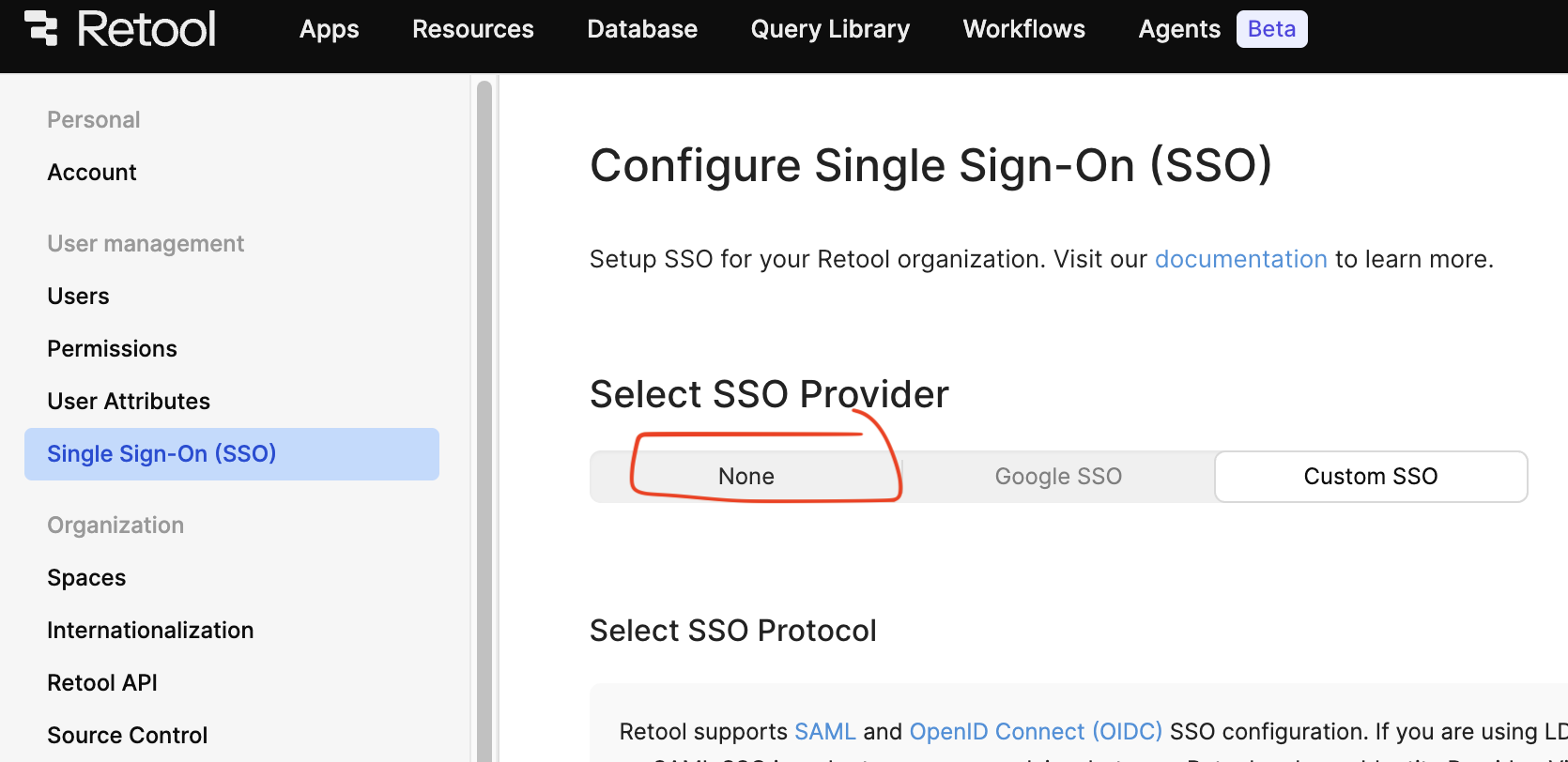
Yes you can definitely remove the "Sign in with Google" button when you are using a custom domain.

You just need to set None for SSO.

But this unfortunately does not work with the base URL domain. We have an open linear for that, which I can definitely add a +1 onto the ticket for you.

For now, you would just need to use a custom URL for the Google SSO button to be removed.

1 Like

Hey @Jack_T, thanks for the follow up.

We can't set None for SSO because we want to use our custom SSO provider - thank you for adding us to the open ticket.

I see the custom URL does remove the Google SSO, that's great. Thank you!

1 Like