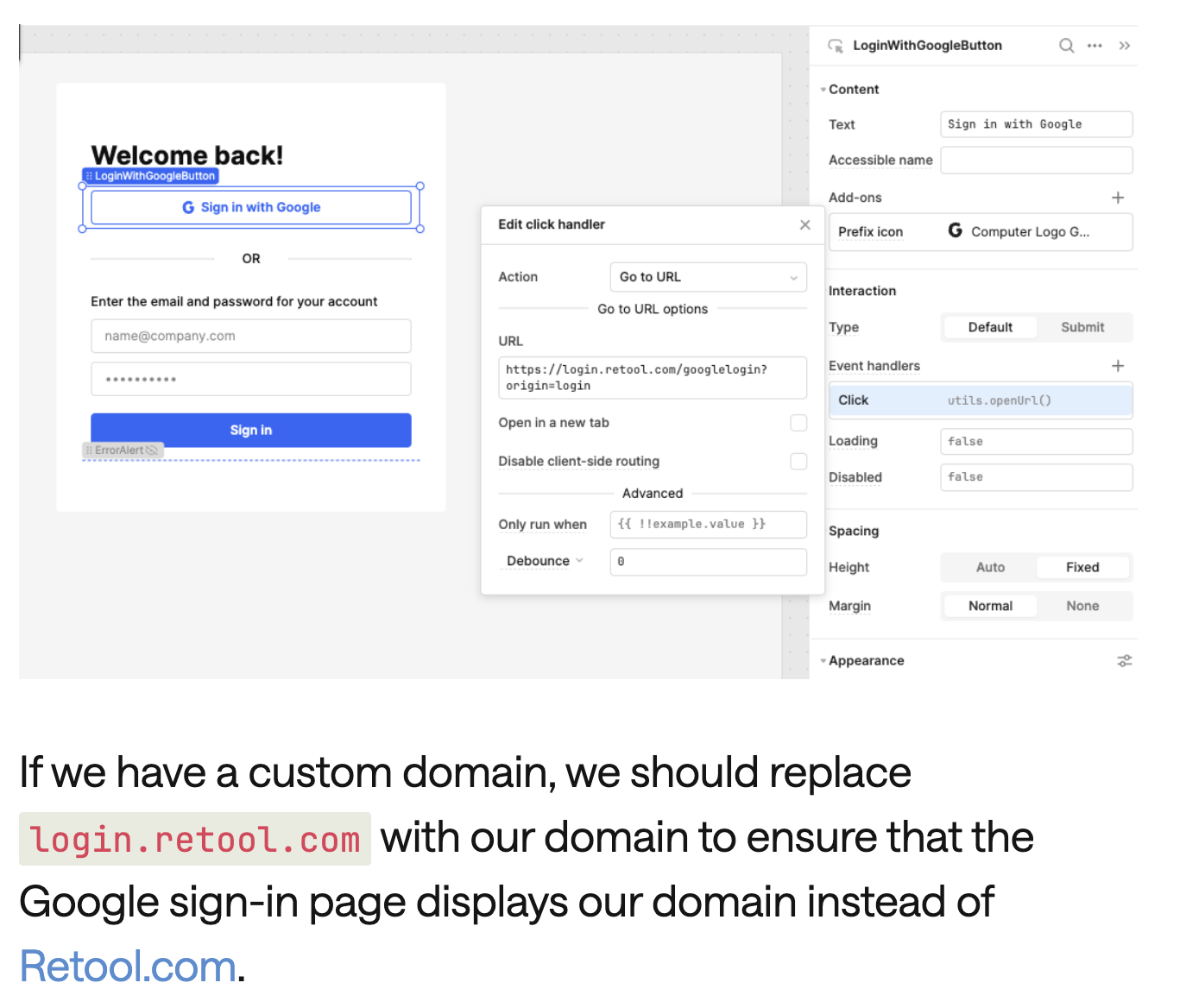
I am currently on the business plan and I’ve created an external app. I was successful in setting up the Google SSO and custom domain using the Retool documentation online. However, I am encountering a strange problem where the login landing page shows the custom domain name, but after logging in to the external app, I am seeing the default .retool.com domain instead of the custom domain name. Any thoughts on how to resolve this would be much appreciated! Thanks.
On Retool Cloud (Business), an external app was set up with Google SSO and a custom domain. The login landing page correctly shows the custom domain, but after signing in the app loads on the default [subdomain].retool.com URL instead of the custom domain.
AI Response
This is expected behavior stemming from the distinction between the authentication/login domain and each app's URL. Configuring a custom domain in Settings > Branding updates where users log in, but individual apps continue to resolve to the default .retool.com URL until each app is explicitly set to use the custom URL. Open the published app's share/URL settings and enable the custom URL option so the app itself serves from the custom domain after login. Also confirm the CNAME points exactly to custom-domain.retool.com and that DNS has fully propagated, since a partially applied domain can cause post-login redirects back to the default host.
Sources
Login Links Redirecting to Old Domain After Custom Domain Setup
A solved Cloud/Business report of the same behavior—links resolving to the old .retool.com domain after custom domain setup—with an accepted resolution. Custom Domain and Public Apps
A staff post explaining that after setting up a custom domain, app links still default to the .retool.com URL unless each app is configured to use the custom URL.
The Community Team is testing out a new automation. Let us know if it's helpful (or not) by leaving a , , or . Or by marking this post as the "Solution"! Let us know if you have any feedback here.

 ,
,  , or
, or  . Or by marking this post as the "Solution"! Let us know if you have any feedback