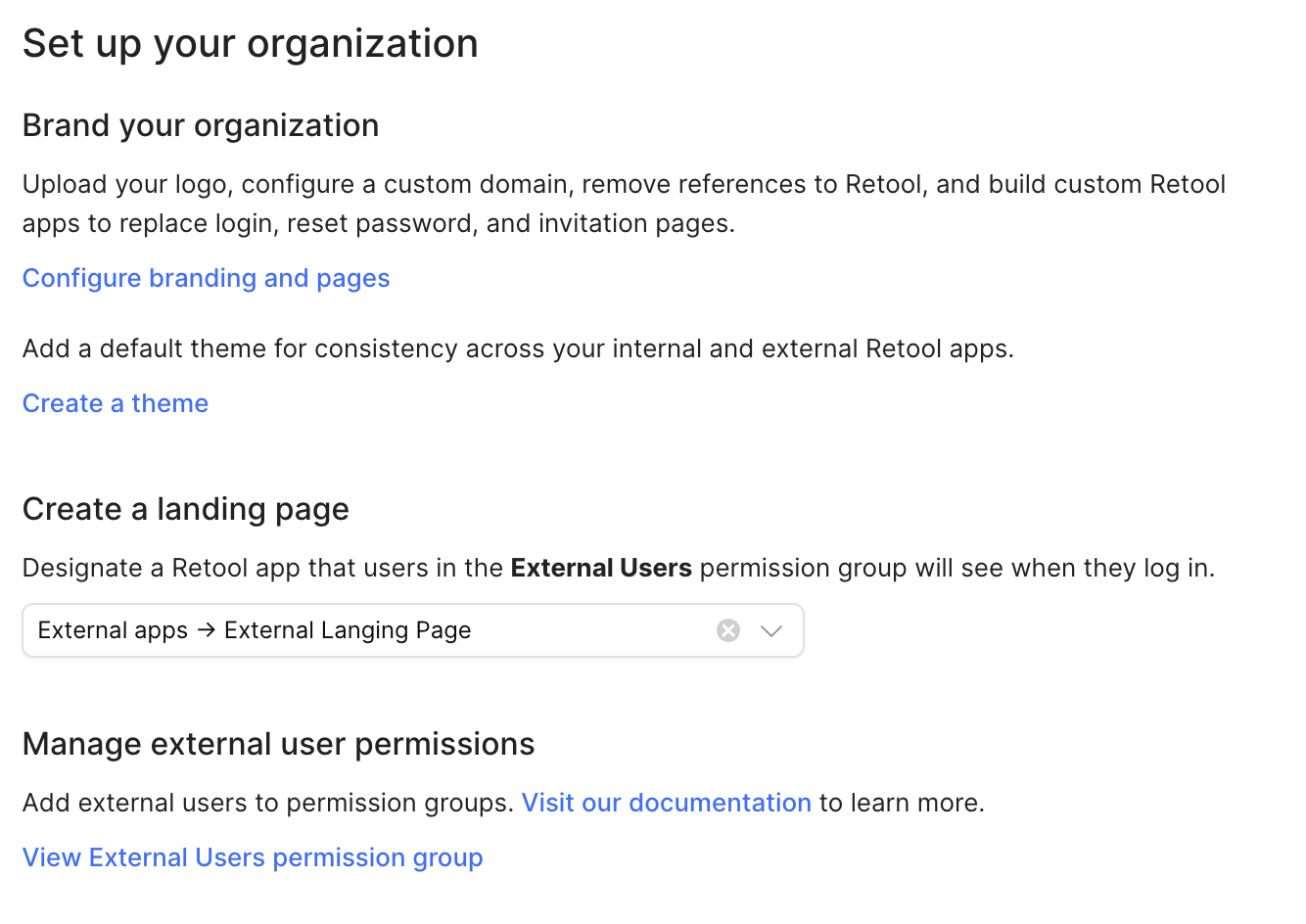
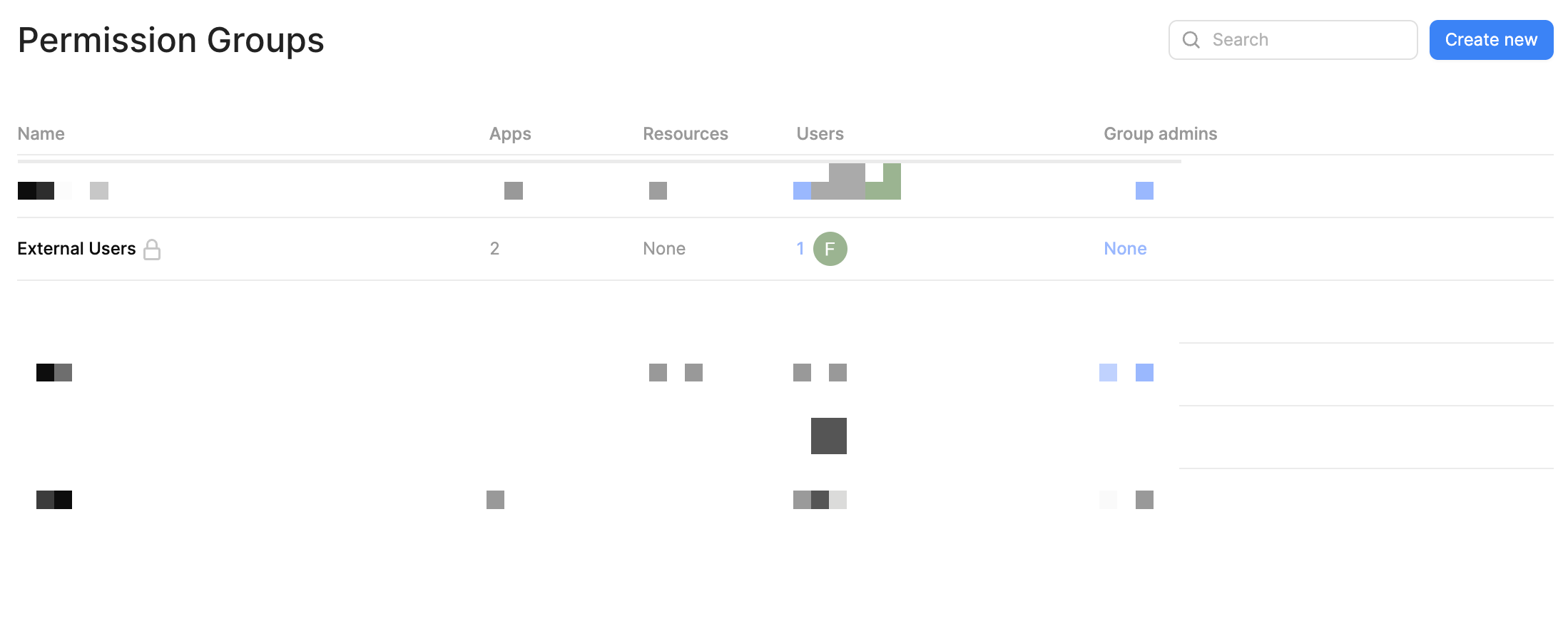
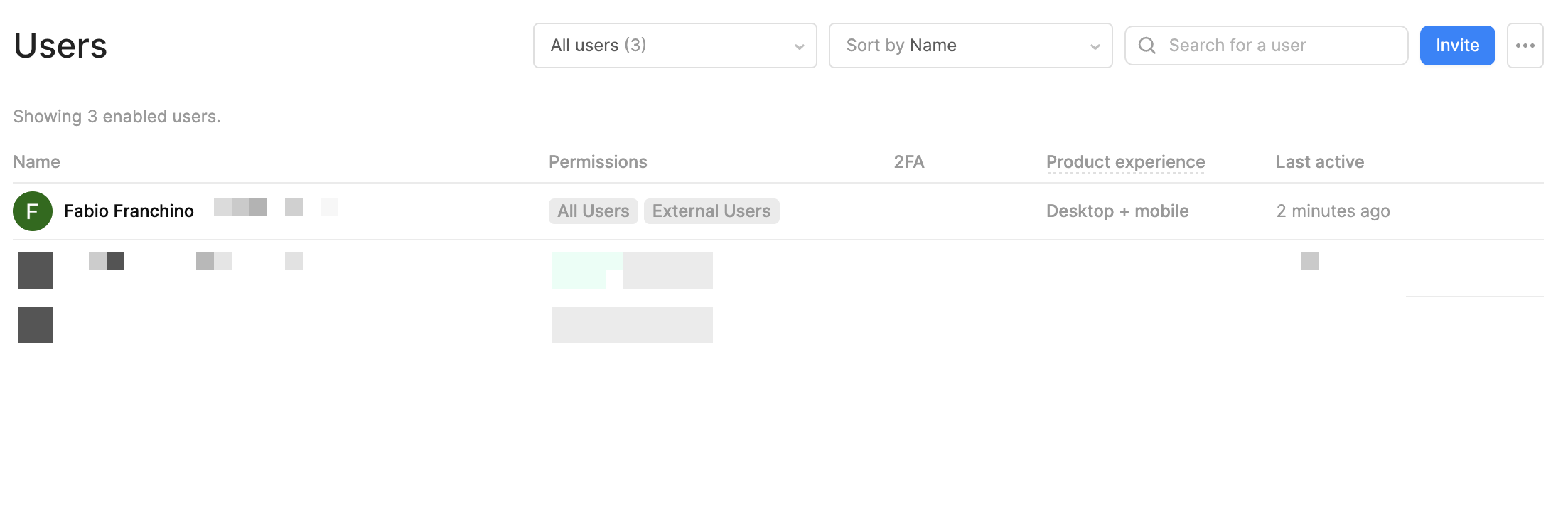
Try a hard refresh or open the app in incognito mode (or a different browser) — cache or session/cookie issues can sometimes prevent the external-user landing page from loading properly.
So personal gmail works with pw, gmail workspace = broken weather pw or google connect on one account but works on a different workspace. If you can, I would compare the 2 workspace security configurations. It seems like something is blocking one of them.
Is the Workspace-managed Google account subject to any additional security restrictions (e.g. SAML SSO, enforced MFA, domain-wide policies) that might interfere with OAuth sign-in?
Did you configure Google OAuth / “Sign in with Google” SSO for that workspace domain (i.e. with proper OAuth client + authorized redirect URIs)?
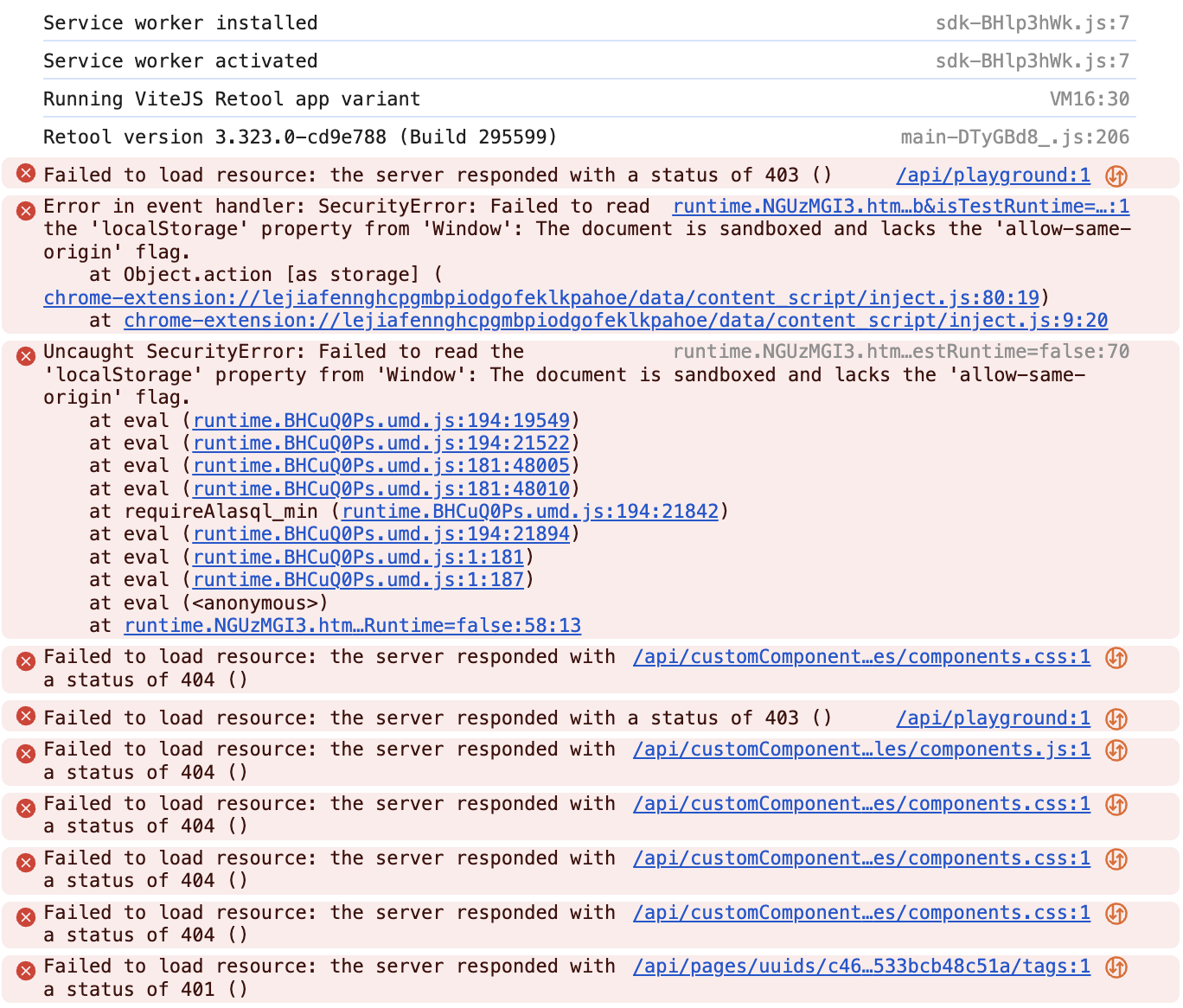
Have you looked in the browser console yet to see if there are any errors or clues? That might be your next step.
Otherwise, if you have time, office hours is probably your best bet. If they can’t solve it live with you, they will reach out to the appropriate department to investigate further.
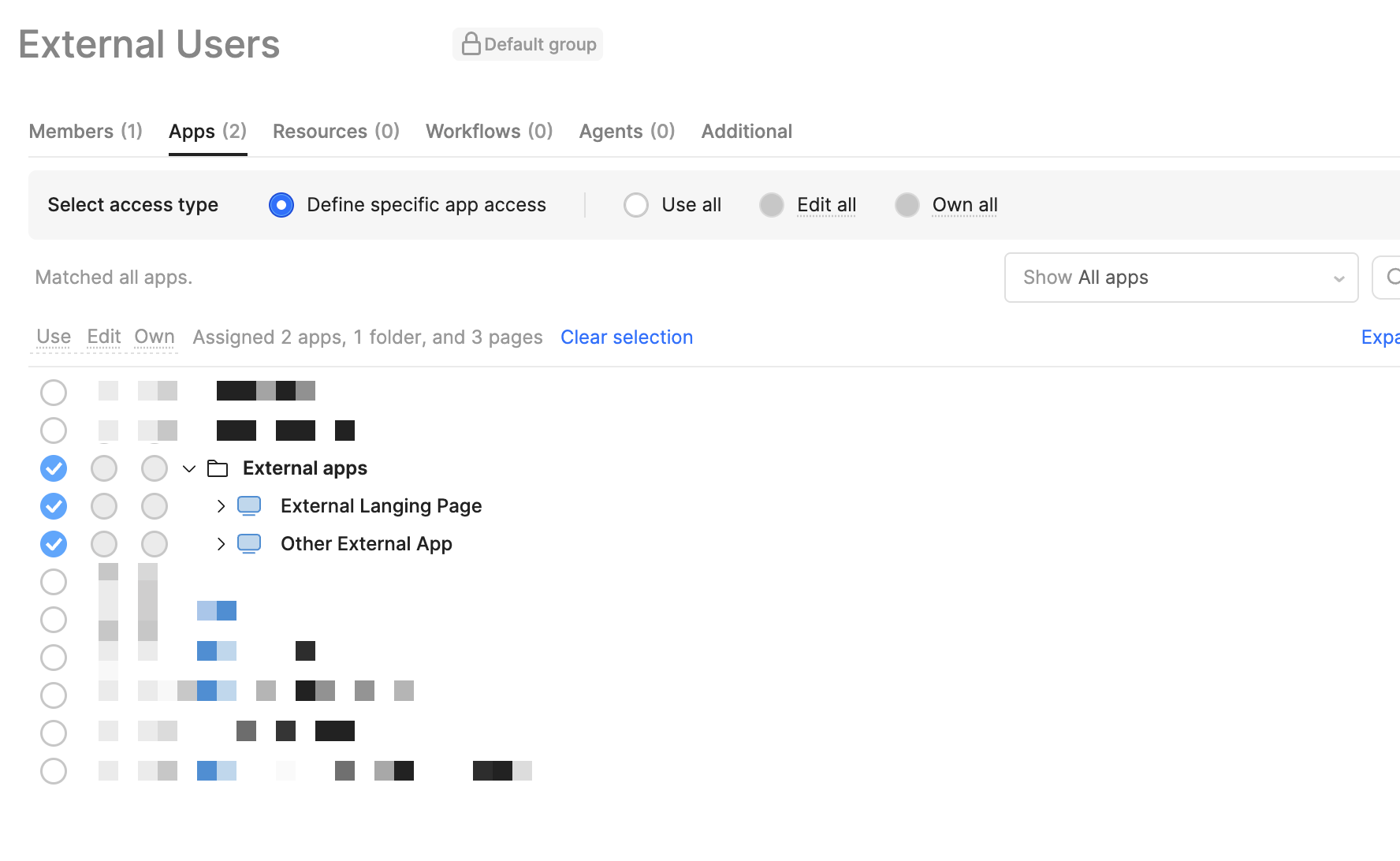
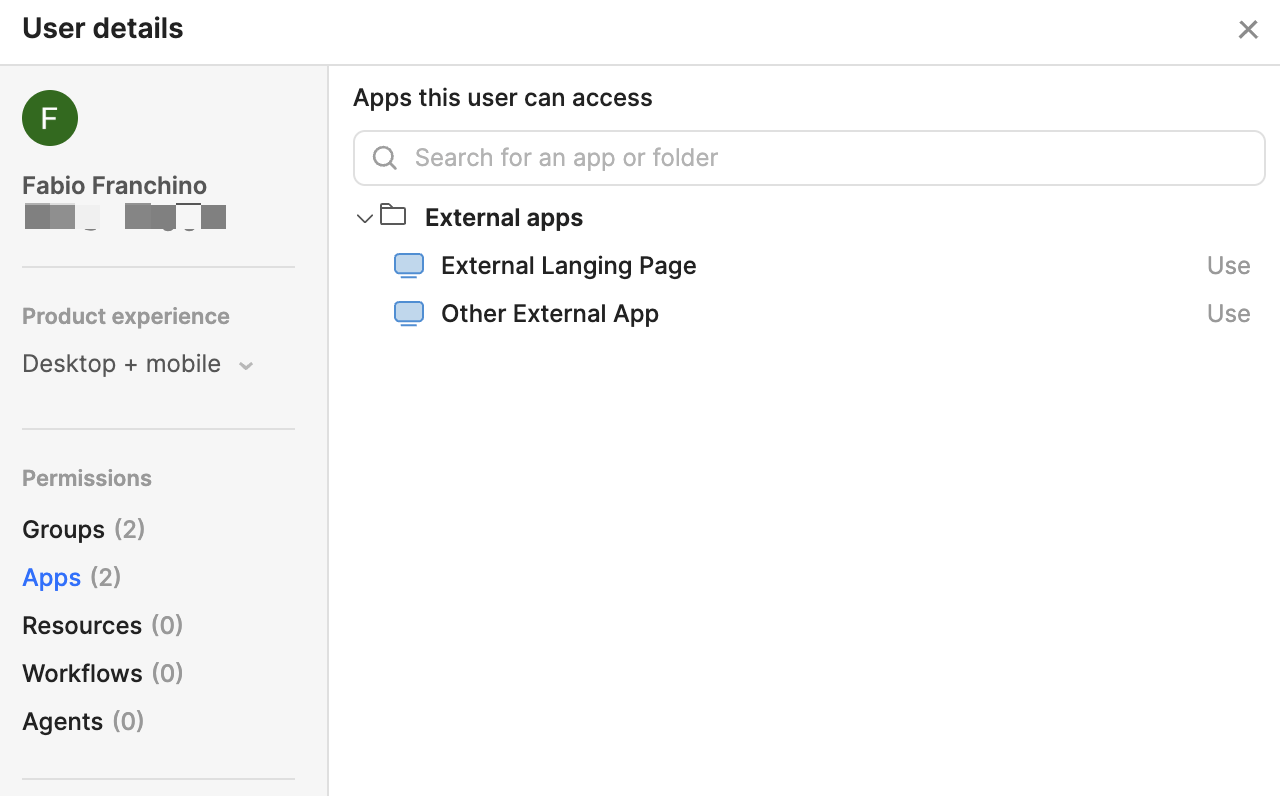
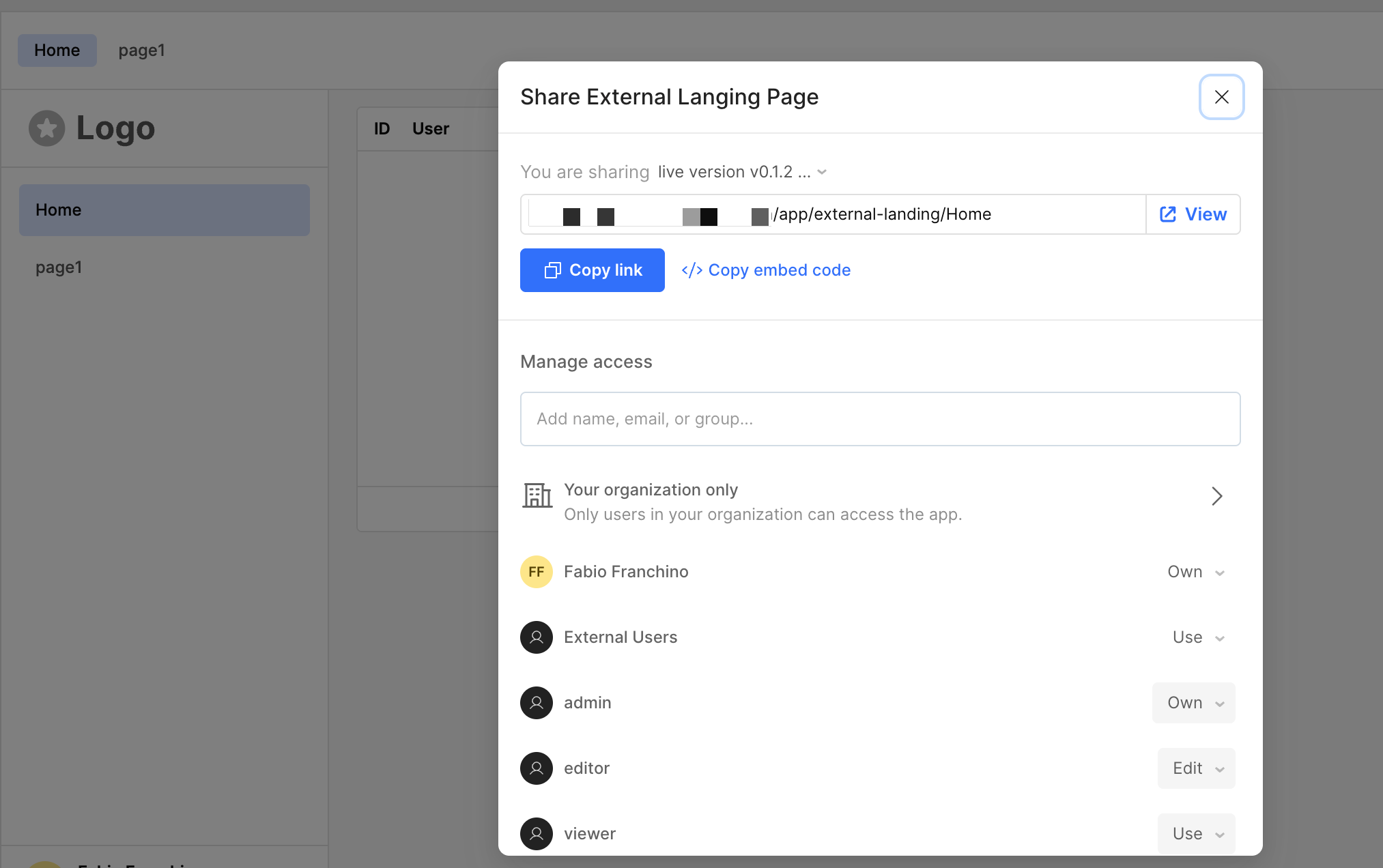
That is very odd, it seems like you have the permissions on the app set up correctly.
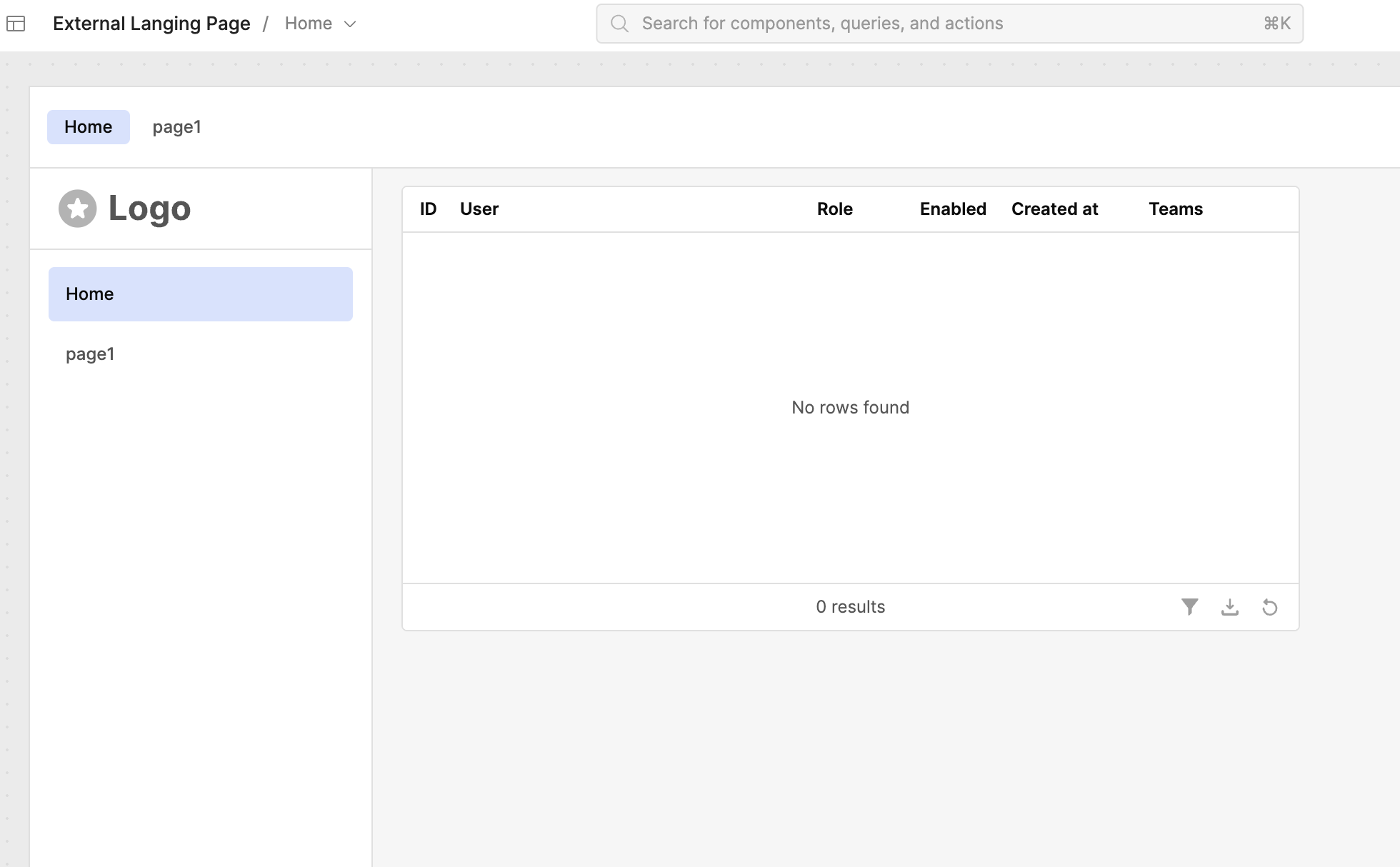
The fact that the page loads and has some JS/HTML on the screen (although empty) leads me to wonder what the browser console is saying, as @Shawn_Optipath mentioned
Since if it was permissions they would likely be given an error message or redirected.
I am new to Retool. I am a non-technical vibe coder and product/project manager looking to make some money as an AI consultant, implementing more efficient tech stacks for business owners and/or their selected divisions.
I thought I would reach out to you to find out if you finished your project giving your external users access to your. product. And if you did, I wonder if you would share your steps for creating a workspace for my external leads to test drive my new Tech Stack Audit Widget.
I first built it on Base 44, but I wanted to compare it to the AI builder on ReTool and it was much better. But now I feel that I am in very technical waters, and I need some help. Making money is critical for me at this time. I need tools that work easily and accurately.
Thanks in advance for any guidance you can provide based on your experience with setting up access for external users.