My goal:
Get one of my organizer’s users to use my EssaysToEdit Retool app without it crashing or showing a white screen.
Issue:
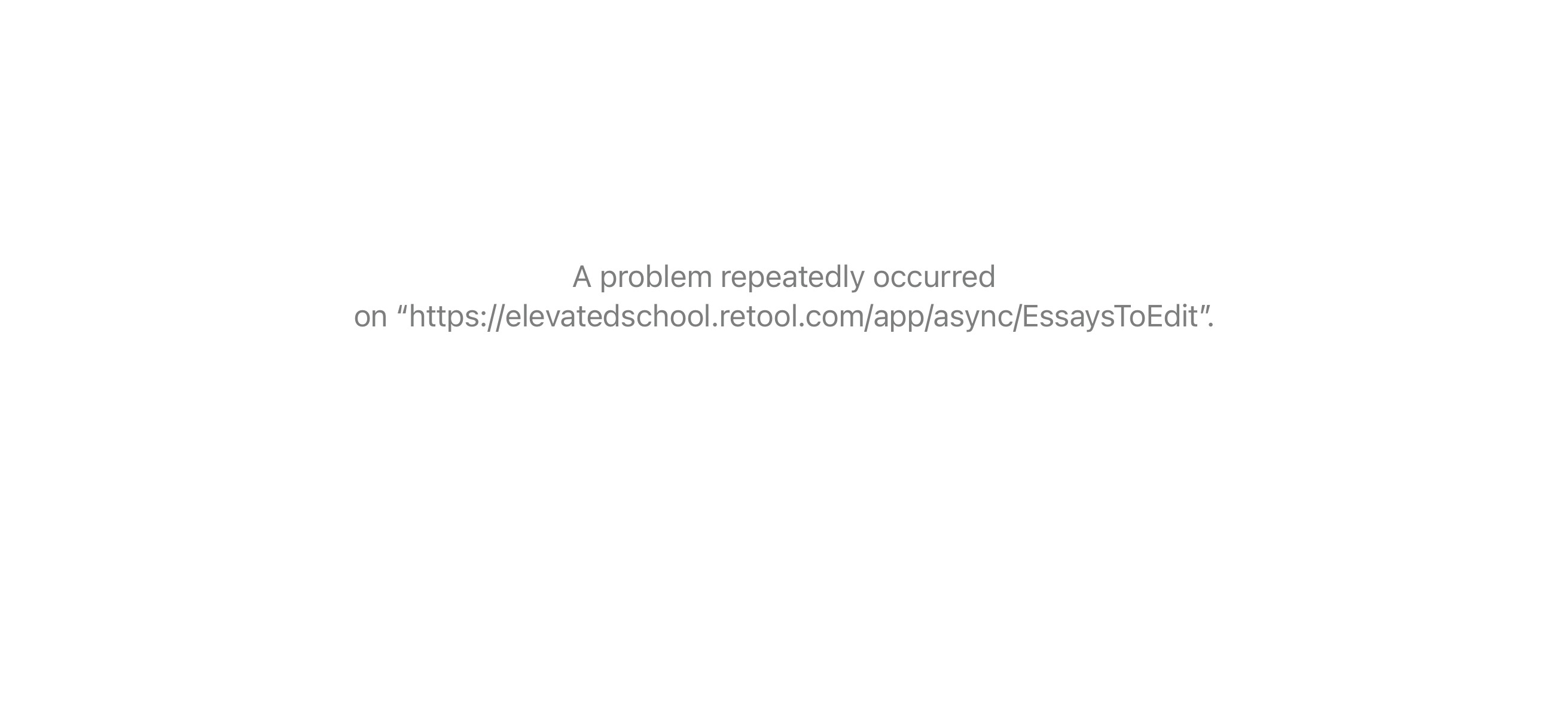
For the past several hours, the Retool app (https://elevatedschool.retool.com/app/async/EssaysToEdit) fails to load — only a blank white screen appears. On mobile, it briefly loads before crashing with the message “A problem repeatedly occurred.”
Steps I’ve taken to troubleshoot with my user:
-
Tried multiple browsers (Chrome, Safari)
-
Tried different networks (home WiFi, school WiFi, hotspot)
-
Restarted computer
-
Logged in and out of browsers
-
Tested with and without other tabs open
-
Tried on mobile (loaded momentarily, then crashed)
-
Disabled and reenabled his account
-
Troubleshooted for 24 hours, waiting it out to see if it would change
-
Confirmed the Retool account is correct
-
Verified the link
-
Using a new MacBook (purchased May/June 2025)
Additional info:
-
Environment: Cloud (Retool hosted at elevatedschool.retool.com)
-
App: EssaysToEdit (uses server-side pagination for essays, currently set to load 50)
-
Screenshot attached (white screen error + Safari “problem repeatedly occurred” message)
-
The app works just fine for the vast majority of users in our organization, and was working just fine up until one day ago when everything crashed all of a sudden for this user. Perhaps Retool pushed out some kind of internal change? I’m not sure why it only affected him and his account
That "white screen" almost certainly indicates a JavaScript error happening after that specific user logs in.
Quick question: does this happen only in user mode, or does the app also fail to load for them in edit mode?
Either way, we'll need the logs. Could you please ask that user to:
-
Open the Developer Tools (F12).
-
Go to the "Console" tab.
-
Refresh the page (F5) while the console is open.
-
Send a screenshot of any red errors that appear?
That should tell us exactly which script or query is failing.
1 Like
I would second @Mateusz above, any more detailed logs or errors should hopefully be quite telling here.
The only other thing to add would be to try accessing the page in incognito mode.
Actually, we did some more investigation, and figured out the root cause! Turns out this staff, who uses a work computer from their other school job, had a web filtering software called Lightspeed installed on all devices, including their own. This was automatically blocking retool, and so he’s reached out to their tech department to look into this.
Thanks for the help though!
1. I have permission from STATE DPI to use my work laptop for non-school use (e.g. our company)
2. To comply with incoming 2026 insurance regulations in STATE, Lightspeed (a web filtering software) was installed on all devices (student + staff).
3. Yesterday, I discovered after logging into my Lightspeed account that it is (for some reason) auto-blocking Retool - I have asked our tech department yesterday to look into this, but they are not sure if there's anything they can do about it since we must have insurance + filtering on these state-owned devices, per new STATE general statutes.
4. My own personal laptop is old & stopped working quite some time ago, and I was never able to replace it. I do have an old iPad, so I tried accessing Retool on it, and it worked.