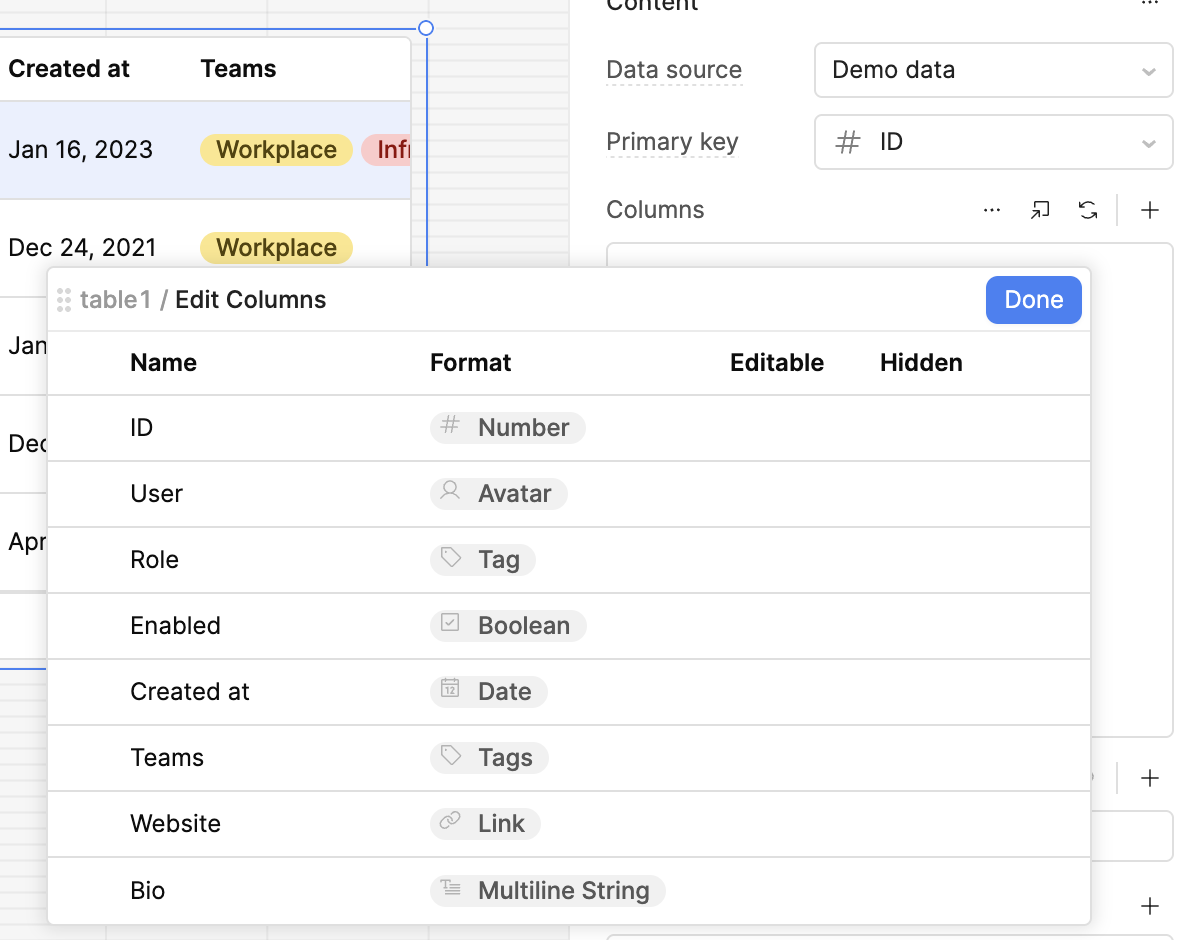
I've often needed to apply a lot of customisations to columns on a table on first implementation such as:
Renaming
Content alignment
Type change
Format setting
Does anyone have tips to apply these changes faster or at least move between columns faster?
I'm finding myself making several clicks to move between columns.
Click the column > make changes > Click the three dots > Click the table name > Click the next column > etc.
Would be great if was possible to make some of the changes WYSIWYG style or if there were some arrow buttons cycle between column config.
There are some things you can update en masse via the "pop out" button. I actually didn't know about this for the longest time and am happy to spread the word!
That pop-out has been great for adjusting top-level formats and making columns hidden en masse.
It would be further perfected if maybe on that pop-out the names (labels) could be adjusted almost Excel style. Double-click and type (maybe hitting enter/tab/down to move to edit the next column without double-clicking).
Very fair! I've called out tab navigation in the past as needing attention, because it's pretty inconsistent at the moment. I can bump that internal conversation.