I want to know how can i utilize the space available around the table in a dashboard. I tried removing the padding of main component in which the table was added but it didn’t resolve the issue. I’ve attached the image of the dashboard and the space which can be utilized is shown by 3 arrows. Would appreciate if someone help me here.
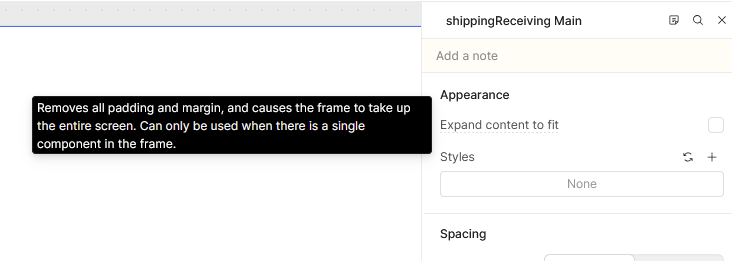
One option you can try is to place all of your page components into a container. No header or footer, just all these current pieces inside the body. This container becomes a “single component in the frame” on the page, which means that you can use the “Expand content to Fit” option of the page settings to automatically fill to the width of the page.
Hey @ajit_remit2any, welcome to the Community!! So happy to have you here!
And thanks for chiming in as always @pyrrho, that’s a great idea to put the component pieces into a container. @ajit_remit2any You could also just drag the table to fill the entire screen if that’s the layout you prefer. Let us know what you end up going with!
Hey @ajit_remit2any just wanted to check in and see how things are going. Were either of our suggestions above able to help solve your problem at all? Let me know!