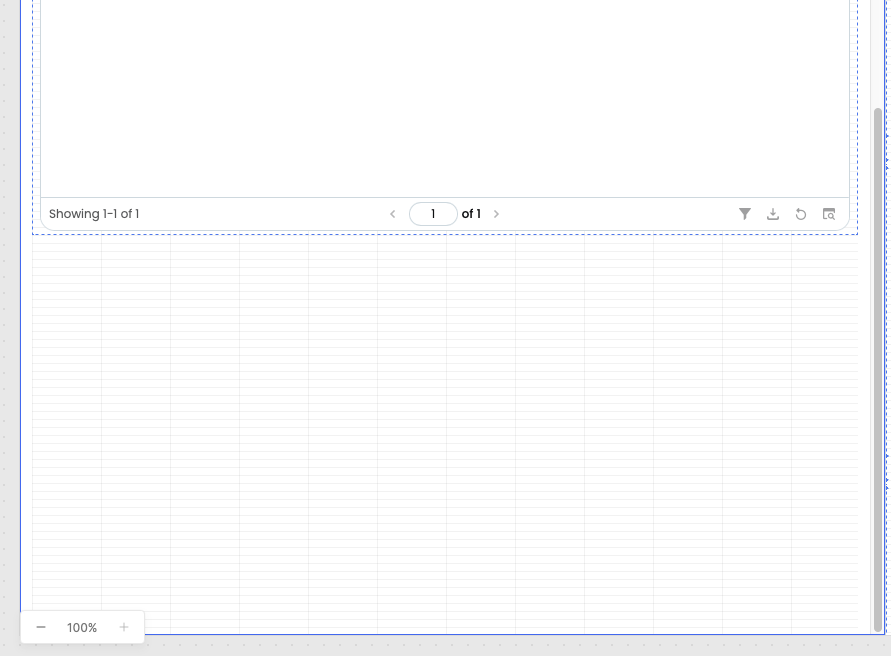
I have an app that has blank space under a table component, is there a way to get rid of the blank space? There are no hidden components and there are no listed components under this table when I look at the component tree.
1 Like
Hey @Nick1
I understand the issue you’re facing. You can try resolving it by enabling the “Expand to Fit” option from the right-side inspector.
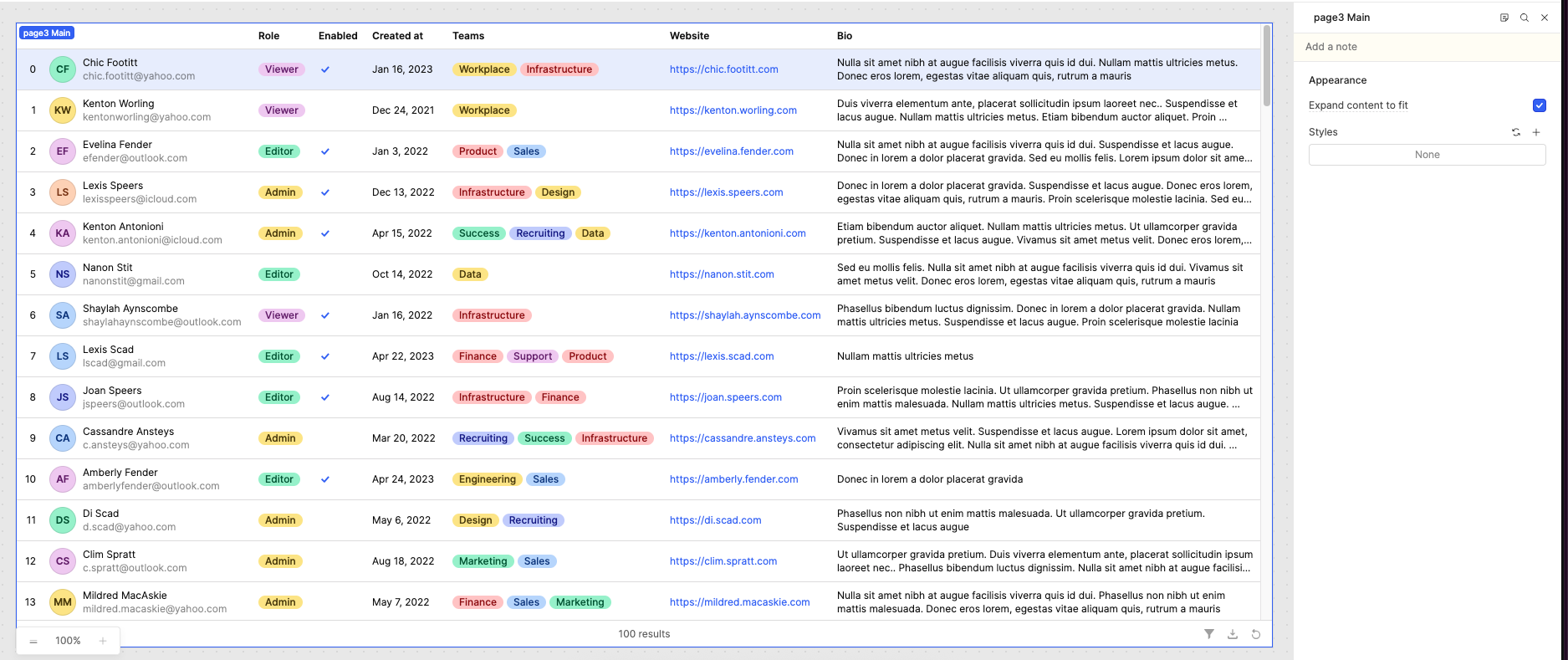
Also, when editing the table, the layout may appear slightly different within the editor. However, once you switch to preview mode, the table should render correctly as expected.
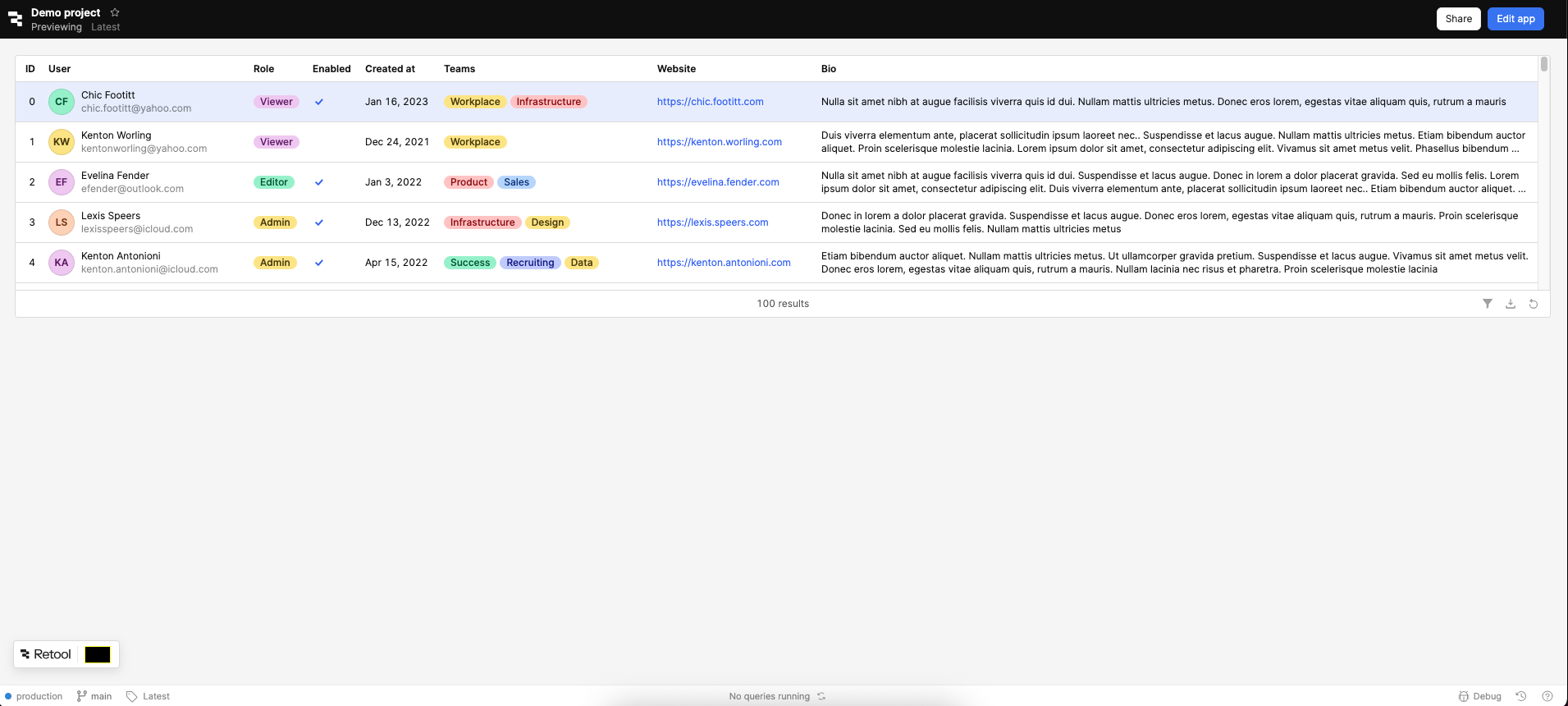
Please give it a try and let me know if the issue still persists.
Hey @Nick1, welcome back! Let me know if the suggestions from @WidleStudioLLP work well for you. Let us know! 
2 Likes
Hi @WidleStudioLLP @ChiEn ,
Yes, this worked, when I preview the app, the blank space is removed.
Thank you!
Nick
2 Likes
That usually happens because the parent container, frame height, or auto-layout spacing is reserving extra space even when no visible components are underneath. Try checking the table’s height settings (fixed vs auto), parent container padding/margins, and whether “Maintain space when hidden” is enabled somewhere higher in the layout.
Sometimes simply resizing the container or toggling auto-height off and back on fixes the blank area as well.