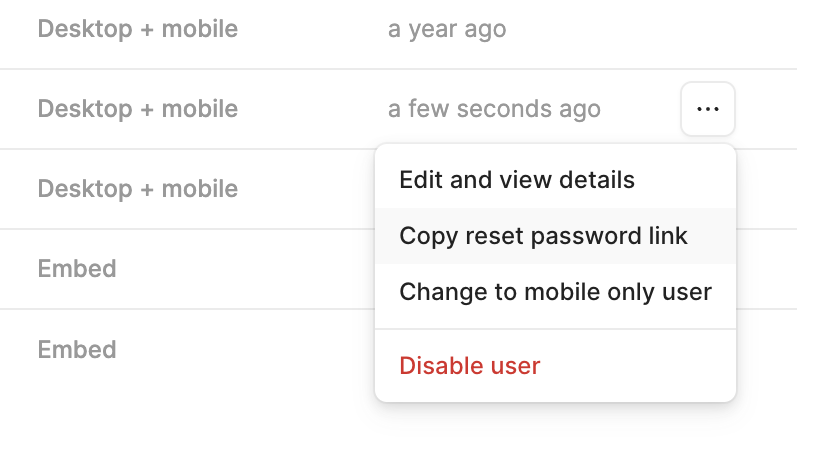
I am trying to recover access to a Retool Business workspace and have hit what appears to be an authentication/account-state issue.
Current situation:
- Workspace is on a Retool Business plan.
- I can still access the workspace through an existing session (via an Incognito browser window).
- The application itself is intact and accessible in the editor.
- The issue is login/authentication.
Originally the workspace used Google SSO.
Actions already taken:
- Removed the Google OAuth client from Google Cloud Console.
- Opened Retool SSO settings.
- Changed SSO Provider to None.
- Confirmed Disable Login with Email and Password is NOT enabled.
- Saved the changes successfully.
- Removed the Google SSO configuration values from Retool.
Current SSO configuration:
- SSO Provider = None
- Email/password login is not disabled
- No active Google SSO configuration remains
The workspace uses a custom login application.
I inspected the login query and it is configured as: - actionType = "login"
- loginMethod = "email_password"
- pluginType = "RetoolUserActionQuery"
When attempting to sign in with email/password, Retool returns:
"This account does not support login via email and password. Please use an alternate login method."
This does NOT appear to be an invalid password error. It appears Retool is rejecting the login method itself.
My suspicion is that the user account was originally created through Google authentication and Retool still considers it a federated account even though Google SSO has been removed.
Questions:
-
Is there a way to convert an existing Google-authenticated user into a standard email/password user?
-
Is there a way to force a password reset or create a password credential for an existing user?
-
Would inviting a new admin user via email/password be expected to work in this situation?
-
Has anyone encountered this exact error after removing Google SSO?
Any guidance would be greatly appreciated, as I currently still have workspace access through an existing session but cannot reliably log in through the configured login flow. -
GET USEFUL FEEDBACK FASTER-->My goal:
-
Issue:
-
Steps I've taken to troubleshoot:
-
Additional info: (Cloud or Self-hosted, Screenshots)