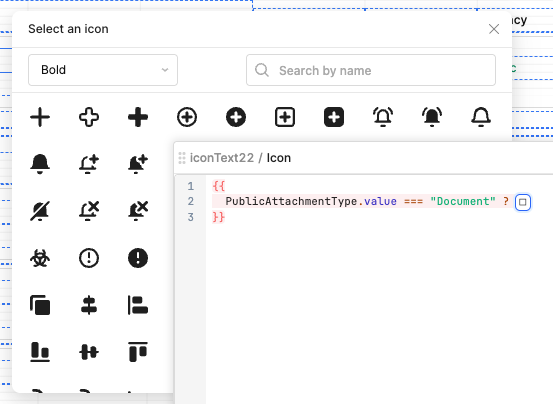
When opening the icon selector with /icon while using the pop-out code editor, the window appears almost entirely behind the code editor window, blocking most of the icons from view.
You cannot focus the icon selector by selecting it, bringing it in front of the code editor.
You cannot drag the icon selector as it’s not draggable.
You cannot drag the code editor as clicking outside the icon selector closes the icon selector.
You cannot resize the code editor as attempting to grab the side of the window closes the icon selector (clicking outside the icon selector closes the icon selector).
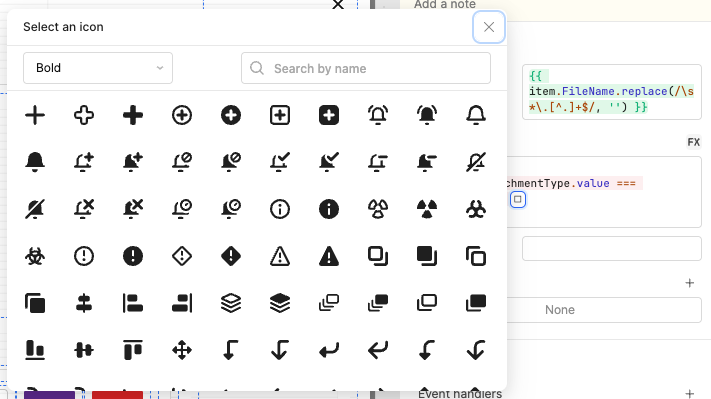
Note that this does not happen when opening the icon selector from the edit area in the component inspector, but writing conditions in this tiny window is difficult and painful.
You can click the empty icon box in the small inspector code editor to open the icon selector, resulting in the above scenario, but you have to close the pop-out code editor to do so, defeating the point of using the pop-out editor for screen real estate.
In an ideal world, the icon selector should spawn into an area of the screen which is not already occupied by the pop-out code editor. Alternatively, the icon selector should be draggable or should stay open when the pop-out code editor is moved or resized.
Do you also have issues while just editing code in the ‘Run Code’ popout window as well? Or even in the javascript editor? I often run into issues where it will simply overwrite what i am typing, or insert the cursor in the wrong location, etc…its quite painful, somethign i feel that should be at the top of a bug fix list…
Yes, I run into various issues other than the one this post outlines, including occasional ones where the cursor is inserted in the wrong location and where my code is overwritten for apparently no reason. this issue, however, seems the easiest for the Retool team to fix.
Hey @Welsman thanks for the clear write-ups and thank you @msd5079 for chiming in as well. You've actually flagged two separate things here, which is really helpful for us to track:
The icon selector opening behind the pop-out code editor.
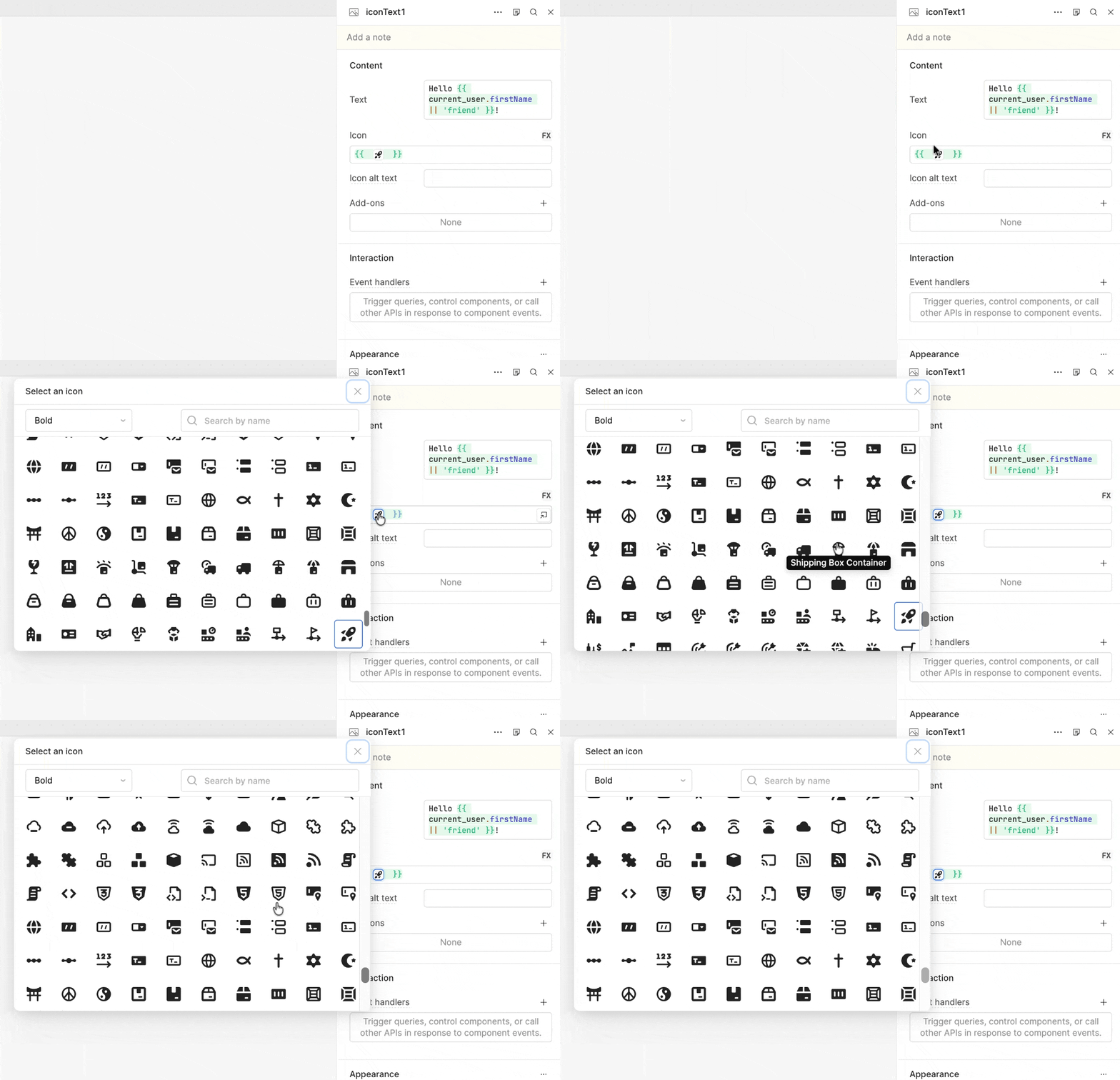
I was able to reproduce this one! When you use /icon inside the pop-out editor, the icon picker opens up behind the editor window, so most of the icons end up hidden. I've flagged it with our team. In the meantime, a workaround is to insert the icon from the smaller inline field in the component inspector rather than the pop-out editor. (screenshot below)
The cursor jumping and code occasionally getting overwritten while typing.
The cursor jumping and code being overwritten is a known issue our team is already tracking, and your reports definitely add weight when we raise it with the team!
A few quick questions to help us narrow both down:
I am using Google Chrome (Version 150.0.7871.182 (Official Build) (arm64)) running on Apple Silicon (M5). I am primarily running it in a Chrome Web App, via [Three dots → Cast, save and share → Install as app]. However, this doesn’t bug doesn’t seem to be constricted to this environment as it happens in the main browser, too.
I will look out for a repeatable occurrence of cursor skipping so I can capture it for you.