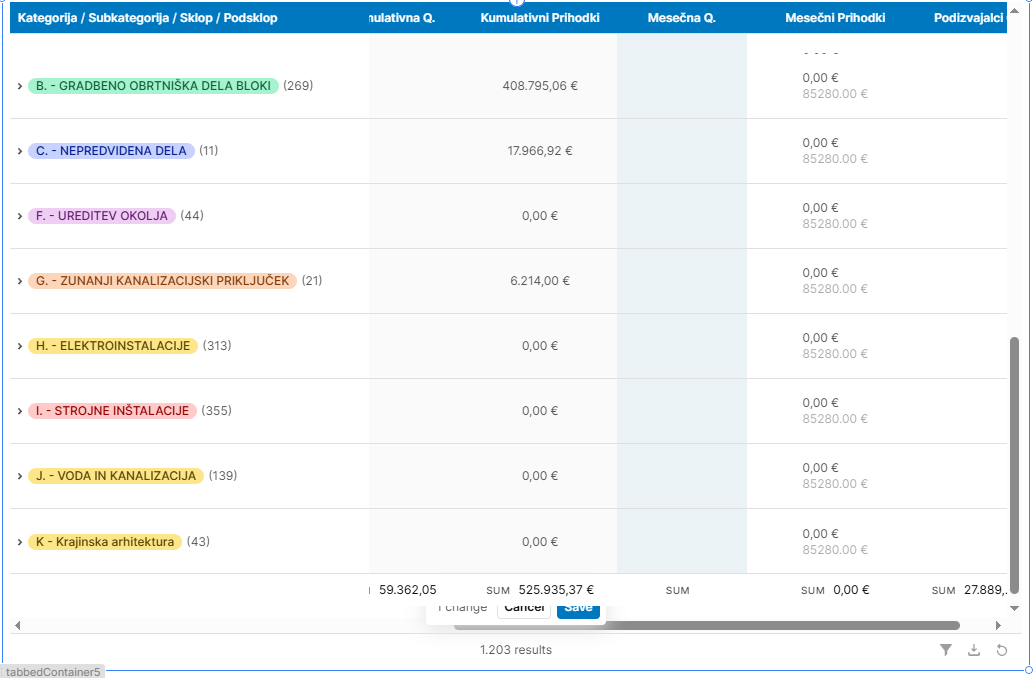
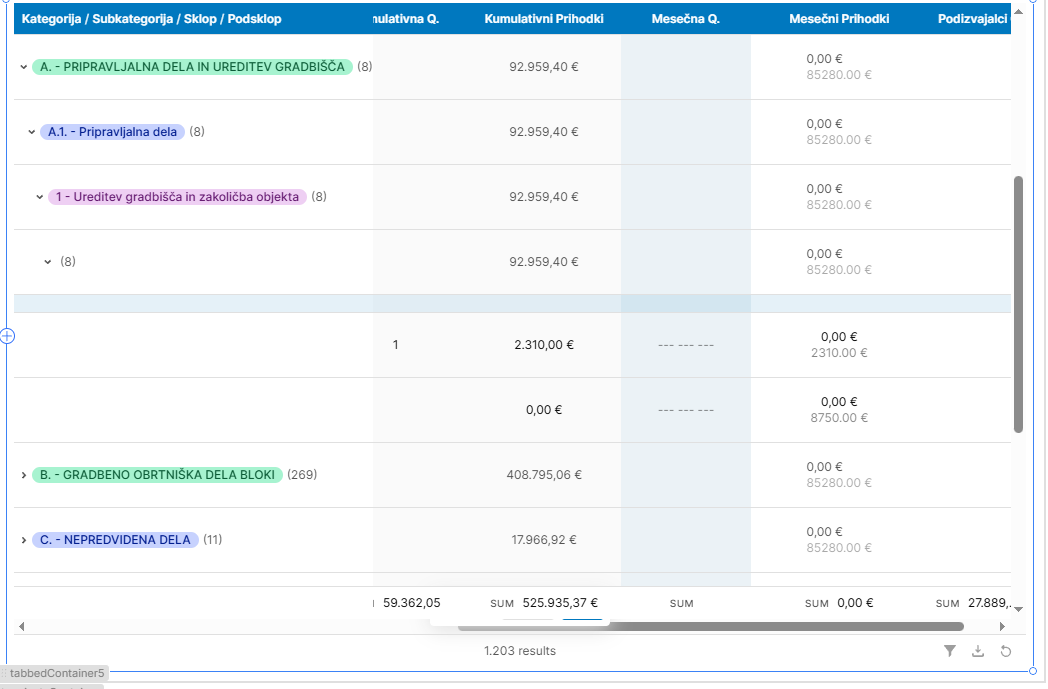
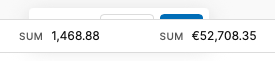
I have a table in my app that has a summary row and some editable fields. For some reason the summary row is displayed over the save action pop-up. This doesn't happen on any other table in the app.
The table basically the same as other tables where the save pop-up is properly displayed. The only differences are that rows are grouped by four columns, the row size is dynamically set and there is a select row event handler.
That is odd, looks like a bug. I am guessing that the row size being dynamically set could be causing that. Could you share a screen shot or screen recording of how you set that up so I can reproduce this?
There is a chance it could be the rows being grouped by columns as well, or maybe the two in combination? Sharing a screenshot/recording of how you have that set up as well would be very useful.
Once I reproduce this I can create a bug report for our UI team. Have you tested removing either of those customizations on the table to see if the behavior persists?
Just wanted to check in and see if could share a larger screenshot of the table and how you have the row save functionality set up.
My guess is that the spacing of the component may be cramped but I definitely want to figure out if we can solve this or if I would need to get a JSON export of your app to show to the UI team to get this issue fixed!
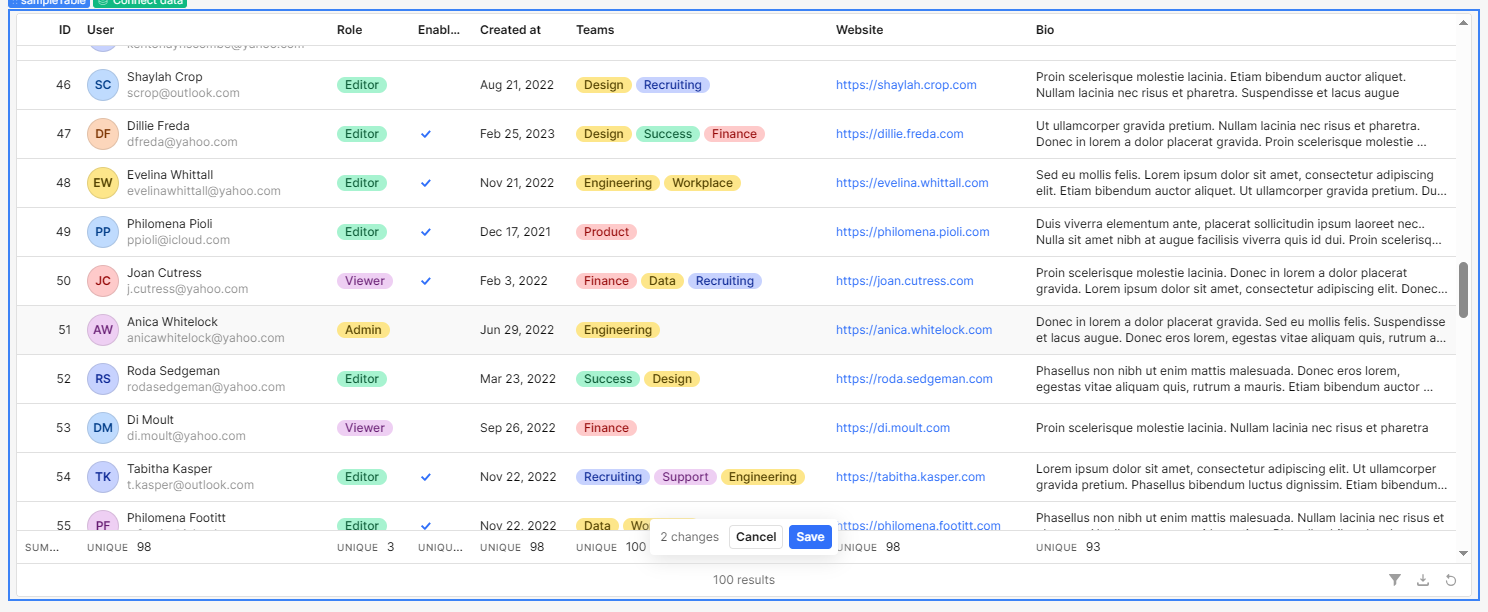
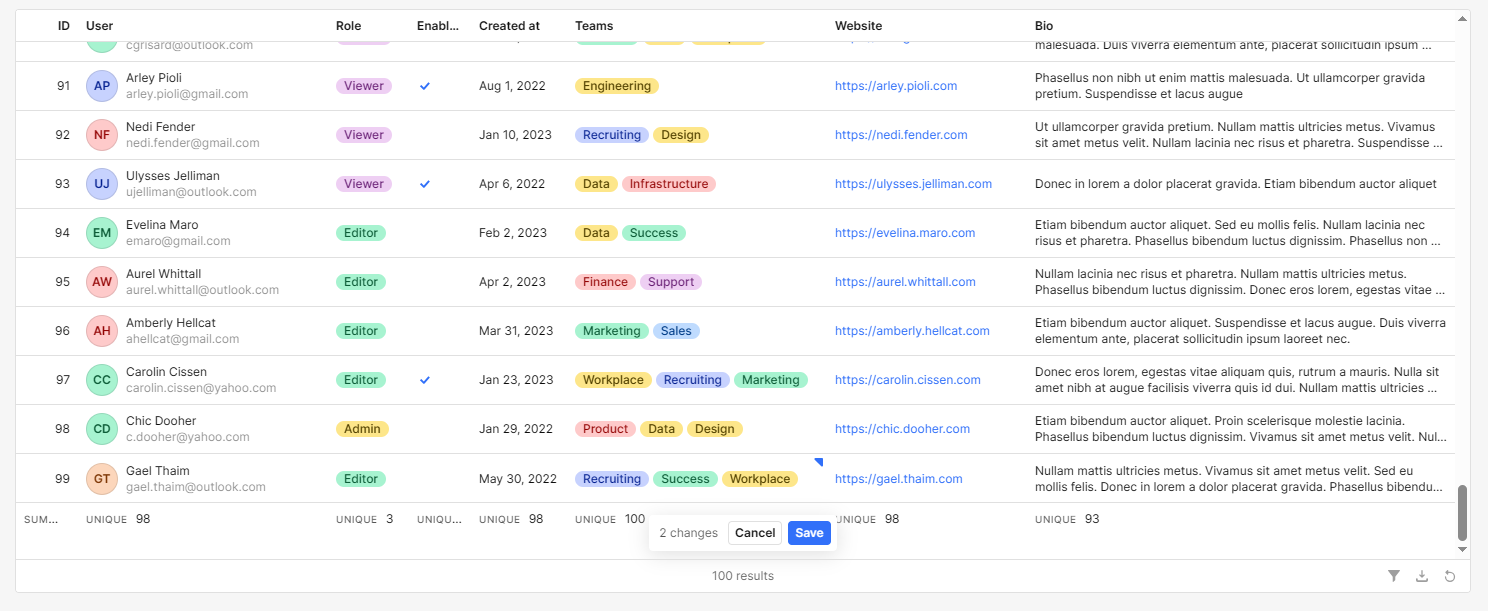
I tested this by editing the table data and enabling the summary row, but I couldn’t reproduce the issue. When I scroll to the bottom or middle of the table, the Save button overlaps the summary row.
I tried to reproduce this and got the same results as @WidleStudioLLP where the button was not being covered by the sum.
Could you share a screen recording how how to initiated and set up the table so that we can follow along step by step to see if the issue happens for us?
Did you apply any other custom appearance? In your second screen shot it looks like the sum row is glitching out and not staying where it should
I have discovered that the bug only occurs when the rows are grouped by some column. When I tried ungrouping the rows the summary row was displayed below the save button
I'm testing it a little further and it seems to happen when i group by 4 columns only, when im grouping by only 3 it doesnt happen. Im grouping by 3 tag type columns and 1 string type column
 Sharing a screenshot/recording of how you have that set up as well would be very useful.