Retool mobile app is giving error when setting retool.usace.army.mil in host setting with specify host name option, apply settings say host can't be contacted. Can you check from your side if you get same error for that url ? The issue started from yesterday. Even if you login still it redirect back to login screen .Retool app has any issues contacting host url? This is with Retool mobile app in android tablet
Summary
On the Retool Mobile app (Android tablet), entering a self-hosted host via the "specify host name" option returns a "host can't be contacted" error, and logging in redirects back to the login screen — starting around Nov 10, 2026.
AI Response
*This timing and symptom align with an active, unresolved Retool incident in which some antivirus/safe-browsing products (Norton, AVG, Avast) — as well as VPNs, routers, and company web filters — began flagging and blocking the retool.app domain, causing silent connection failures. Because the Retool Mobile app relies on reaching retool.app, a block at the antivirus, firewall, or network-filter level can produce a "can't contact host" error and a login redirect loop even when Retool services are operating normally. Have IT add an exception for *.retool.app (and .retool-edge.com) in the antivirus/firewall/web filter, or test from a different network such as a mobile hotspot or a public DNS resolver (e.g., 1.1.1.1) to confirm. In an identical-timeframe report, marking the antivirus (AVG) warnings as false positives restored access.
Sources
https://status.retool.com
Active incident confirming that antivirus/safe-browsing products and network filters are blocking retool.app, causing connection failures, with the recommended fix to whitelist *.retool.app.
A same-author, same-timeframe report of the identical "Can't contact host URL" mobile error, attributing it to the antivirus/retool.app blocking incident and the whitelist/false-positive workaround.
The Community Team is testing out a new automation. Let us know if it's helpful (or not) by leaving a  ,
 , or
 . Or by marking this post as the "Solution"! Let us know if you have any feedback here.

Can.somebody from retool reply to this other than bot replying?
Hi @philip_thomas, I know it's frustrating when the tablet suddenly can't connect, so let's get this narrowed down.
I also saw your other topic about the same error. I'll keep the conversation here and close that one so everything stays in one place.
I don't think the antivirus note in the automated reply above applies to your setup. That incident is about the retool.app domain, and you're connecting to your own host. A few questions to help me see what's going on:
- Does
https://retool.usace.army.milload in the tablet's browser, on the same network the app is using? - Do other devices or users see the same error?
- Which Retool Mobile app version (Settings > About) and Android version are you on?
- Is the tablet on a VPN or MDM profile, and did anything change on your network around Nov 10?
- If you can, a screenshot of the exact error would help.
Once I know whether the browser can reach the host, I'll have a much better idea of where to look next. Let me know what you find, and I'll keep digging with you from there!
Yes, url works fine in the tablet's browser, but it doesn't work in the Retool Mobile app. That's why I asked you to test it in the Retool Mobile app in any Samsung android tablet
Please follow these steps:
1. Open the latest Retool Mobile app on any Android tablet.
2. Select Specify Host Name (don't use the Cloud option).
- Enter url
4. Tap Apply Settings.
You should see an error message saying something went wrong while contacting the host URL.
Could you please let me know if you get the same error? If you click login again it takes to login page,after successful login it wlll redirect back to login page. We get this error in every tablets and users are stuck. You can even take an android phone ,install retool mobile app, you can see the url error. This happens in new 4.7 retool version too.if i try on my phone also I get same error which has no VPN. So please try the step i mentioned in any android device. We faced same issue on oct 2 that got resolved same day but yesterday’s didn't resolve yet
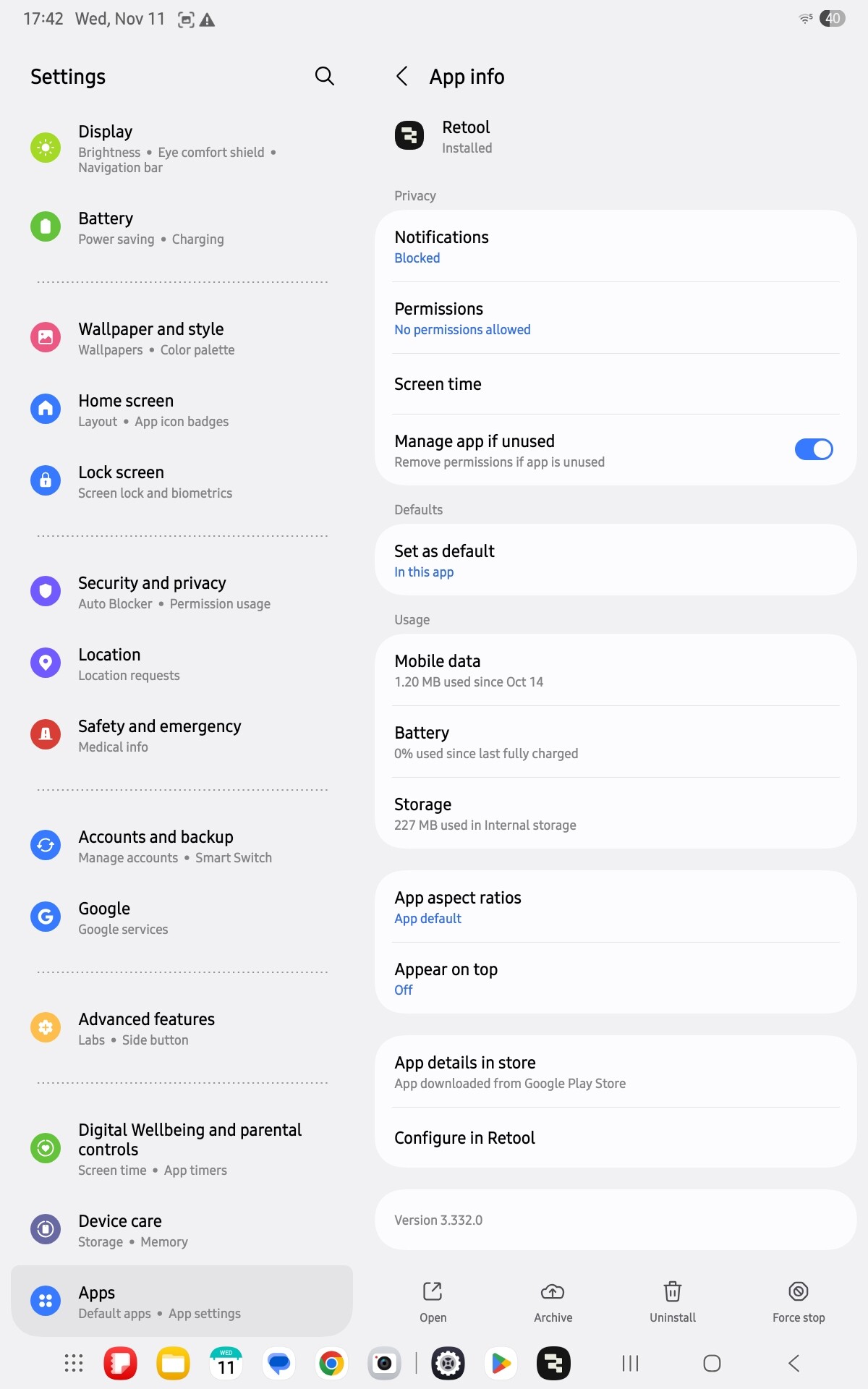
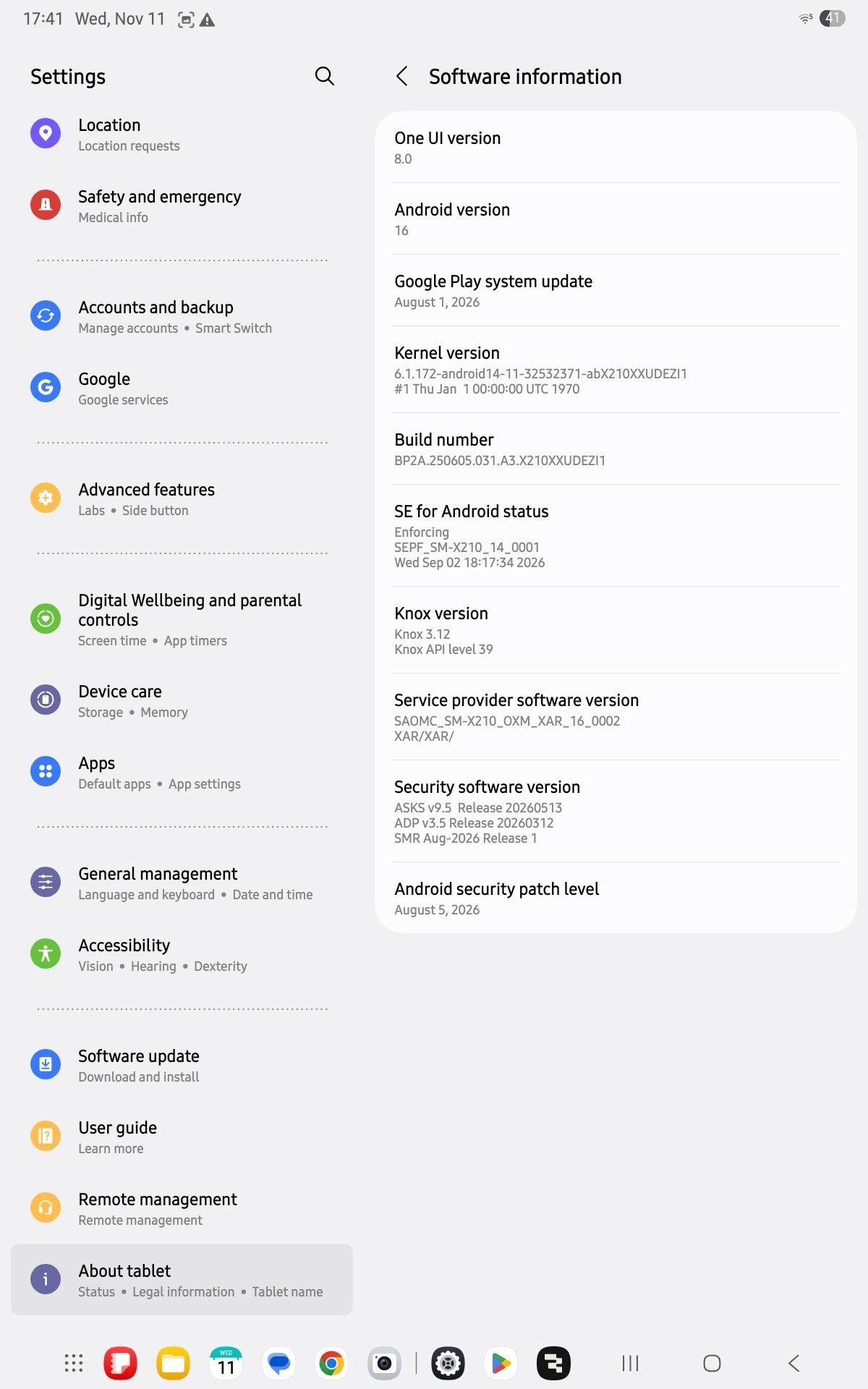
You can easily reproduce this issue by following the steps shown in the screenshot using the Retool Mobile app in any android device and entering retool.usace.army.mil as the host URL.
The error is coming from the Retool Mobile app i screen Your development team will need to investigate why the app cannot establish a connection to the host will be helpful
Could you please clarify the following?
What is causing the "Can't contact host URL" error?
Is there another URL we can use to test whether this is specific to our USACE Retool instance or a broader Retool Mobile app issue?
The Retool.usace.army.mil.works fine in the tablet browser, but the Retool Mobile app fails to connect. This is affecting all Android tablets we've tested, so we need your team. Why these happened all of a sudden on nov 10. It happened on oct 2 also got resolved itself. Any help is appreciated, you can try another url to confirm also, please tell us why your mobile app can’t contact the url, you can easily test it
Url is working now from retool app in android tablet from 8 am est today ,did you guys fix anything parsing error,it was a parse error, now its good
Hi @philip_thomas, glad to hear it's working again, and sorry for the wait.
We couldn't reproduce the issue ourselves. retool.usace.army.mil is behind an Azure Application Gateway, and when we checked on Nov 11 it returned 403 Forbidden for all our requests, even from a regular web browser. It most likely only allows certain networks or locations.
We think that same firewall (WAF) is blocking the Retool Mobile app on Android. The Android app identifies itself differently from a browser or the iOS app, and some Azure firewall rules block that kind of traffic. That would explain the error, the login loop and the sudden start.
Could you check the following?
Run these commands from a computer on your network:
curl -s -o /dev/null -w "%{http_code}\n" -A "okhttp/4.12.0" https://retool.usace.army.mil/api/organization/preAuthData
curl -s -o /dev/null -w "%{http_code}\n" -A "Mozilla/5.0" https://retool.usace.army.mil/api/organization/preAuthData
If the first prints 403 and the second prints 200, the firewall is blocking the Android app.
Check the Azure firewall logs for blocked requests to /api/ paths on that host, and note the rule ID that matched. Also let us know whether the firewall rules changed around Oct 2 and Nov 10.
If a rule is blocking the app, adding an exclusion for that rule on retool.usace.army.mil should fix it. After that, just reopen the app; there's no need to reinstall.