- My goal: resolve an error notification in a retool public form
- Issue: each time the form is rendered, an error notification displays “Resource ID cannot be empty” for queries that I cannot access from the form editor. The message references queries associated with an underlying table column. I dropped the column but that did not resolve the error notifications.
- Steps I've taken to troubleshoot: dropped underlying table column, re-sync’d form from database
- Additional info: Retool Cloud
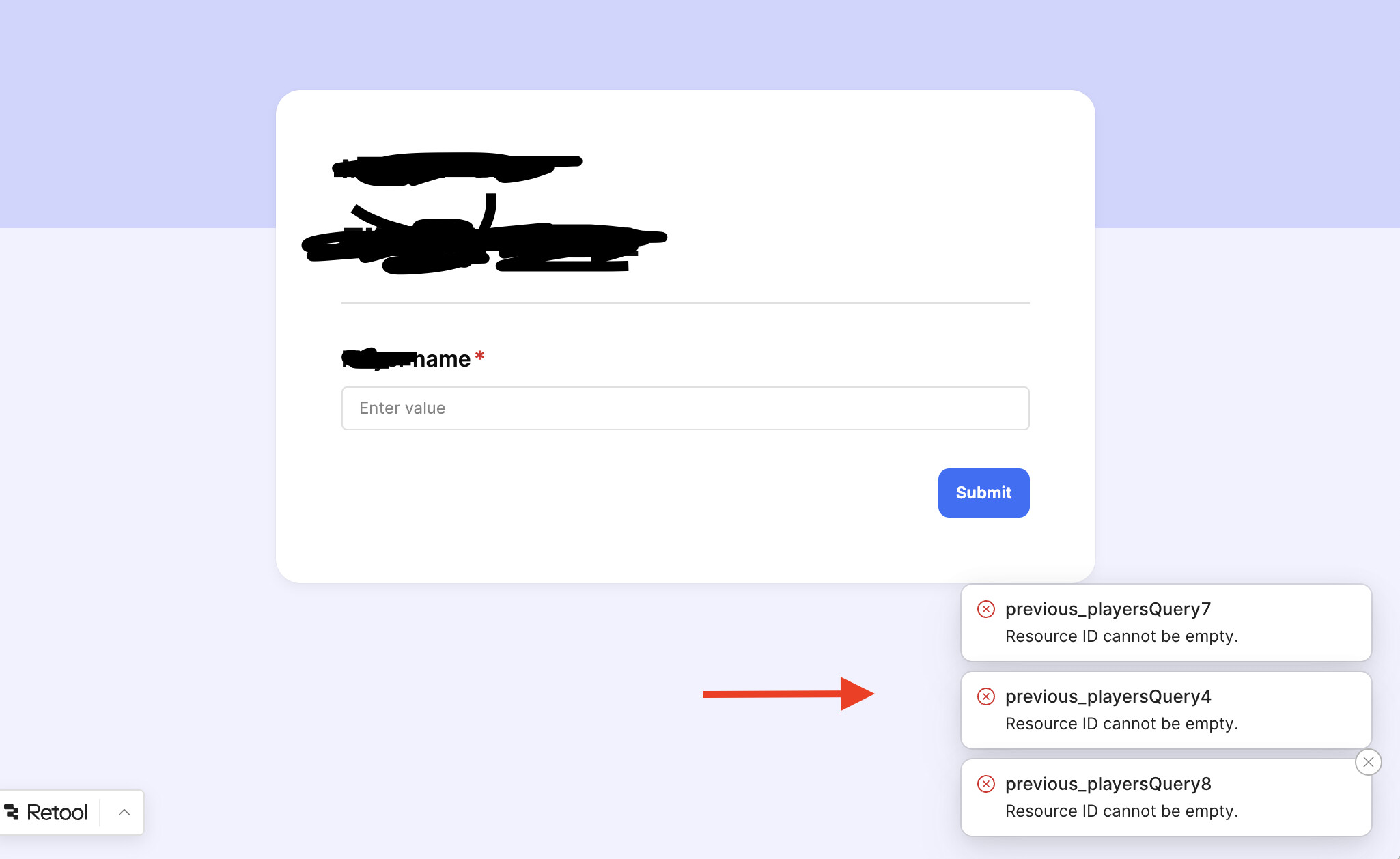
you have to go to each query and remove show notifications on failure.
Hey @Derek_M!
Sometimes the form has more descriptive error messages in the browser console, so I'd start there.
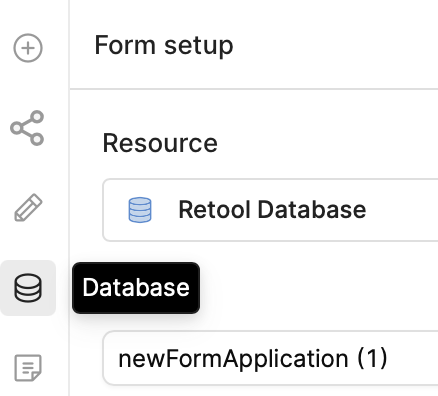
If that isn't helpful, are the database and table still selected under Form->Database?
Does this form use a workflow?
For what it's worth, I tried to reproduce the issue with dropping a table column, but it produced a different error and it worked fine after re-syncing 