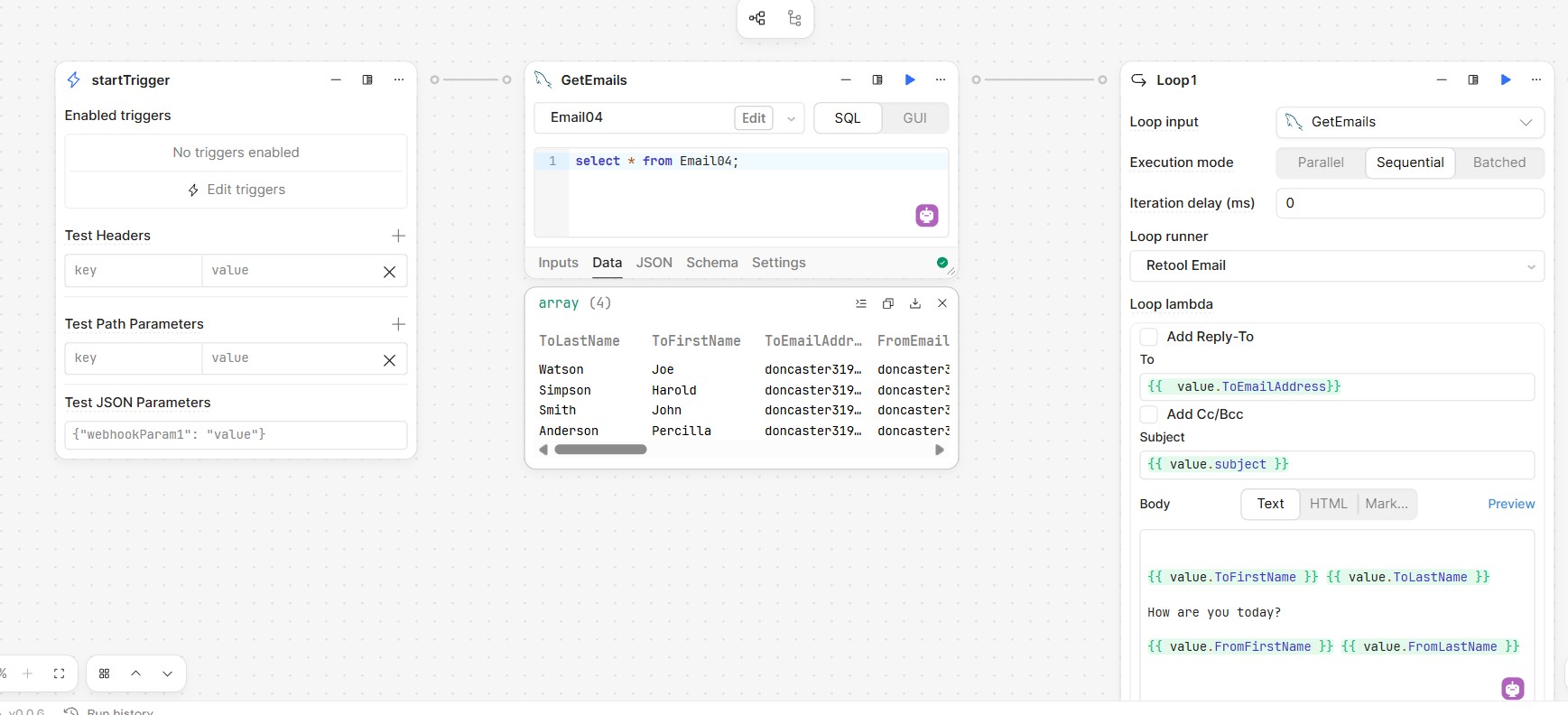
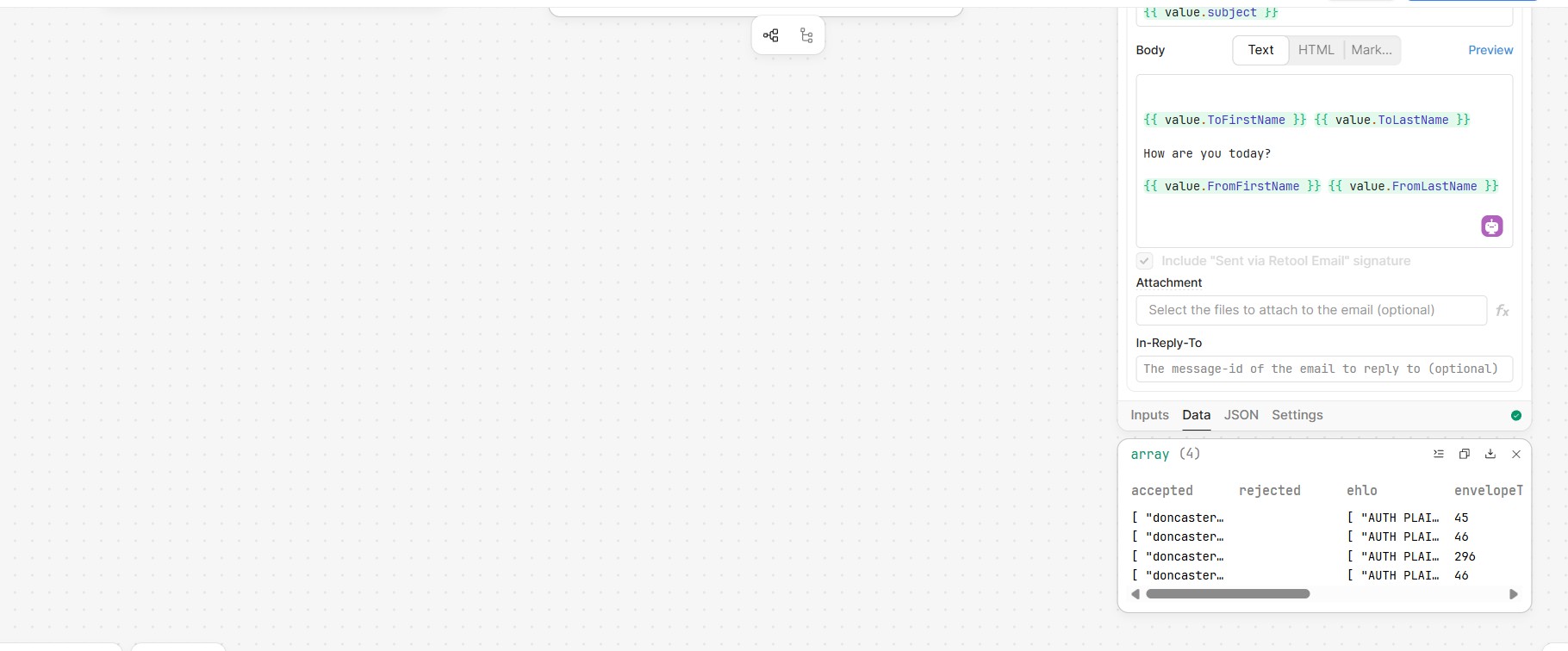
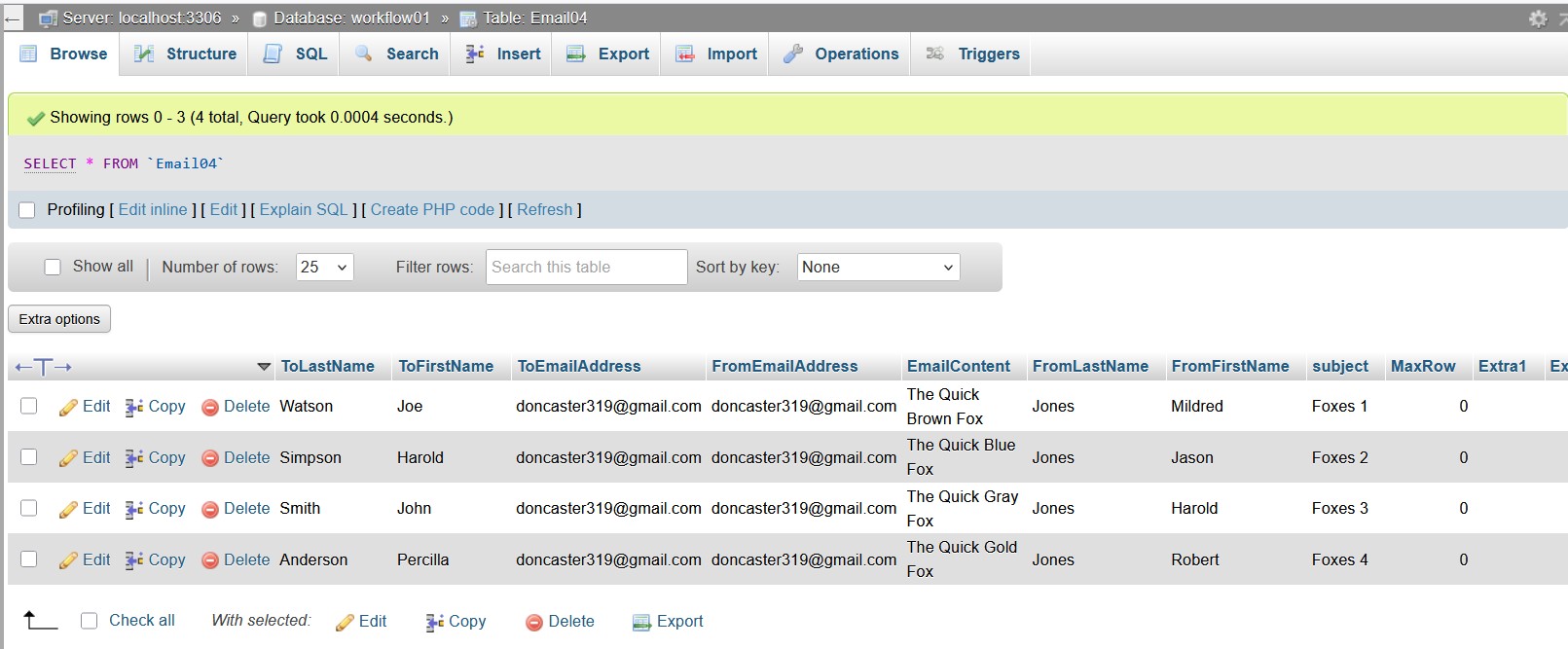
I am attaching screens to show what I have done.. The process runs without errors to a successful conclusion. All of the emails are directed to me..
But no emails arrive in my in box.
Mike
I am attaching screens to show what I have done.. The process runs without errors to a successful conclusion. All of the emails are directed to me..
But no emails arrive in my in box.
Mike
Hello @mdsmith1 ,
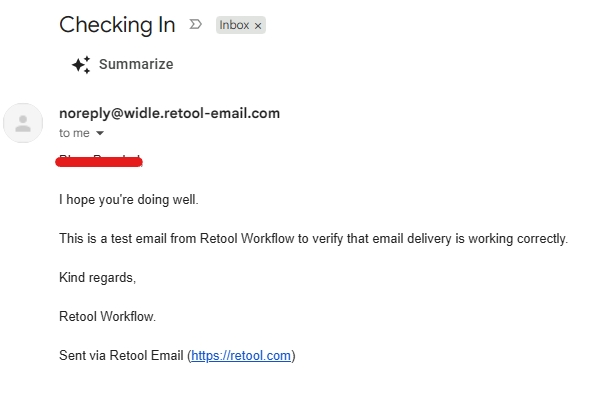
I tested the same workflow configuration on my side and was able to receive the email successfully, so I wasn't able to reproduce the issue. I've attached screenshots of both the workflow setup and the received email for reference.
Since the workflow completes successfully without any errors, it may be worth checking a few additional things:
I need something that will output from a table.
So you have examples for that.
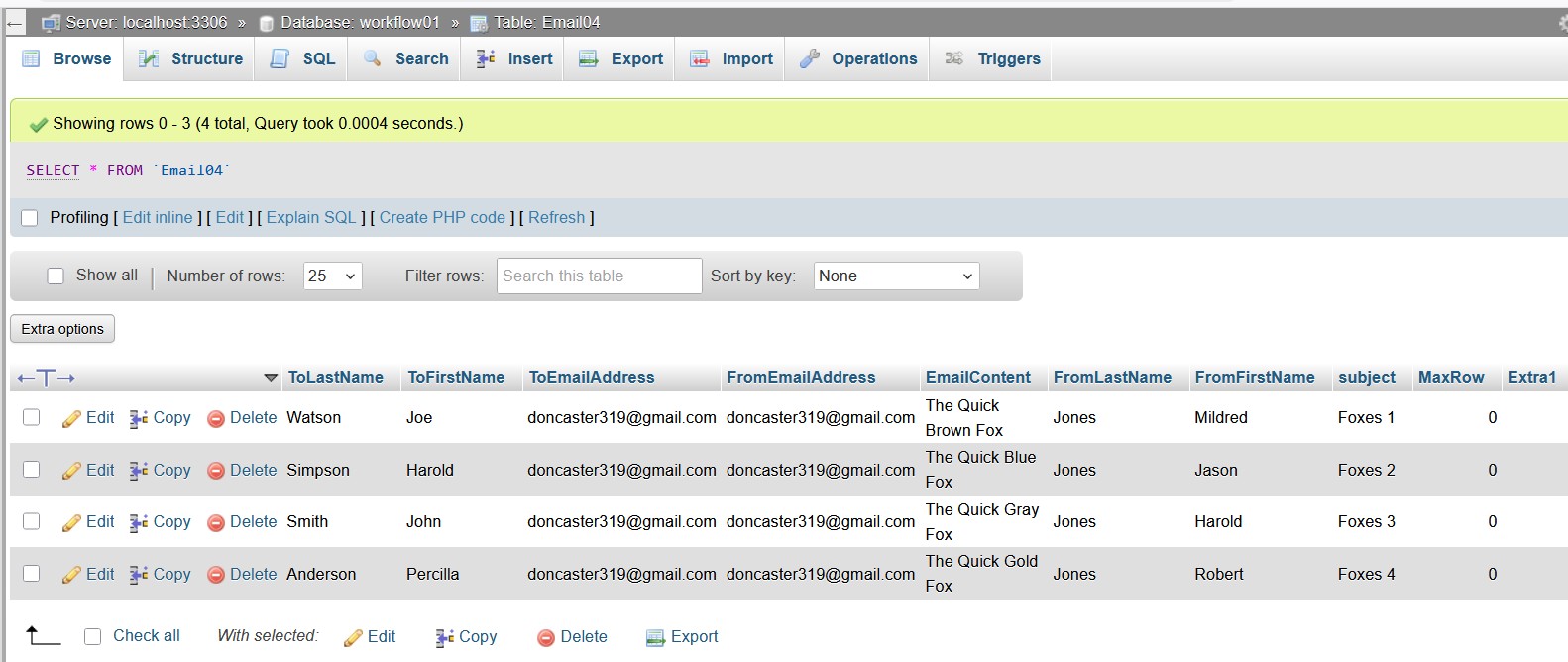
My table is attached.
Mike
I got my answer from Microsoft Copilot.
It said that I was doing everything right and the only possibility it had was my system (MS Outlook) was perceiving the 4 emails all to the same address as spam. Nothing was landing in my Trash (Spam) folder nevertheless it asked me to send just 1 email instead of 4 to my address.
Well what do you know, it worked !!!!!
So I am out of the woods. Thanks to everyone for helping me with this.
Mike
Thanks for the update, Mike!
Glad you were able to identify the cause and get it working. Sending multiple emails to the same address in a short period can sometimes trigger email filtering behavior.
Thanks for sharing the solution—it may help others facing a similar issue.