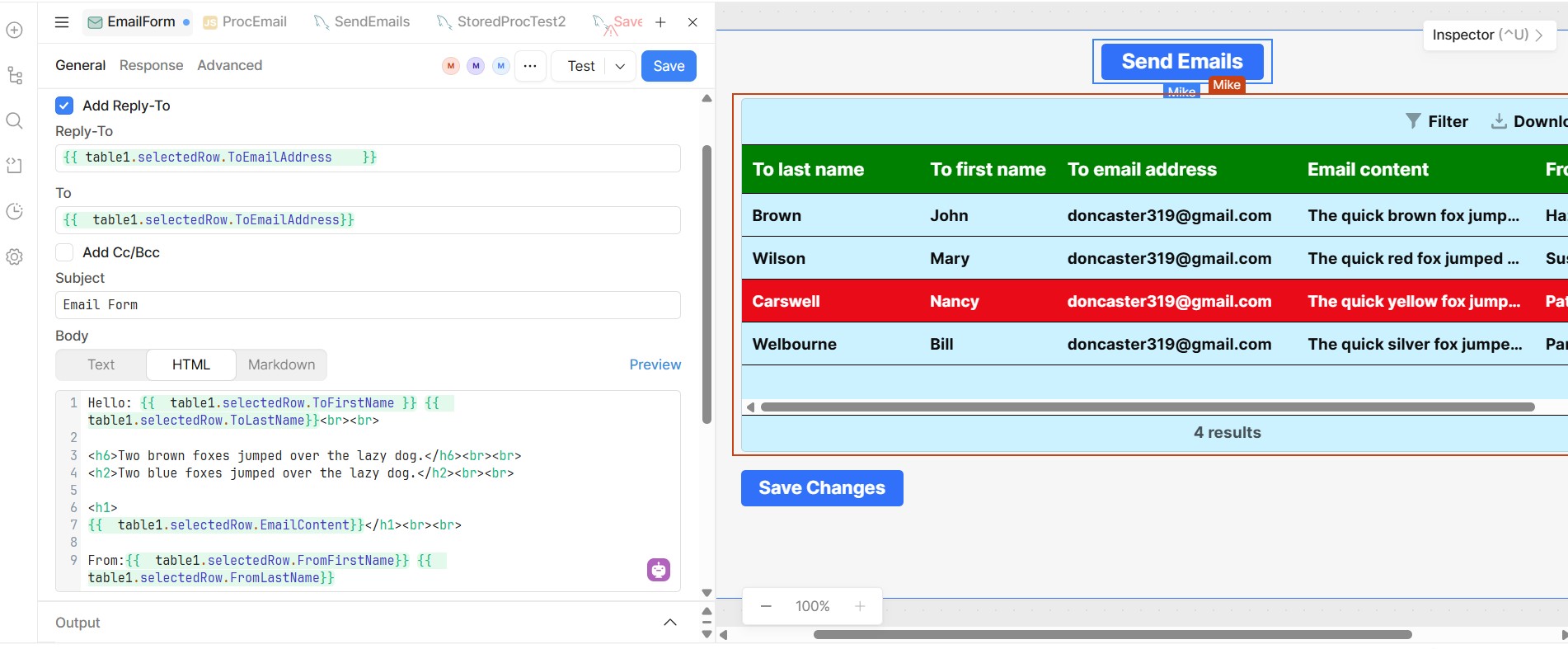
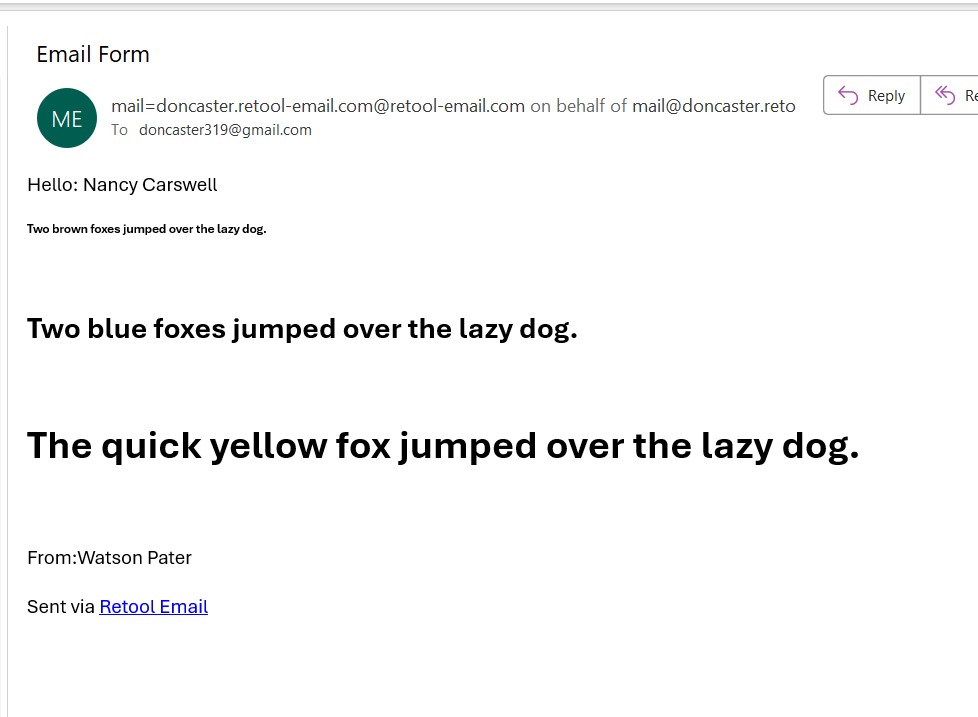
Below is the Email Form I am using. It is working well.
The only problem is I can only send one email at a time with the Selected Row.
Is there a way of sending all the rows at one time?
Mike
Below is the Email Form I am using. It is working well.
The only problem is I can only send one email at a time with the Selected Row.
Is there a way of sending all the rows at one time?
Mike
Hello @mdsmith1 ,
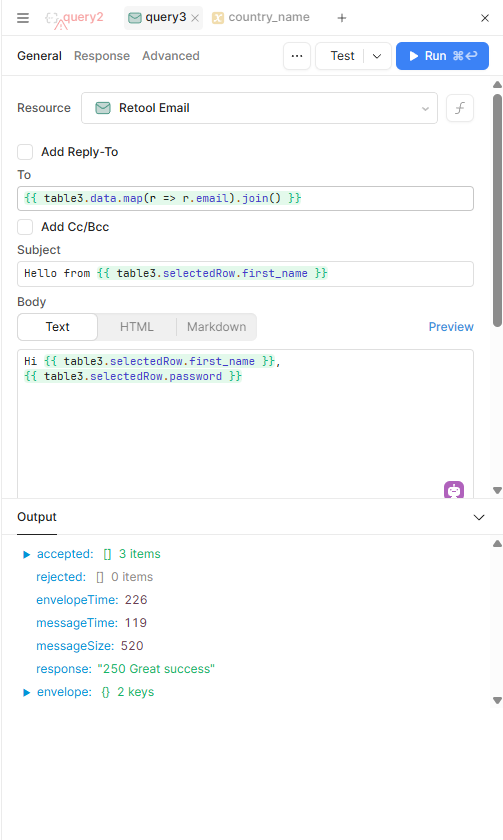
If you want to send emails for all rows at once in Retool, you can easily do it using this snippet:
{{ table3.data.map(r => r.email).join() }}
This will take all the emails from table3 and join them into a single comma-separated string, which you can then use in your email sending action.
Here’s a screenshot showing it in action:
Widle:
Thankyou for your reply,
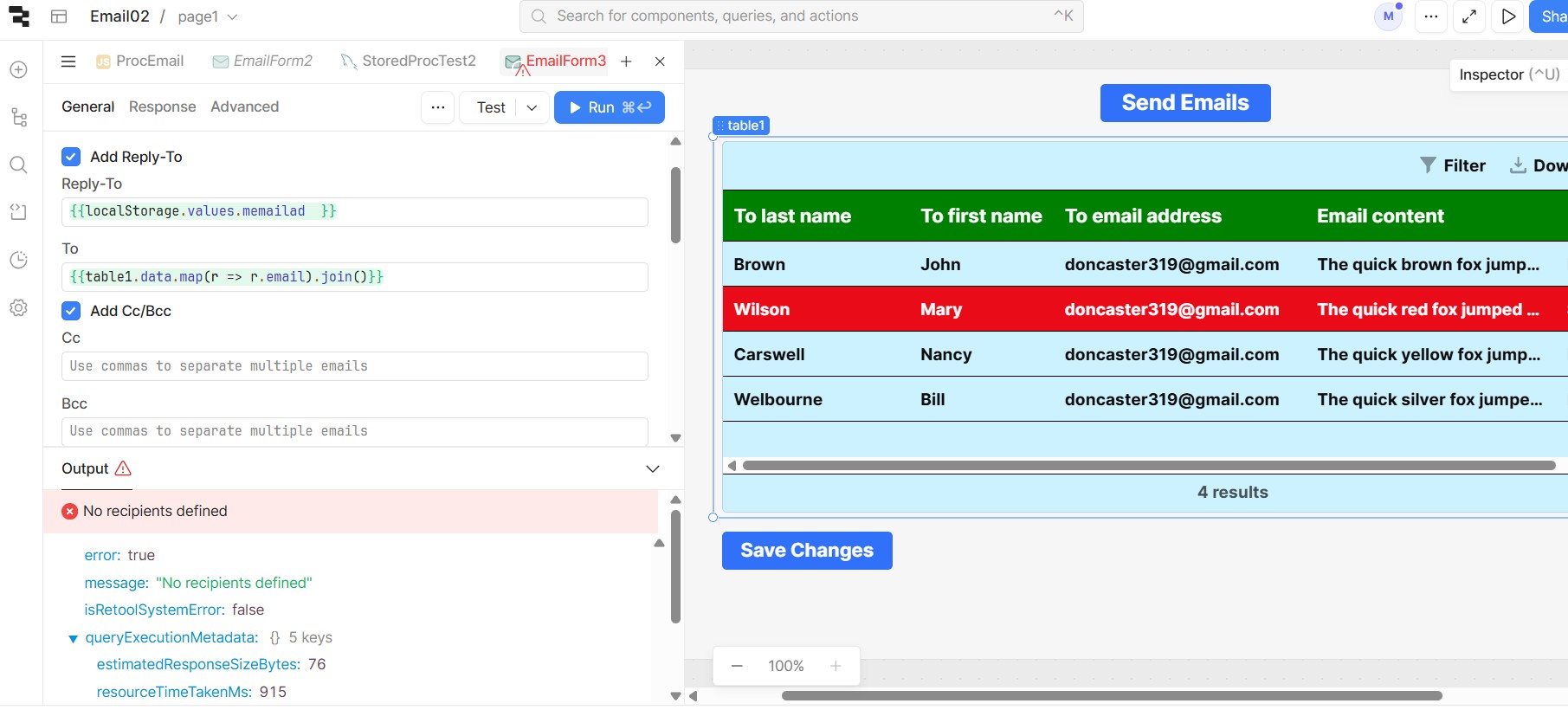
I am getting an error message “No Recipients Defined”.
See below.
Mike
From your screenshot, it looks like the error might be coming from the Reply-To section where you’re using {{localStorage.values.memailed}}, or possibly from the To section where you used {{ table1.data.map(r => r.email).join() }} from another source instead of a direct email field.
If the To section is correctly showing email values, then the issue is most likely coming from the Reply-To field.
Widle:
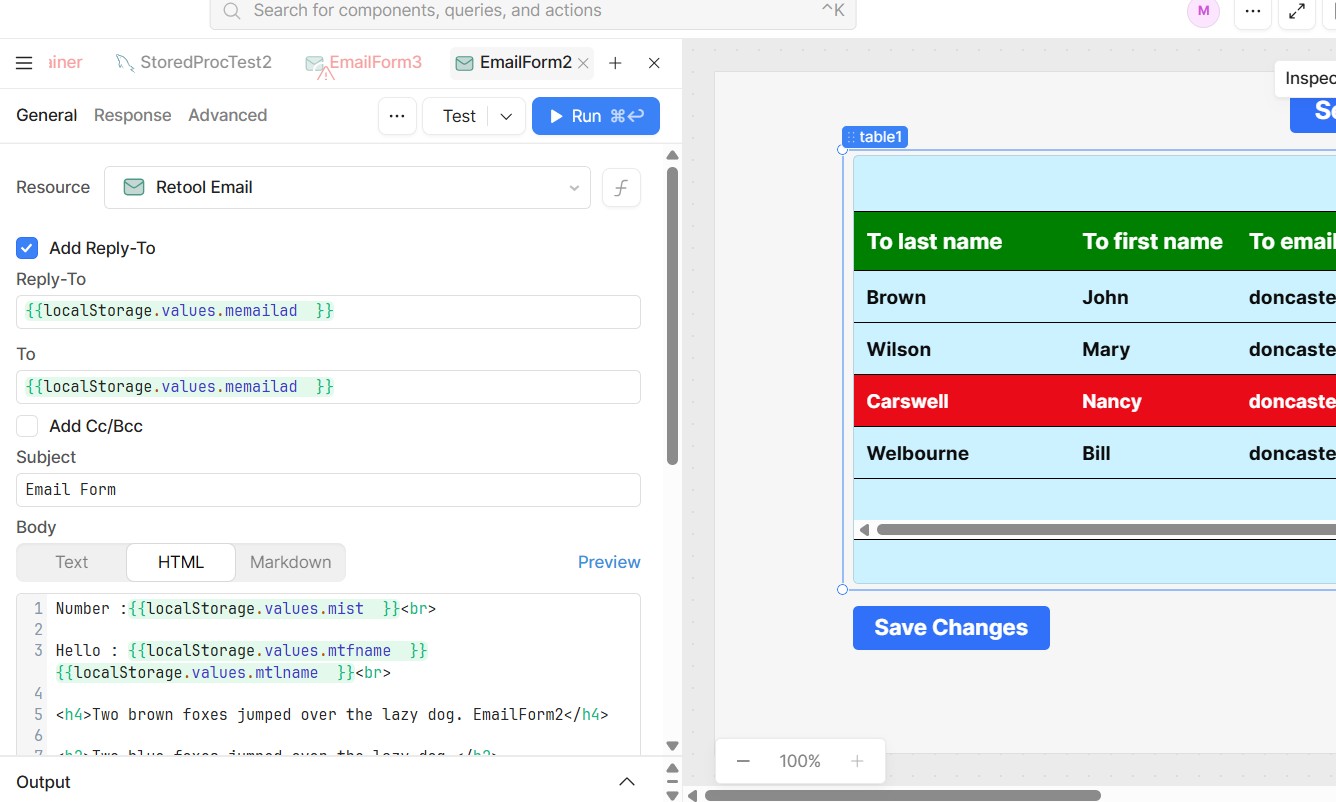
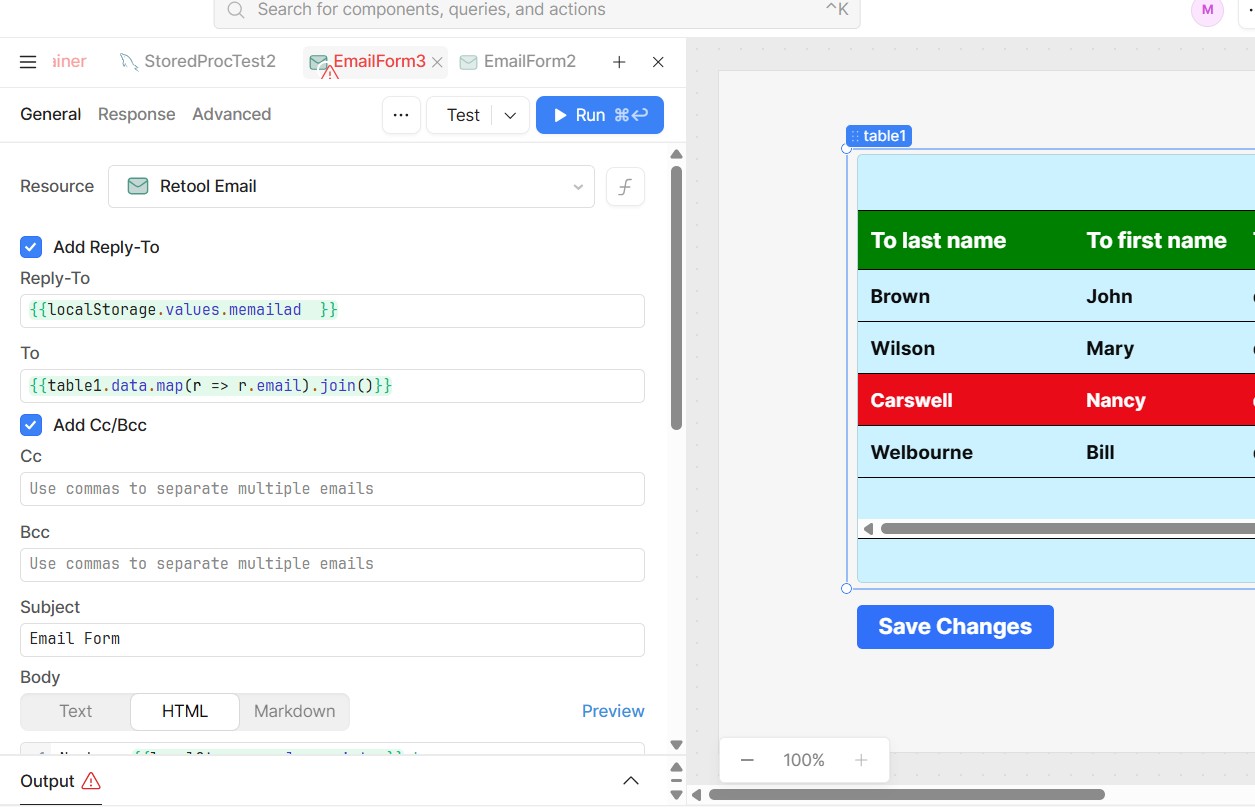
I am attaching 2 screen captures.
The first is Email02. This shows the codes for sending one Email using a selected row. This works perfectly.
The second screen shows the codes for sending emails for all rows.
The only thing I have changed is the “To:” code. I am very sure that the error is in the “To:” field.
If you’re confident the issue is coming from the To: field, try testing it with a static array of emails instead. This will help confirm whether the problem is truly in that field.
If the static test works without errors, then it’s clear that the issue lies in how the dynamic values are being passed to the To: field.
Widle:
I do not know what you mean by a static array of emails.
I wanted to point out that the “To” address I am using is the same as the “Reply to” address. I will run a test om that and see if it makes a difference.
Mike
Widle:
I have run a test with a different email address for “Reply to:” and it made no difference.
Mike