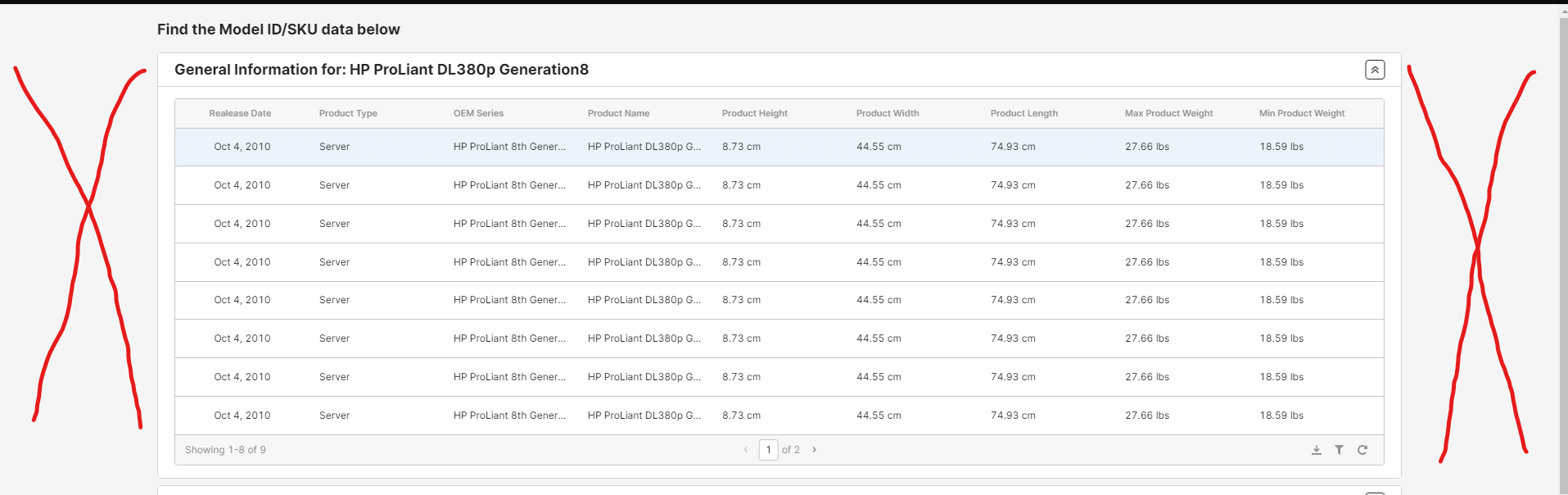
Is there any way for a retool to take up 100% of the width? In the picture below you can see all the dead space. It's really limiting for things like tables.
Hey, Carter! This community post should help you achieve 100% width:
Nice, Didn't even know that was possible. Kinda threw it out as a feature request. Thanks Jay
Quick update for anyone finding this today: you no longer need the CSS variable hack. Retool now has a native Max width setting.
To adjust the maximum width of the canvas, open the Inspector and update the Max width setting. This setting accepts pixel and percentage values, or you can set it to
noneso it uses 100% of the viewport. The default max width is 1200px. On desktops, regardless of the value, an 800px minimum is enforced.
More detail in the docs here. 