Hi everyone,
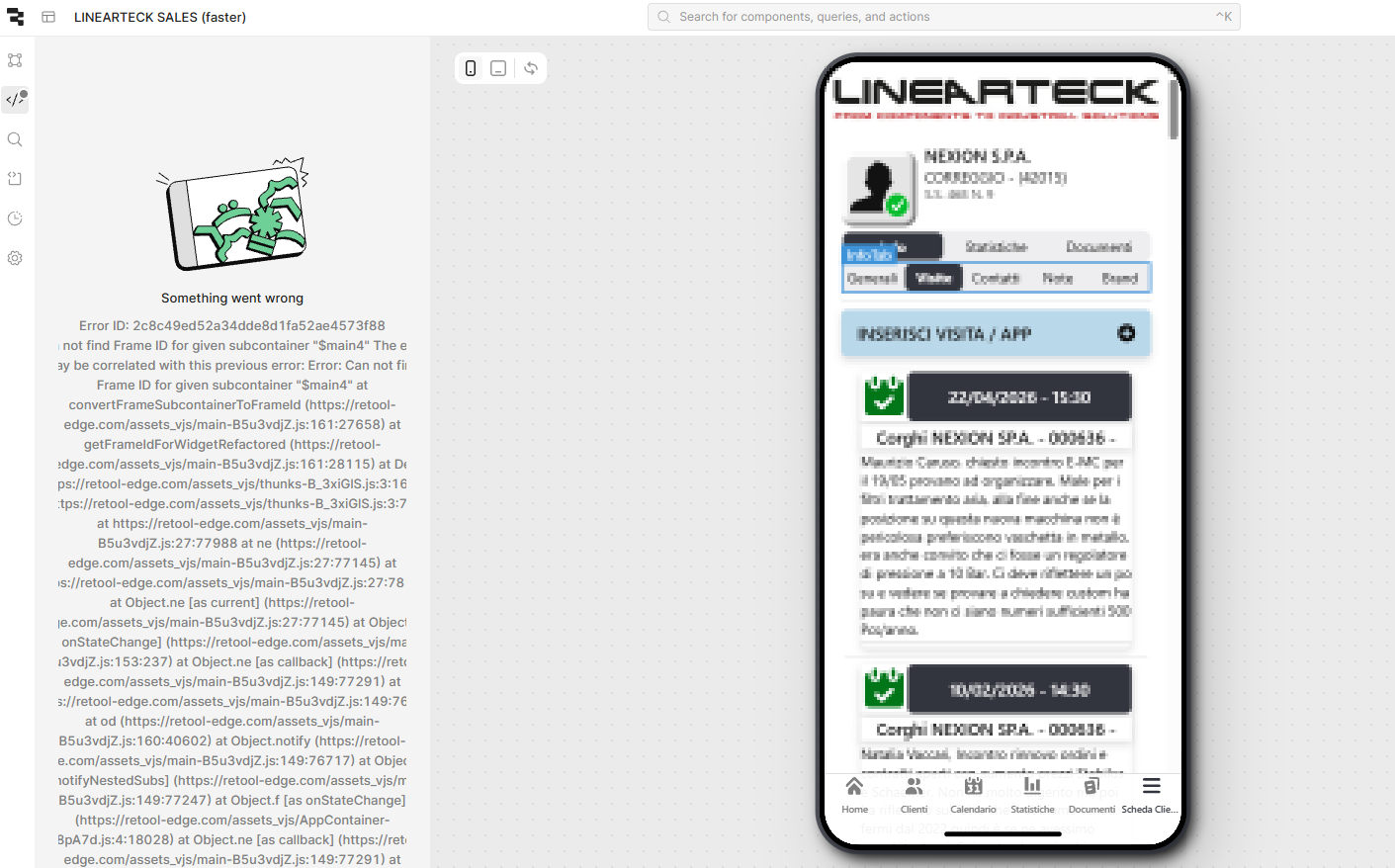
For the past few days, I’ve been encountering a recurring crash in the Retool editor. After interacting with my app for a while during development, both the Component panel and the Code panels break and display the "Something went wrong" screen.
Error Details:
-
Error ID:
2c8c49ed52a34dde8d1fa52ae4573f88 -
Message:
Can not find Frame ID for given subcontainer "$main4" -
Correlated Error:
Error: Can not find Frame ID for given subcontainer "$main4" at convertFrameSubcontainerToFrameId
Context:
-
It doesn't happen immediately on page load, but rather after active development/interaction (moving components around or switching between queries).
-
Once it triggers, the side panels become unusable until a full page refresh.
-
I am seeing references to
retool-edge.comassets in the stack trace, which suggests it might be related to a recent update in the cloud environment.
Stack Trace snippet:
JavaScript
Error: Can not find Frame ID for given subcontainer "$main4" at convertFrameSubcontainerToFrameId (https://retool-edge.com/assets_vjs/main-B5u3vdjZ.js:161:27658) at getFrameIdForWidgetRefactored (https://retool-edge.com/assets_vjs/main-B5u3vdjZ.js:161:28115) at De (https://retool-edge.com/assets_vjs/thunks-B_3xiGlS.js:3:1651)
Steps I've tried:
-
Refreshing the browser (fixes it temporarily, but it returns after a few minutes).
-
Clearing browser cache/cookies.
Is anyone else experiencing this "Frame ID" issue? It seems like a bug in the recent deployment of the App Container or the editor's state management.
Any help from the Retool team would be greatly appreciated!