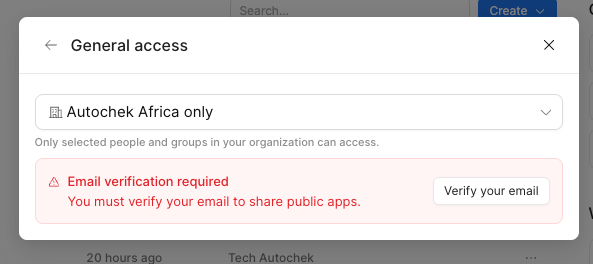
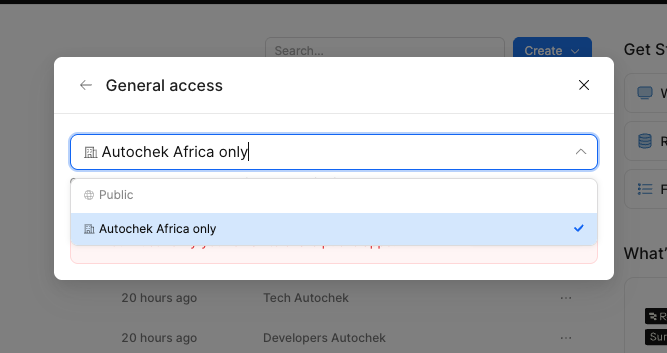
I just duplicated an app that was initially shared as a public app. But the duplicate isn't a public app. When I tried to share as a public app, I saw the following screenshot and I'm wondering if I missed something somewhere.
Hey @iamkheme - we recently enabled the creation of public apps on all plan levels, as described here, and the behavior that you're seeing is likely an unintended side effect.
If you click the button or navigate directly to /settings/account, do you see the option to complete email verification?
Unfortunately when I click the button, it takes me to the accounts page but there's no email or button to carry out further actions. In other words, there's no prompt to complete email verification.
Good to know - thanks for checking! I assume this is for the autochek org, but let me know if that's not the case. I will do some digging and give you an update as soon as I can.
Glad to hear it! We lowered a specific feature flag for your org in order to unblock this functionality for you and will be working on a long-term fix.
Hi Darren, we’re experincing something weird again.
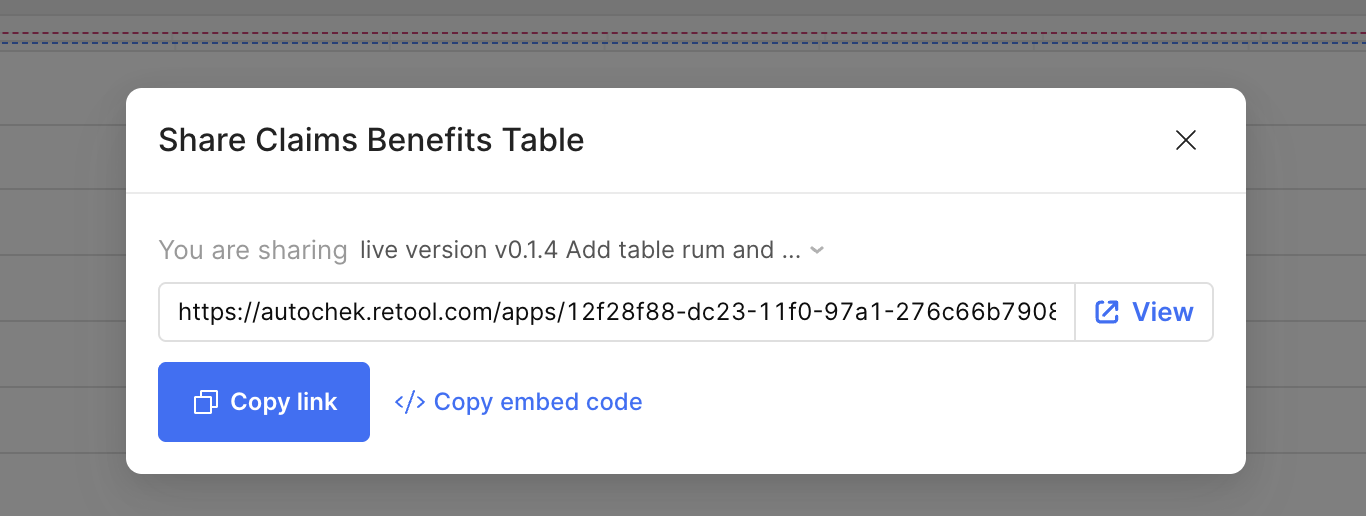
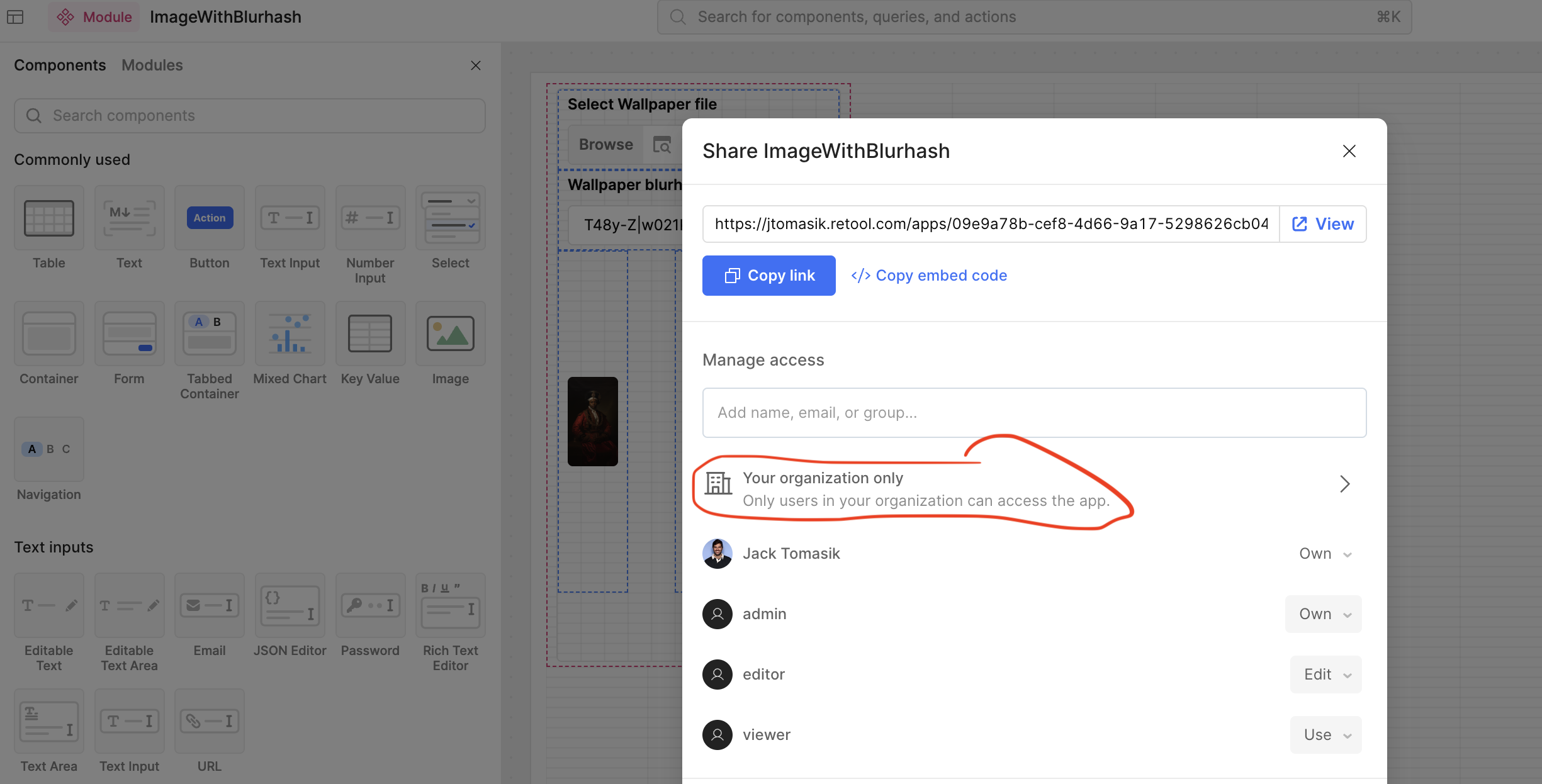
For a while now, the option to share an app (or module, in this case) as public completely disappeared. Even so, we have had little to no issues becasuse newly created apps and modules appeared to be public by default.
But as at right now, Retool no longer opens public apps/modules in the public URL, with this error


 . I will take a look and revert back.