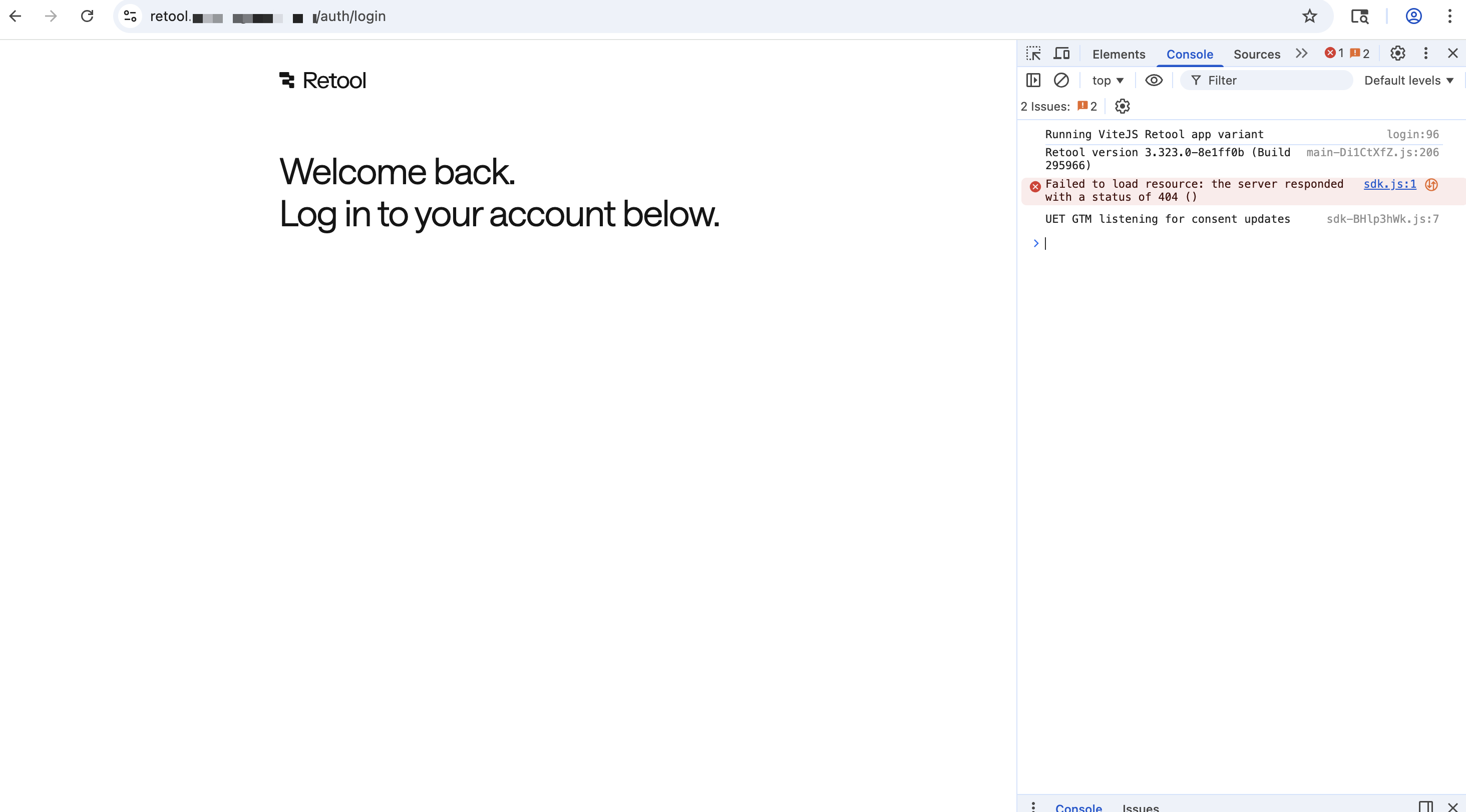
I looked into your custom domain, and I don't see the 404 error anymore. Are you still getting a 404?
Are you using a Retool app for the login page (Settings->Branding->Login) or the Retool managed log in page?
If it is the Retool managed page, other settings to check include:
1). Do you have Google SSO enabled and/or do you have Disable Login with Email and Password toggled on under Settings->Single Sign-On (SSO)?
2). Do you have Enable passwordless login toggled off under Settings->Advanced settings
If there is no Google SSO, no option to login with a password, and no option for passwordless login, then the Retool managed login page won't have an option for logging in with the custom domain. If this is the case, in the interim, the non-custom url login page should still work with Google SSO.
Yes, that "set a custom url.." field will create a template app that you can use, or you can create your own app, share it publicly, and then it will be available in this dropdown menu.
Here are our docs on that Allow anyone to request feature: Manage organization users | Retool Docs It requires an Admin in the org to monitor Settings > Users to approve pending requests to join
I'm not sure what you mean by getting all users in Retool associated with your account? Could you share more details? When someone logs in to your Retool org, it should create a seat for them in your organization