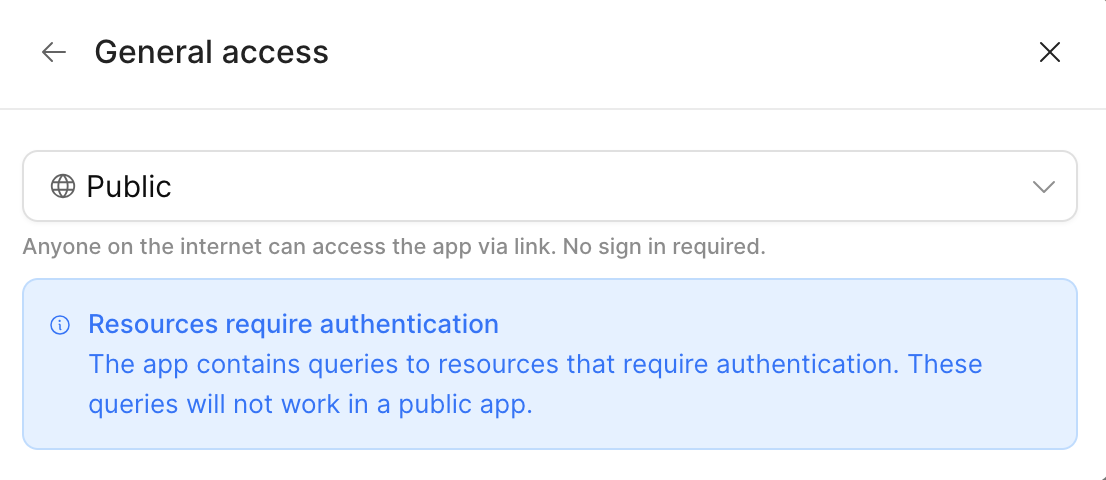
I just created a Retool account and built an app that I need to share, but I need to create a public link that allows people to only use the app—without having to log into Retool or be given access to the organization.
Apparently, in the "Share" option, there should be a tab called "Public," but that option doesn't appear.
1 Like
Hi @Dev_tuateam , welcome to Retool community.
I understand the confusion here, but what you're experiencing is expected behavior. Here’s a step-by-step guide to help clarify:
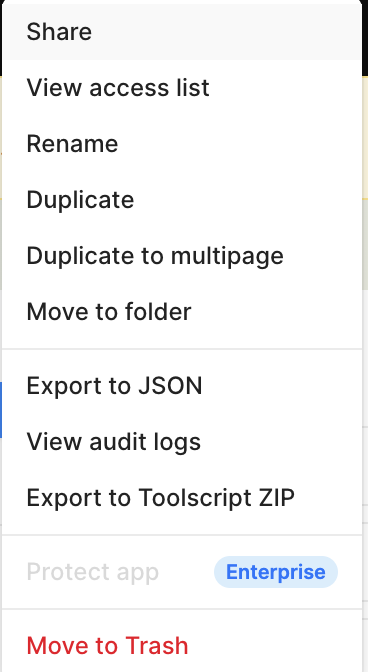
- Click on the three dots (⋯) on your app. From the dropdown menu, select “Share”.
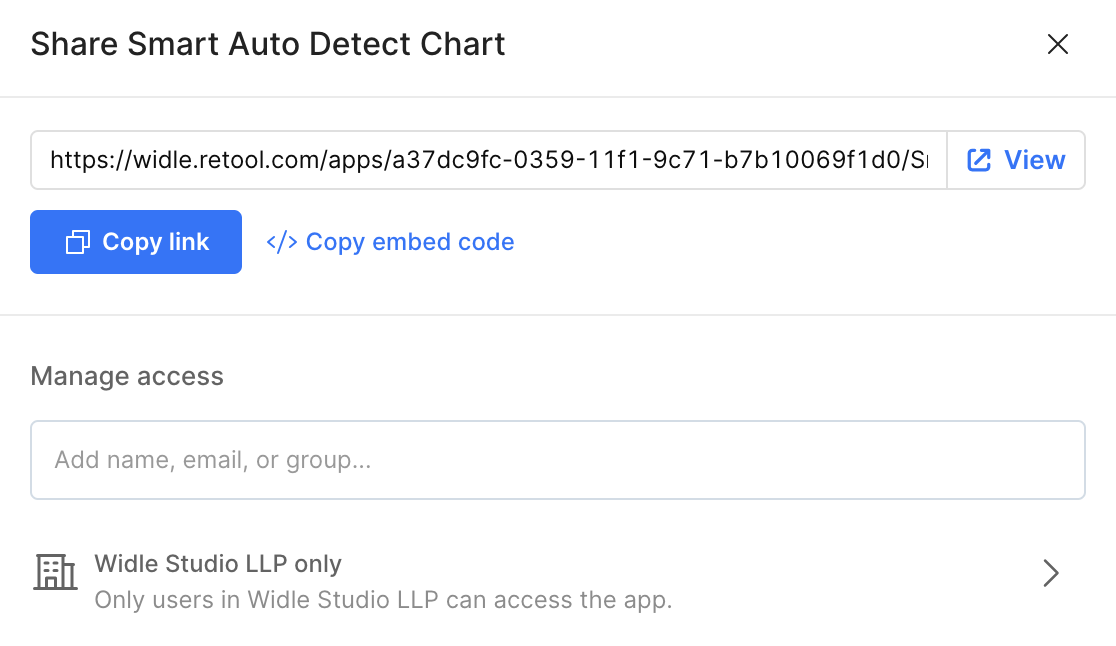
- A dialog box will appear with a generated share link. By default, access is restricted to your organization.
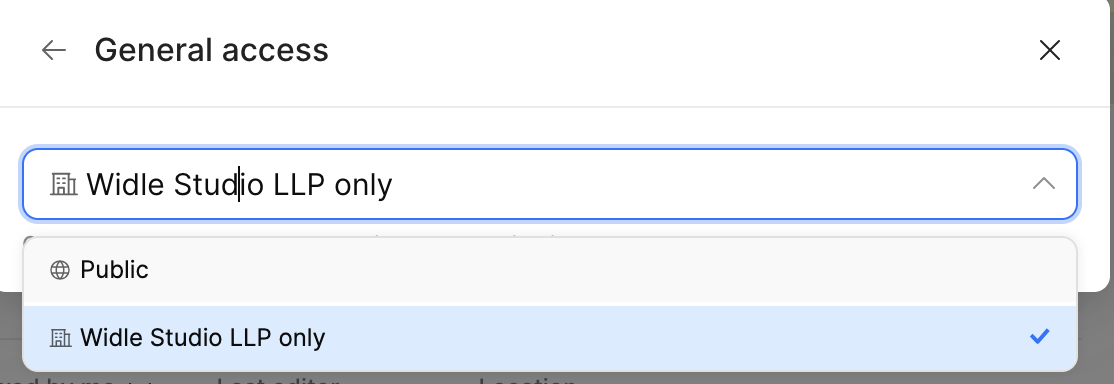
- In the “Manage access” section, click on the group selector. From there, you can choose who you want to share the app with.
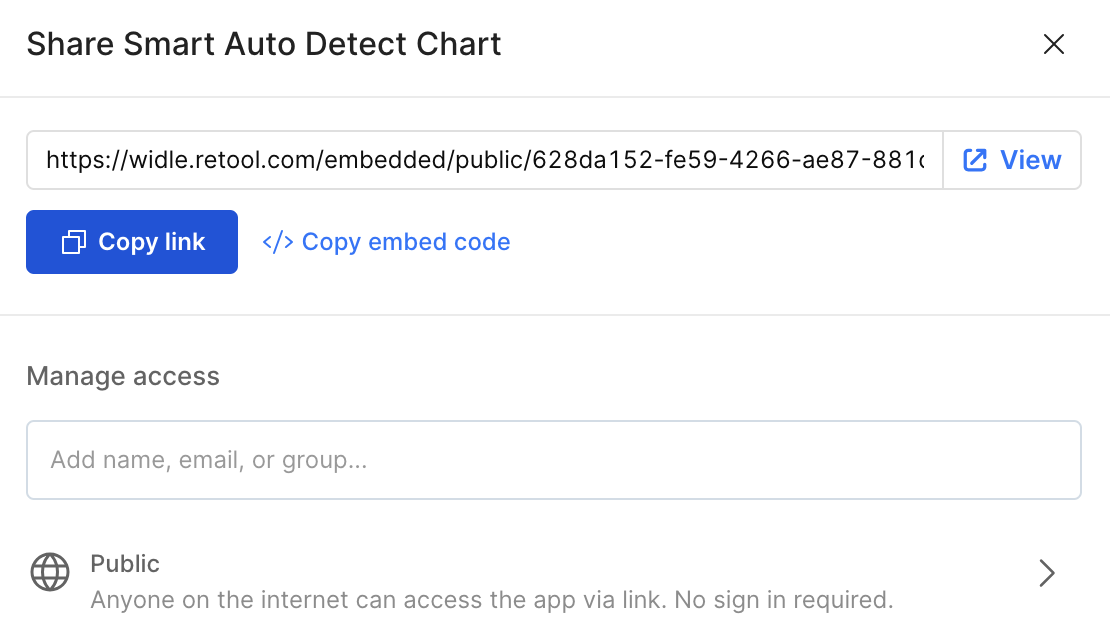
- Select “Public” to allow access without requiring users to log in to Retool. The shareable link will update accordingly.
Note:
If your app uses third-party APIs or resources that require authentication, those parts will not work for public users. In such cases, users may encounter an authentication-related error.
Hope this helps! Let me know if you need any further clarification.