-
My goal:
Can save any change on every component that I need to be visible on mobile -
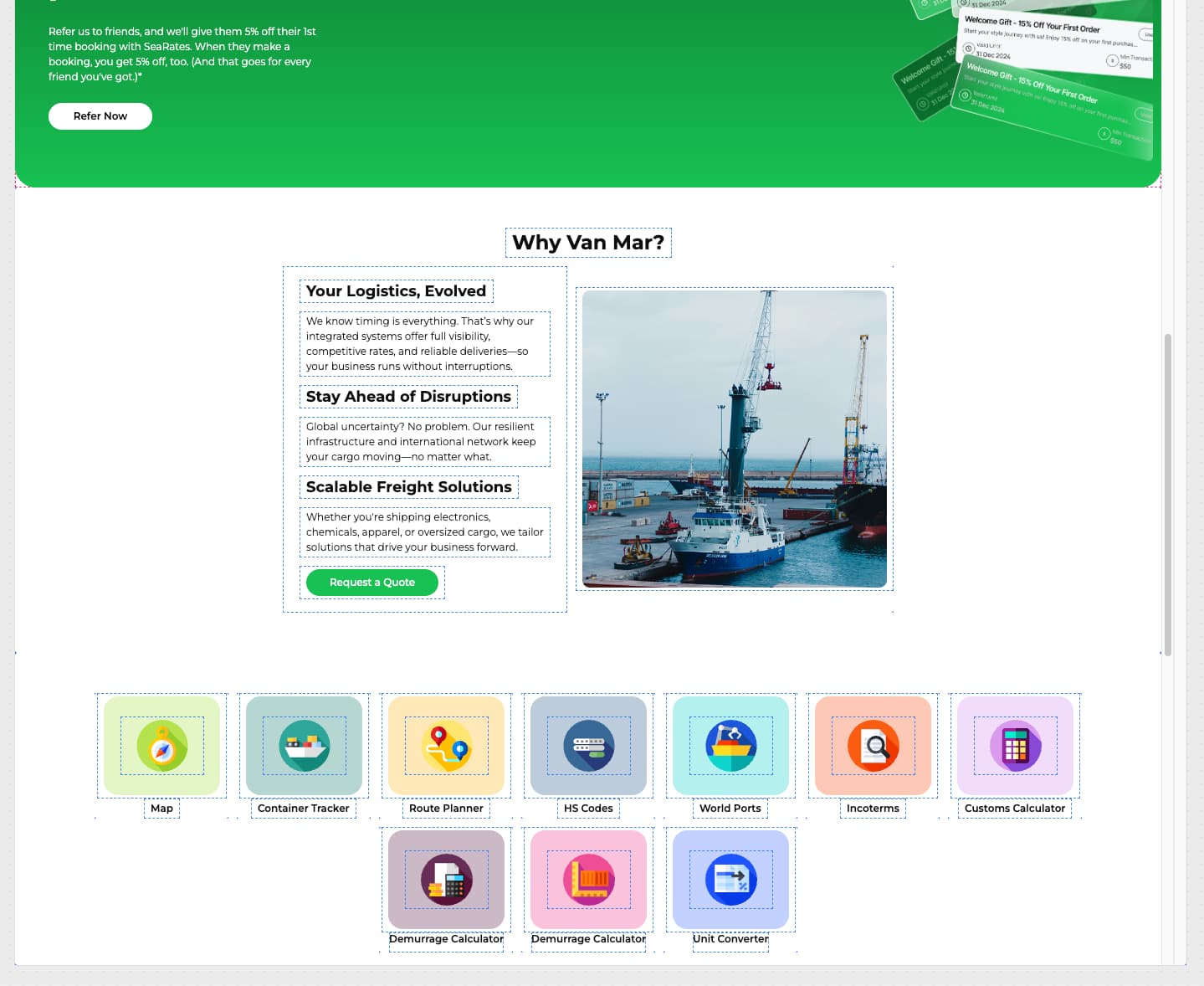
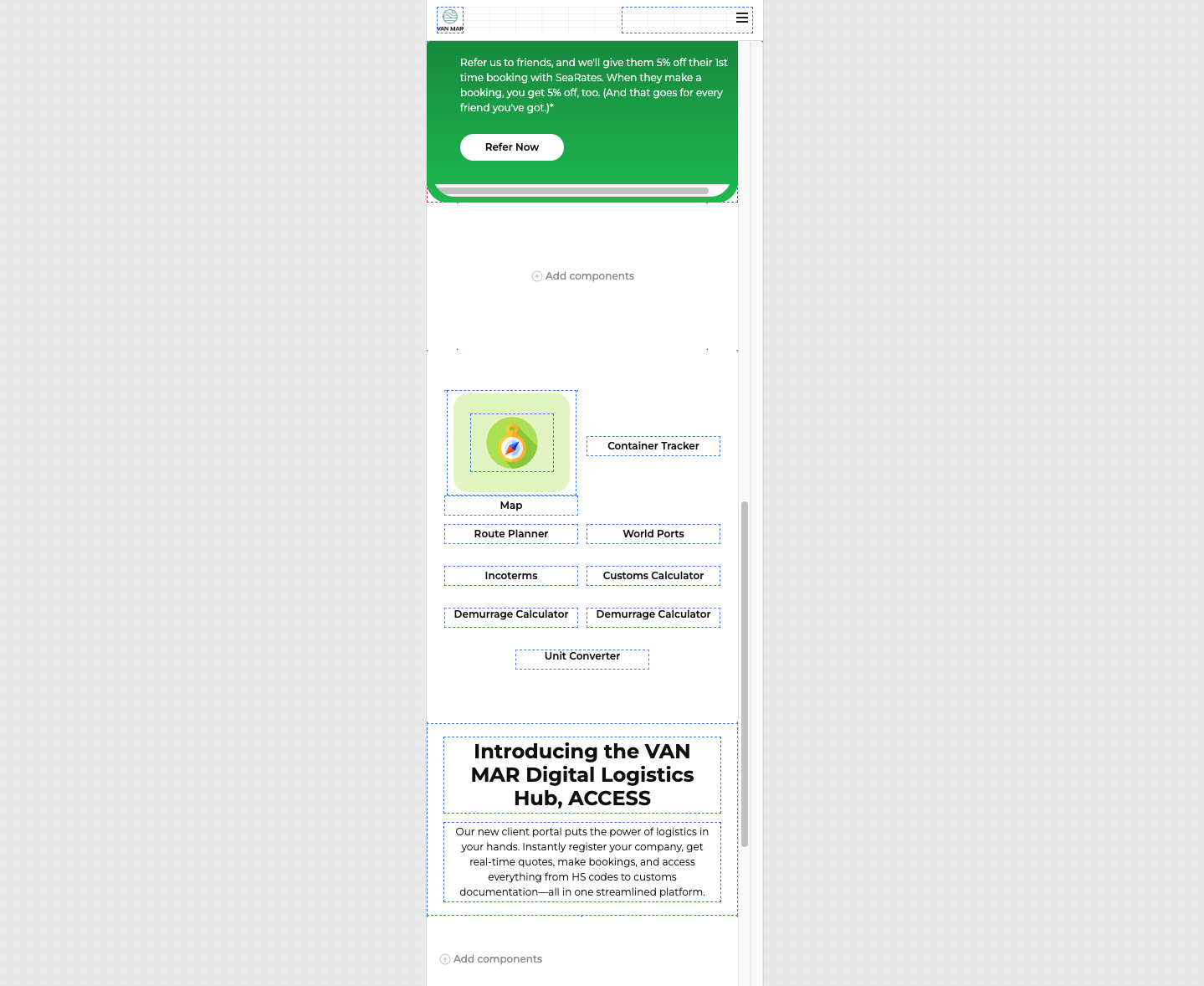
Issue: Despite of saving app, If you refresh the page the components that are you previously selected in the option “Show on mobile“ return to false value and It can’t be visible on mobile
-
Steps I've taken to troubleshoot:
- Create an App
- Add many containers or stack components
- Inside of them add texts and images
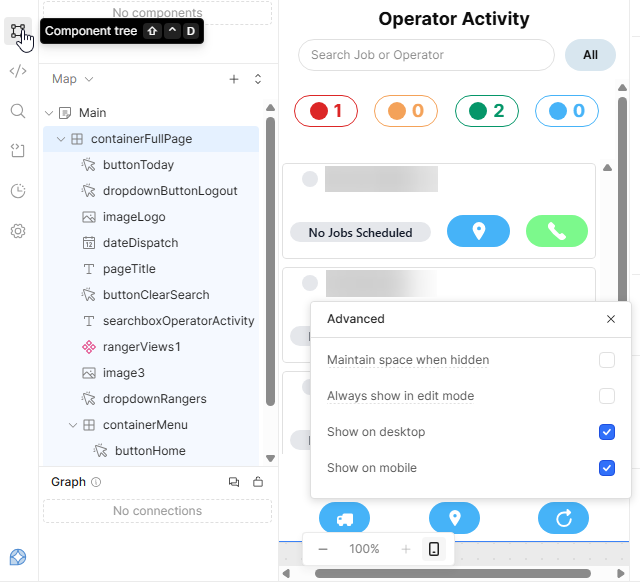
- Enable visibility on mobile devices selecting the check “Show on mobile“ in all elements
- If you refresh the page (once, twice or many times) no matter if you save the project, some components return to ve invisible when mobile screen is activated
-
Additional info: (Cloud or Self-hosted, Screenshots)
Hi @Cristian_Pinzon,
Working with “Show on mobile“ can be a little tricky. It looks like some components are in containers. Did you check “Show on mobile“ on the containers as well?
I tried components and all elements wrapped inside of it, if you refresh the website the value meains in false even though I changed to true previously
Try using the component tree to help find the culprit. Click on each component and check. Make sure you set the canvas size to mobile first. I recently had a similar case and it nearly drove me crazy.
Also, keep going back and forth between mobile and desktop canvases to make sure the options stick. There is a known bug where these options get unchecked when you move around the components.
Hopefully this helps.
1 Like
Hi @Cristian_Pinzon,
Working with "show on mobile" is tricky because if even one component does not have the check box enabled, they will not render.
Check out this example where the parent containers and stack components are enabled, but their children components are not.
Once I toggle the "show on mobile" for all the child components they will appear, although they will be resized by some degree to fit the smaller view port of a mobile device.
Let me know if I am missing any steps needed to reproduce the behavior you are seeing so that I can reproduce it and file a bug report as needed 
In terms of the false and true values, those are saved in the state of the browser so if you refresh they should reset. If you want them to stay true or stay false, you would need to populate it with the result of a query or a variable.
Hi @Cristian_Pinzon,
Just wanted to check on this thread and see if my above comment was helpful for you to set up your development flow for working with components that you want to have appearing on web apps and mobile.