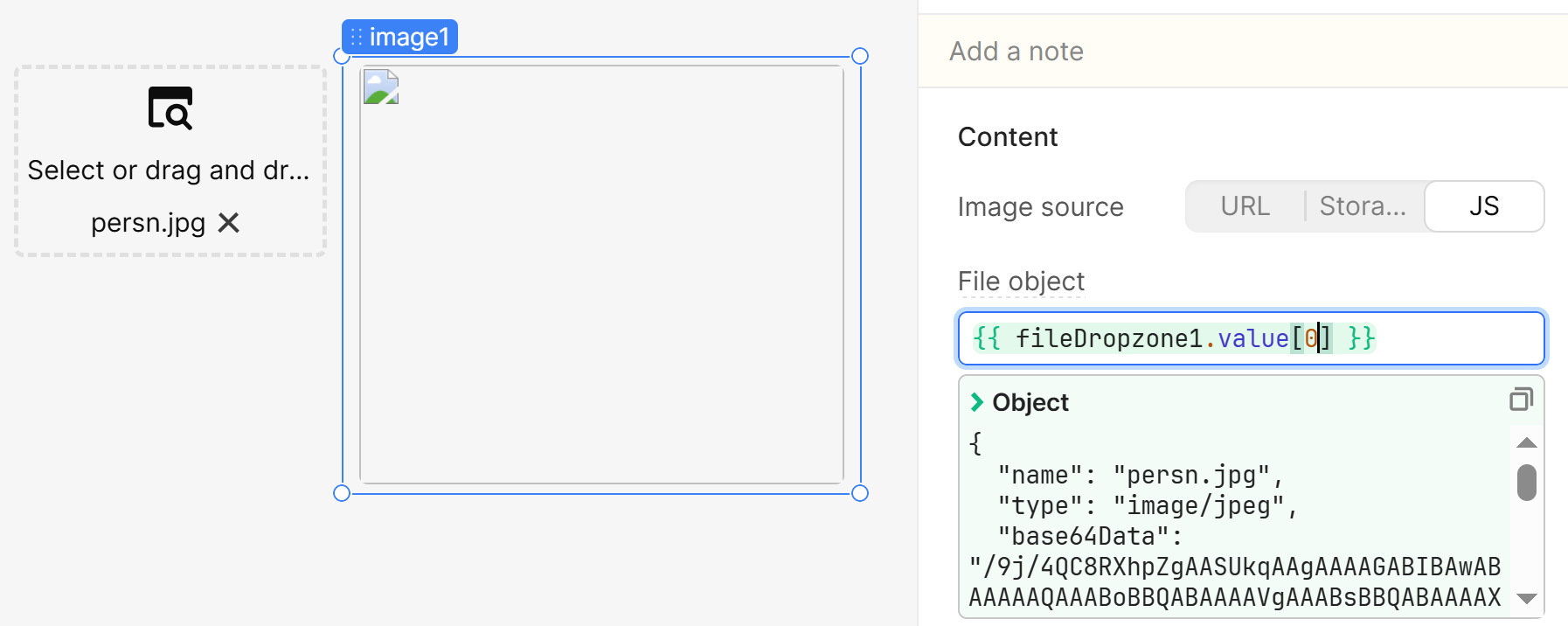
My goal: I want to preview an image using File Dropzone & Image components.
Issue: The image shows as broken.
Steps I've taken: Add a fileDropzone component and an image. Select a file in the dropzone. Set the Image source to JS, and set the file object as: {{ fileDropzone1.value[0] }}
This used to work, as it was set up for a previous project months ago, but now it’s just displaying a broken image. See screenshot.