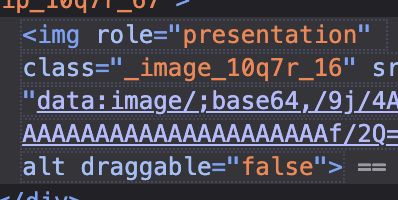
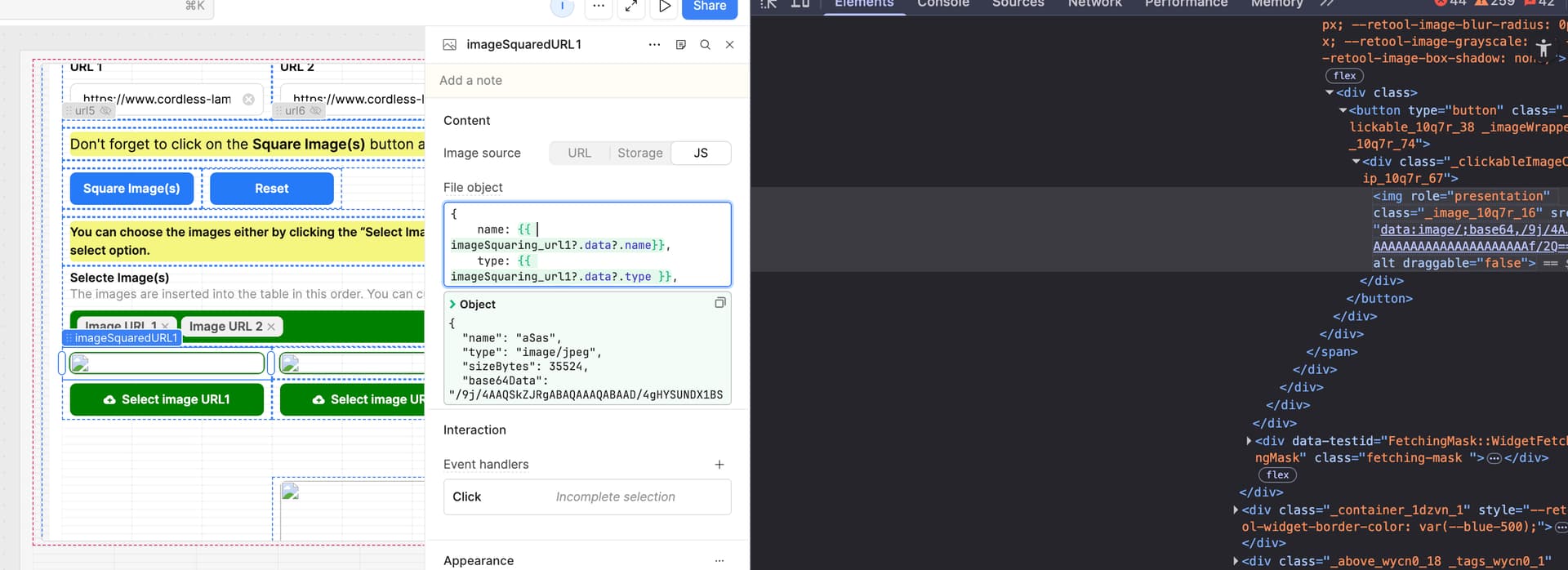
When accessing fileInput.data.type via {{ }} interpolation, the MIME type is truncated to image/ - the subtype (e.g. png, jpeg) is missing. The base64 data is correct and the image renders fine when the type is manually corrected in DevTools.
Steps to Reproduce
-
Add a File Input or Image component that produces a
.dataobject. -
Reference the type field via interpolation:
{ type: {{ imageSquaring_url2?.data?.type }} } -
Observe the rendered value in the DOM - type shows as
image/with no subtype. -
Manually edit the value in DOM with DevTools to
image/png- image renders correctly.
Expected Behavior
fileComponent.data.type should return the full MIME type, e.g. image/png or image/jpeg.
Actual Behavior
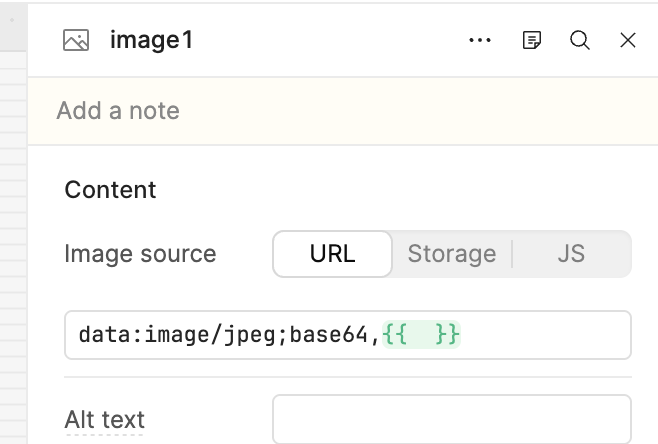
fileComponent.data.type returns image/ - the subtype is stripped, making it impossible to construct a valid data:image/...;base64,... src string programmatically.