I believe this might be a bug. When we try to set the value using the following code:
Because its set the value in hashParameters.
utils.setUrlParameters(null, [{ key: "countries", value: value }]);
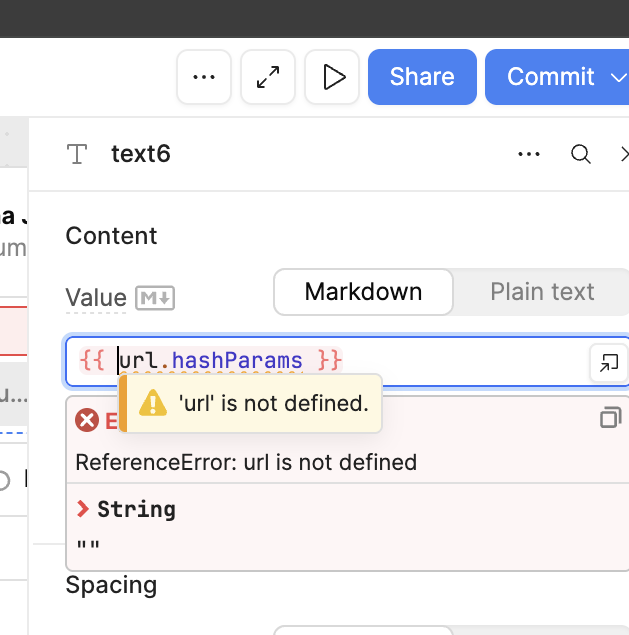
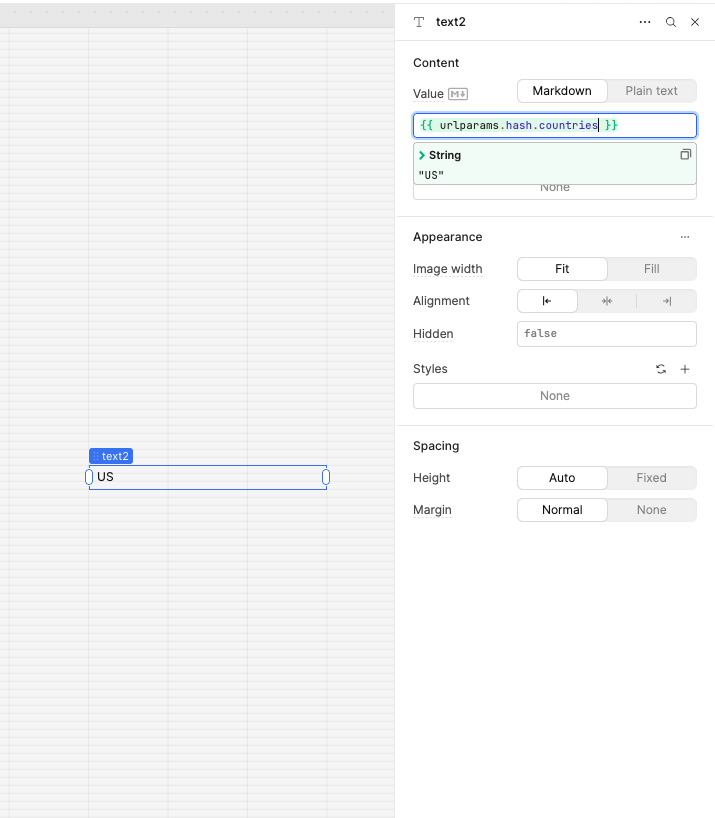
But it does not work when we attempt to read the value using:
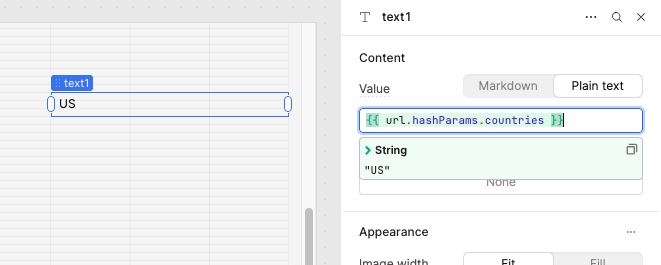
{{ url.hashParams.countries }}
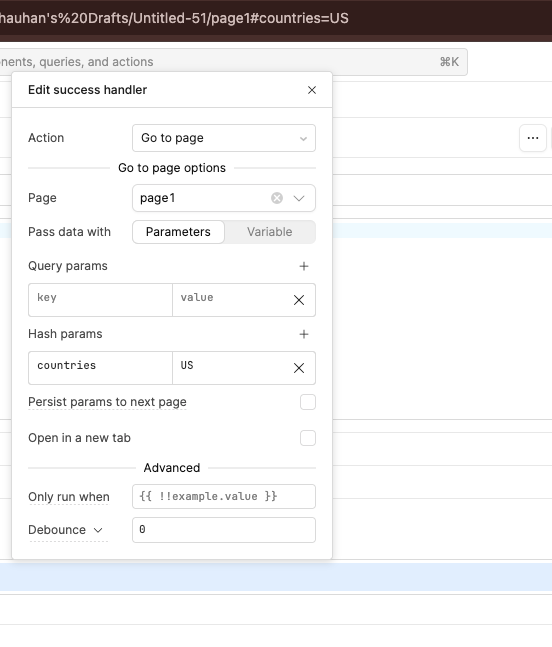
However, when we set the same value through the URL option in the event handler, it works correctly and we are able to retrieve it from the URL as expected.
It seems that Retool currently does not expose URL values properly when they are set using utils.setUrlParameters. You can find a related discussion about this limitation in the Retool community forum here:
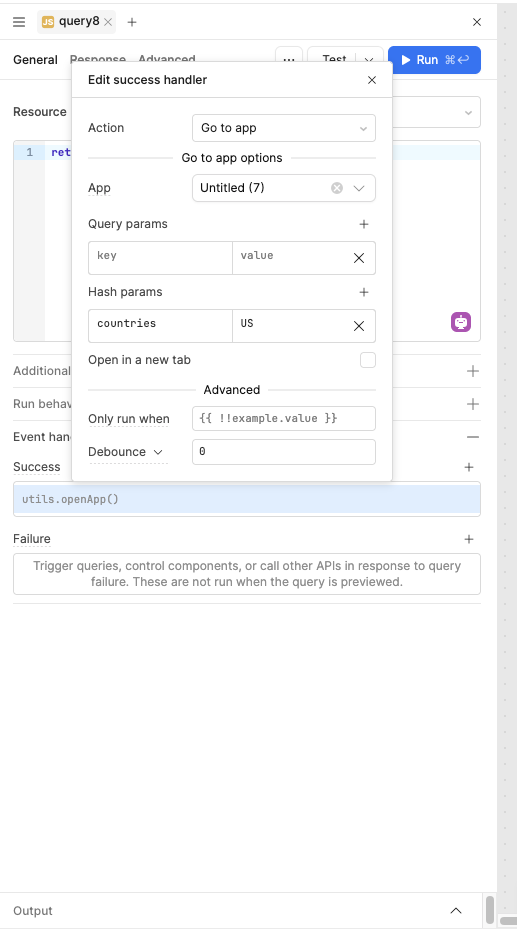
@WidleStudioLLP thanks! i’m setting the parameters in the first app, passing them as hash when going to second app (not page), and then the goal is to have then still in the url in the same session when user returns to the first app.
To set parameters for the second app, you can use the “Go to app” action inside the event handler and pass the required values through hash parameters.
No, I don’t think there’s anything else. You need to pass the same URL hash parameters back to the first app that you originally passed to the second app when returning.


 is there any option to persist those hash parameters on returning again to the first app with browser arrow click return?