My goal: My mobile layouts are starting to invert without changing anything. I want it to remain consistent with what I put in the designer.
Issue: Layouts are inverting or inconsistent with the component tree.
Steps I've taken to troubleshoot: Tried moving components around but they are not responding accordingly.
Additional info: (Cloud or Self-hosted, Screenshots) Cloud
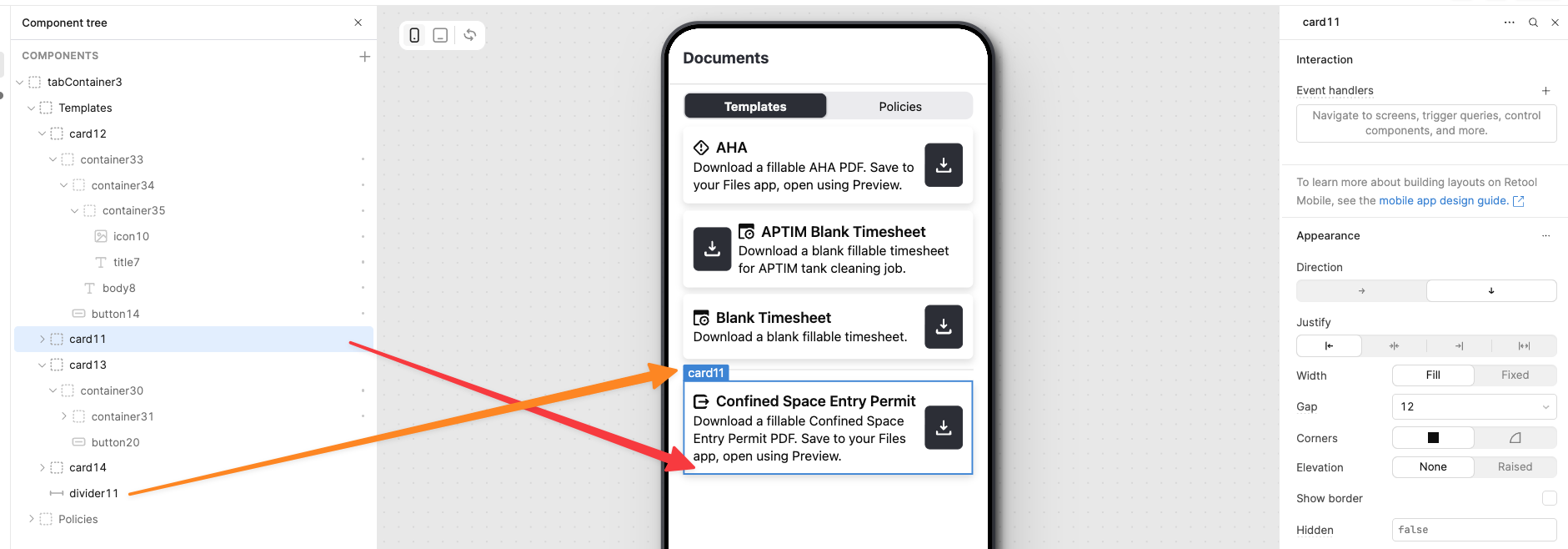
Example: I have a button intended to be on the far right just like the other cards. However, this card suddenly put the button at the top without me changing anything. I can’t get the button to be on the right anymore.
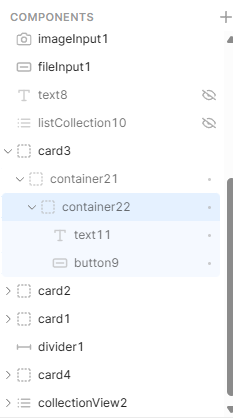
There are other instances of this issue where my cards are inconsistently placed relative to other components in the component tree. I’m not sure how or why / what the logic is. Therefore, there isn’t even a way for me to hack around it using consistent logic.
I reviewed your issue regarding the layout alignment problem on mobile. Below is a workaround that may help:
If you are using similar card designs, consider placing the cards inside a Custom Collection component. This helps maintain consistent alignment and prevents mismatches across screen sizes.
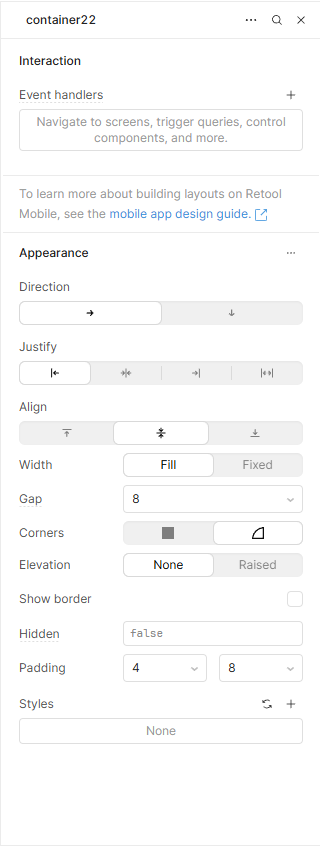
Alternatively, if you are positioning cards manually, you can adjust the container settings for the specific card whose button appears on the left side. Updating these settings should resolve the alignment issue.
I hope this helps. Please let me know if you need any further assistance.