Workflow permissions are implicitly inherited from app permissions. If a user has use access to an app that triggers a workflow, they can run that workflow even if they have no explicit permission set on the workflow itself - This is by design.
Workflow permissions are separate from web app permissions. A user who needs to kick off a workflow does not need to be granted use or edit access to workflows. Permissions are applied for users with access to the app that triggers the workflow.
So, to summarise the permission model:
- Use on App: implicitly grants the ability to trigger any workflow called from that app, regardless of the user's explicit workflow permissions
- Use on Workflow: is not required for end users triggering workflows via an app
- Edit on Workflow: is only needed by developers who need to configure/edit the workflow
Should you wish to explicitly set the workflow permission in a way that users with use permission for an app do not automatically inherit use permission of a workflow we help.
- If you are a cloud customer we can set a feature flag for you (
requireWorkflowViewAccessInApps) - If you are self-hosted you can set the environment variable
REQUIRE_WORKFLOW_VIEW_ACCESS_IN_APPS=true
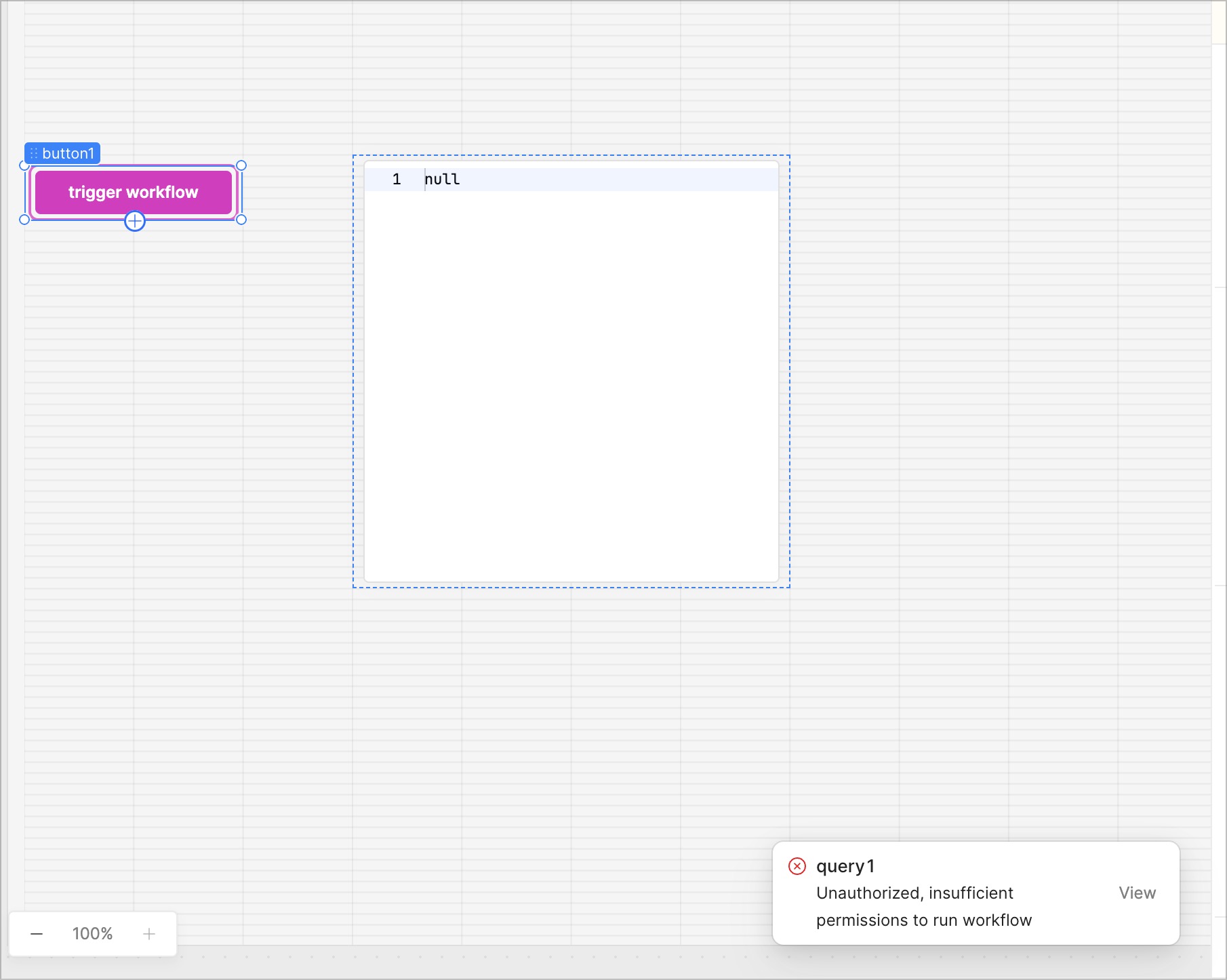
Either way a user with no use permission to a workflow will see the following error notification when trying to trigger a workflow from an app they have use access for
For more info on App and Workflow permission you can find our docs here