Hello @Jaemoon_Lee,
You're absolutely right I’ve encountered this issue as well in certain tables, and the behavior can definitely feel inconsistent.
-
One possible reason for this is how Retool determines column widths. It typically uses only the first few rows (often around 10) to auto-calculate width. So if the first row contains unusually long text in a particular field, the corresponding column may expand to fit that, even if the rest of the data is shorter.
-
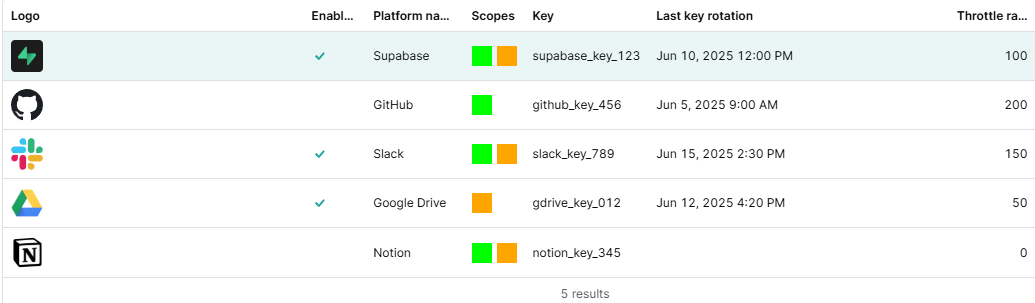
As shown in my screenshot, even though I’ve set the column width to "Automatic," the first column appears disproportionately wide.
-
In my opinion, It’s likely not a bug, just how Retool handles sizing. Setting manual widths per column can fix it reliably.