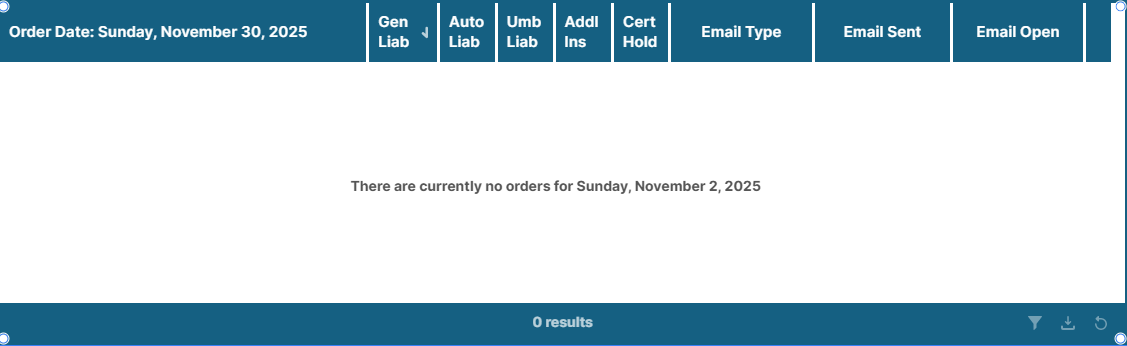
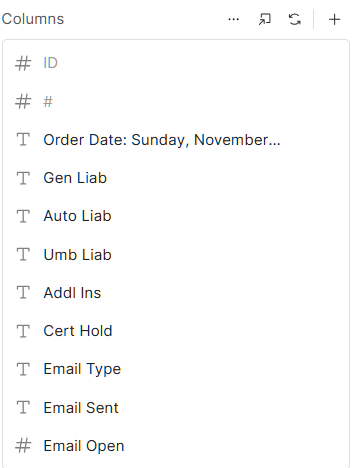
I am building a table to track emails that have been sent, and for some reason I am getting an additional column at the end of the table and I can’t figure where it is coming from. Please see the screenshots below:
The column header has another div and span nested within for the column label, and the presentation div is the element that lets you change the column width. I'm curious if that extra column your seeing follows the same css format, or not. That may help us track down what the issue is.
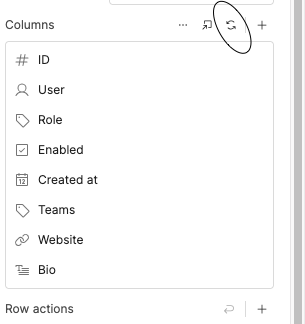
You can fix this by using the Regenerate Columns option (the icon shown in your screenshot). Clicking that will rebuild the column schema for your table based on the latest query results.
Sometimes Retool keeps displaying a column that existed in an older version of the query, even if the current dataset no longer contains it. Regenerating forces the table to refresh its structure and removes any leftover or “ghost” columns that aren’t actually part of your data anymore.
Just hit the regenerate-columns icon and the extra column should disappear.