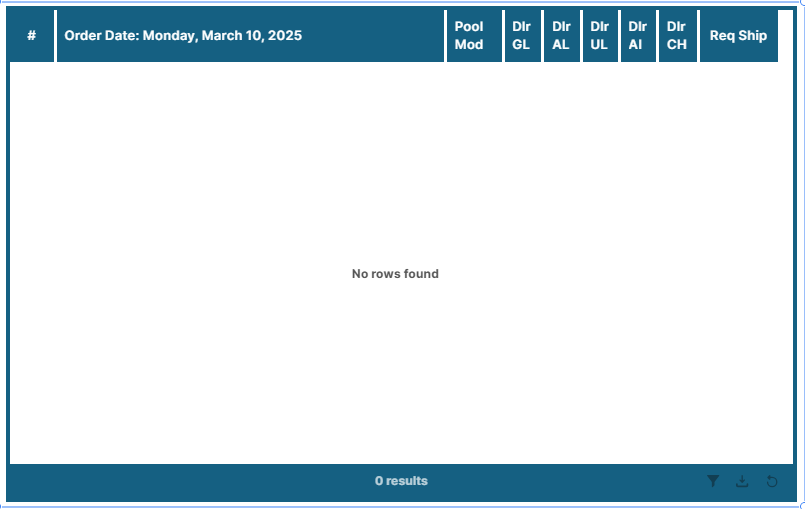
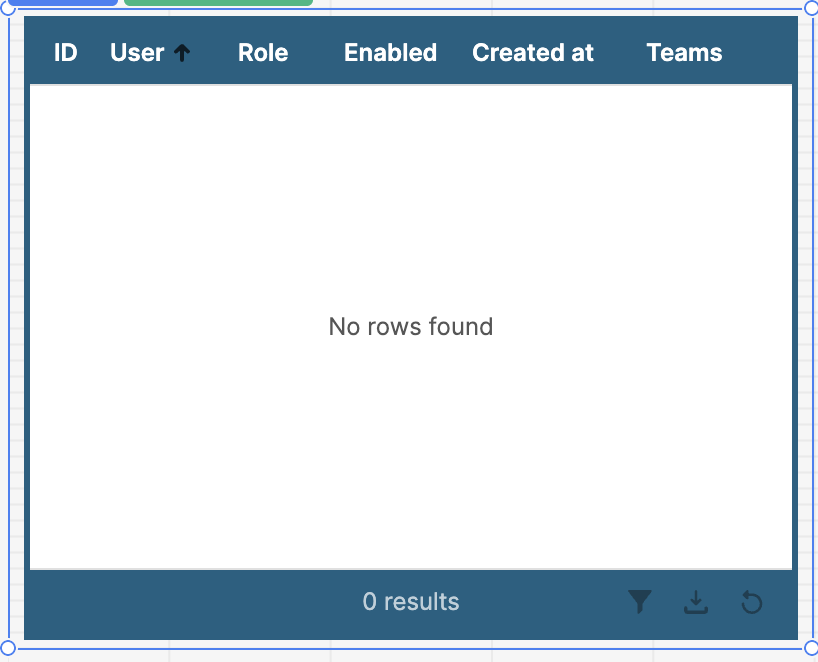
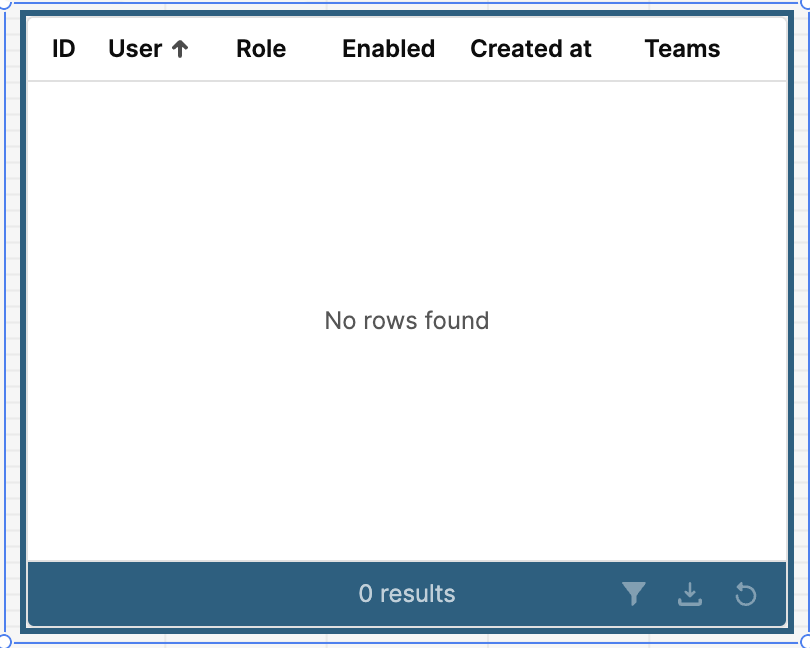
The second thing is the table slightly scrolling up and down as well as left to right when there are no rows in the table. The tables are in stack containers, if that is important to know. Any help would be most appreciated. Thanks!
Okay yeah I would say it has to do with the custom css. Do you want to show me the css you're applying here? Then I could give some advice on how to change it. Otherwise I would just say to try and apply this background color to the entire header rather than what looks like it is only being applied to individual column headers/cells.
There may be another css property affecting your table, since I wasn't able to recreate those white spaces with just the css you gave me. Possibly you have some other css that is indirectly adding a white border?
Here is something similar that may work for you, although it needs work if you have actual data, but I'm not sure what you're looking for when the table has data in it.
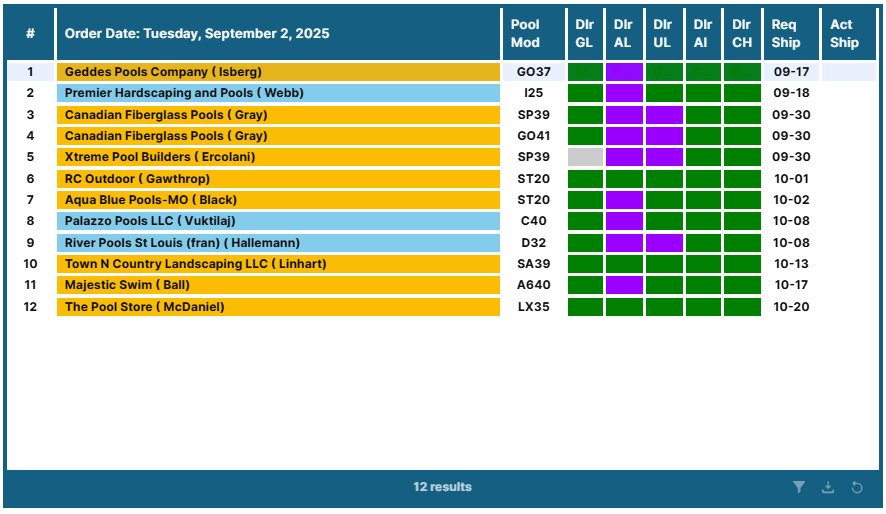
@Mike_M, here is a screenshot of a table with data in it, if that helps. I still get the white space at the end of the header row, but it's not as big. Sometimes the table will scroll left to right within the borders of the table. I have learned some adjustments I can make that will fix that, but I ususally have to go in and make those adjustments everytime. The table also scrolls up and down within the borders of the table. It's not a huge deal, but more of an annoyance.
The white space issue at the end of the table is caused by the border-right property in your custom CSS. That’s what’s creating the extra spacing (see screenshot).
@tomm, the left/right scrolling may be due to the automatic column sizing when creating a table. Unfortunately there isn't much you can do about that other than manually resizing it. The white space on the right is definitely from the border-right css property. Here is a way you can remove it: