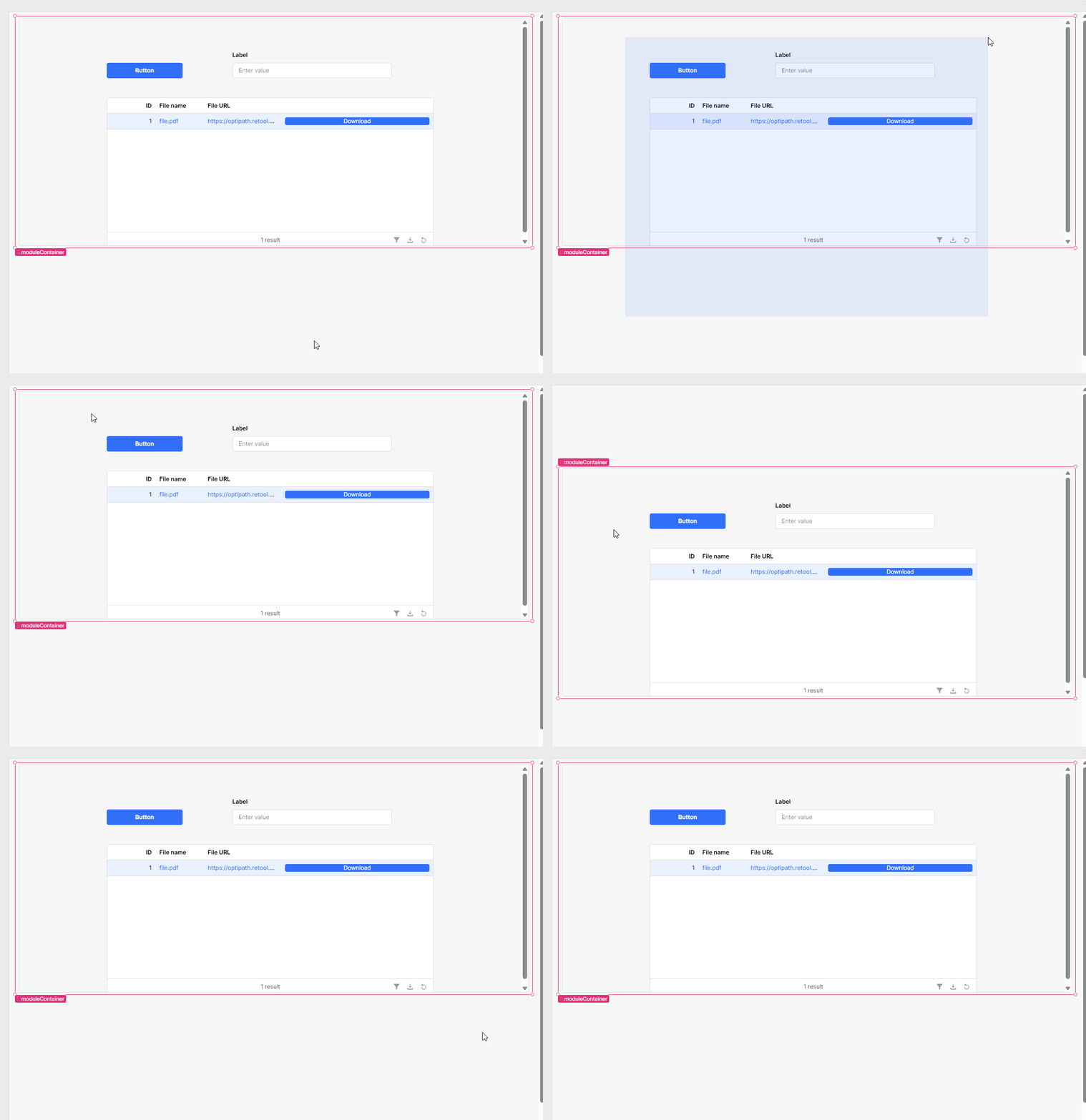
Selecting multiple components is normally as simple as clicking and dragging your mouse over the components you want to select.
However, when you are working in a module, it doesn't seem to be straightforward. I have tried clicking outside of the moduleContainer and dragging inwards over the components and I have tried starting from inside the moduleContainer but this just drags the moduleContainer.
Hi,
I have replicated the situation you have encountered. Unfortunately, I haven't been able to select them with a drag, no matter what I have tried.
The option that is still available though is to click all of the components you want to select while holding the Control/Command button. You can also do that in the Component Tree.
If there are plenty of tiny components, you can also group them after selecting (Control/Command+G or the context menu option).
You're correct in Retool modules, the typical multi-select method using a click-and-drag selection box doesn’t function the same way as it does in standard Retool apps. This is because the moduleContainer is treated as a single component within the parent app, and attempting to drag inside it usually moves the entire container rather than selecting individual nested components.
Here’s a simple workaround for moving multiple components within a moduleContainer:
First, click on a component to select it.
Then, hold Ctrl (or Cmd on Mac) and click additional components to select multiple items.
Once selected, you can drag and move them together within the moduleContainer.
Unfortunately, that confirms what I thought, we cannot select them with a drag. Yes, I do select components holding the control button, but when there are plenty of small ones, sometimes
it becomes harder to click adjacent modules and one cannot even see if they are already clicked.
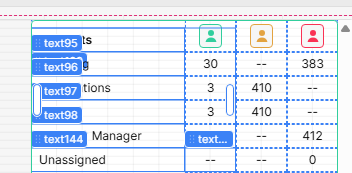
Here for example, it is nearly impossible to click on the text box displaying 30. I have to group as many boxes as I can, deselect, then slect the group and keep selecting to add to the group. Super tedious.
Apologies for this issue, I can definitely see how it can be tedious and frustrating when working with a large number of small and tightly packed components inside a module.
I am not sure if there is a feature request to standardize the click and drag selection behavior but I can definitely make one. As @WidleStudioLLP pointed out this is a limitation due to how the canvas is reading the module as a single component with click+drag.
The control/cmd click is the best work around. My other suggestion would be to build the components. My hope is that this request will come into play with a v2 of modules that the UI team will hopefully get back to working on once our next huge AI app builder launch around the end of this month
For your last example screenshot @Shawn_Optipath is there a reason for using all those text components to make that grid instead of a table?
Hi @Jack_T ,
Thanks for the update. Hopefully the click and drag will evolve at some point in modules.
The last screenshot could have been in a table but the icons in the header are actually buttons that filter a table. Fun little experiment.