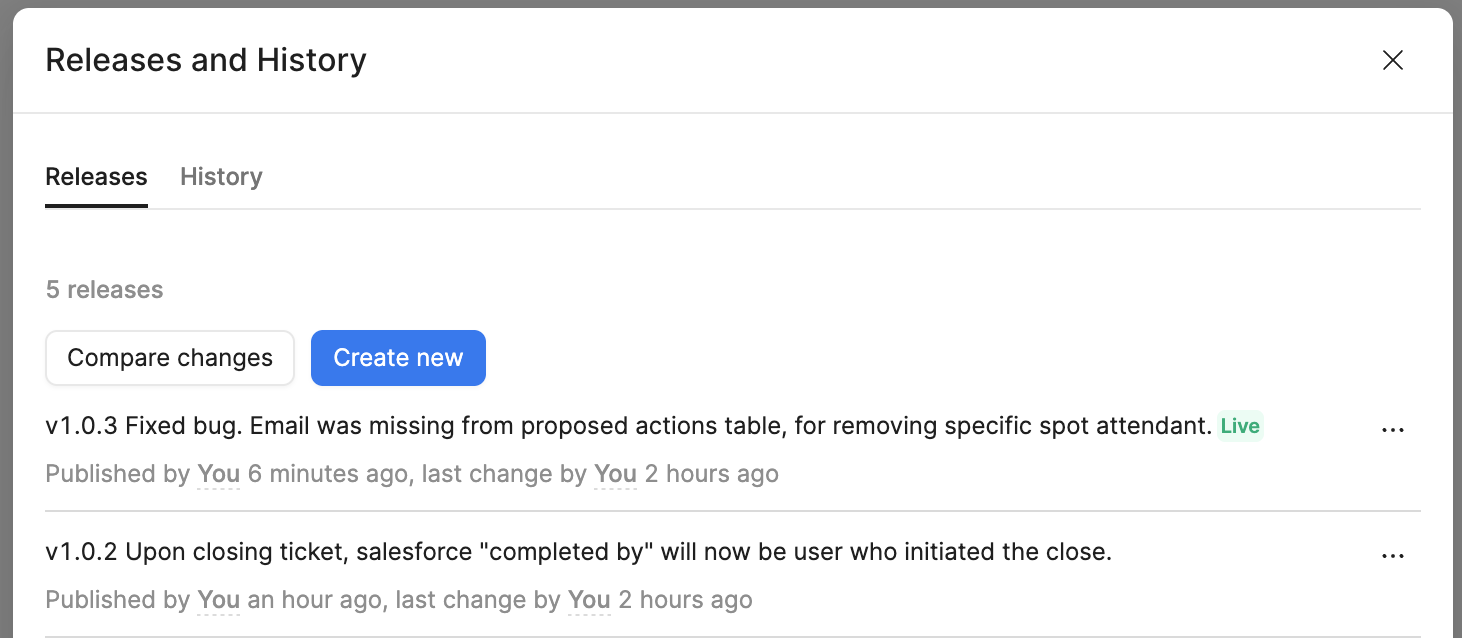
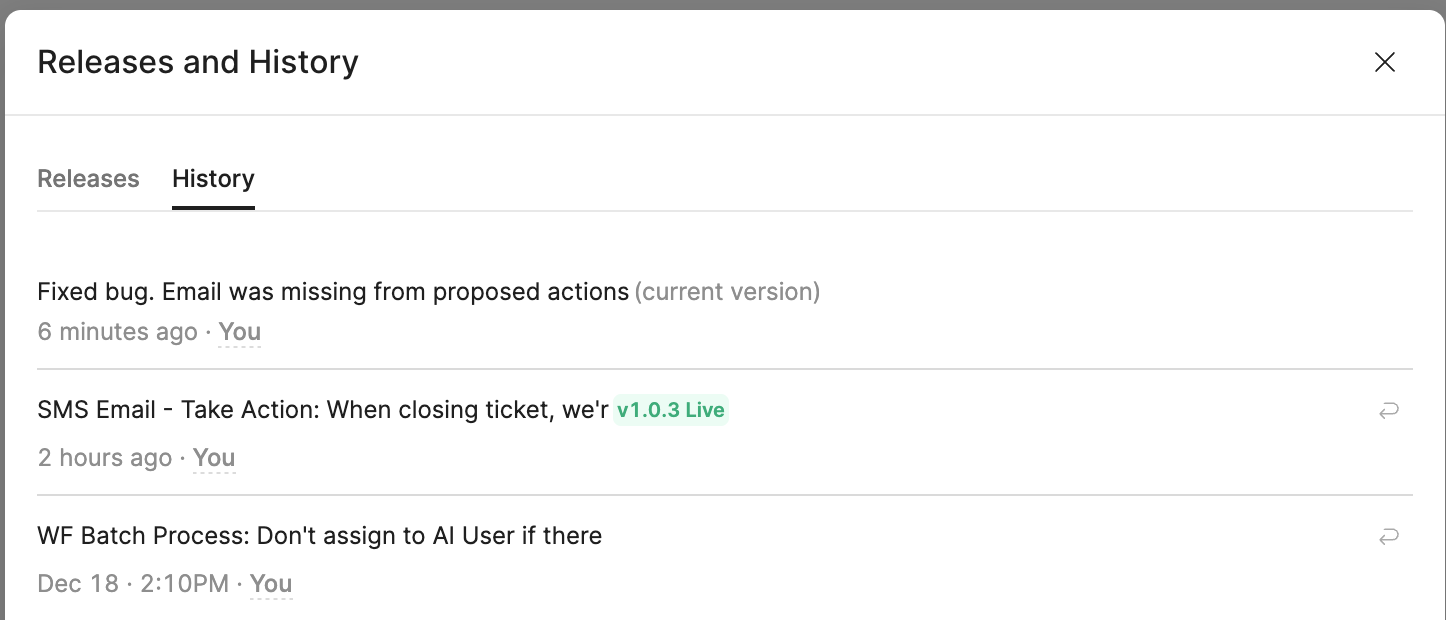
Another data point – if I click “Compare changes” from Releases, and compare base of v1.0.3 and “Current working version”, I see the changes that I was expecting to see in the live version.
My suspicious is that when I created a new version, it did so with the previous main. But why would it do that? Did I move to quickly from “merge branch into main” from pull request, to creating the new version?
A Retool release is a snapshot of the app at the moment the release is created. In your case, v1.0.3 was created before the latest merge fully reflected in main, so the Live release points to an older commit while History shows newer changes. The fix is to create a new release from the current working version and mark it Live.
Thanks @WidleStudioLLP . Yes, I suspect this too. However, I don’t think that it should be that way. That would be like me saving a word document, then emailing the word document to a friend, but the document sent is the previous version, because it’s still “saving”. I have the same issue with protected workflows, although the lag is much worse with them. In the realm of “things to work on”, I certainly wouldn’t put this above other things within Retool’s world.