Hi how can I add background behind modal and not allow user click any things behind modal disable everything
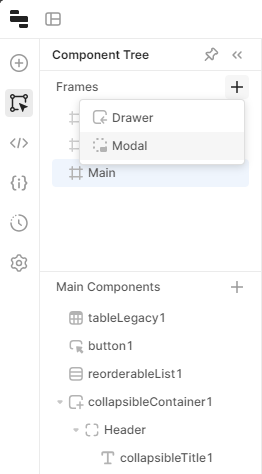
Hello @detanik, you can try new modal component.
1 Like
what version you are using the latest?
Retool Cloud 3.17.0 (latest)
I don't know where to find that type of modal
I'm using version 3.4.9
I am not sure that version has new modal component. You can use custom CSS and JS.
I can't find that in my version its any other way to do that?
@detanik you can request to have that feature turned on...what version are you on?
I am on Cloud

Version 3.4.9 how to request that?
Are you on self hosted?
Hi @detanik, the new version of the Modal frame is only available for Cloud users at the moment. If you're willing to upgrade to newer on-prem versions, it'll soon be available on-prem as well -- you'll find it in the release notes when this happens. Thanks!
1 Like
What is seems you want is to basically disable the background when the modal is open. You can set all the items you want to disable by using the modal.opened parameter in the components disabled option. when the modal is opened, this evaluates to true. If you have lots of stuff to disable, you can dump it all in a container and then disable the container when the modal.opened = true.
Hello all, coming back with the latest update. The Legacy Modal component is now deprecated. The current version is now called Modal Frame and it has been available for everyone for quite some time now. Most of you have probably already used it! 
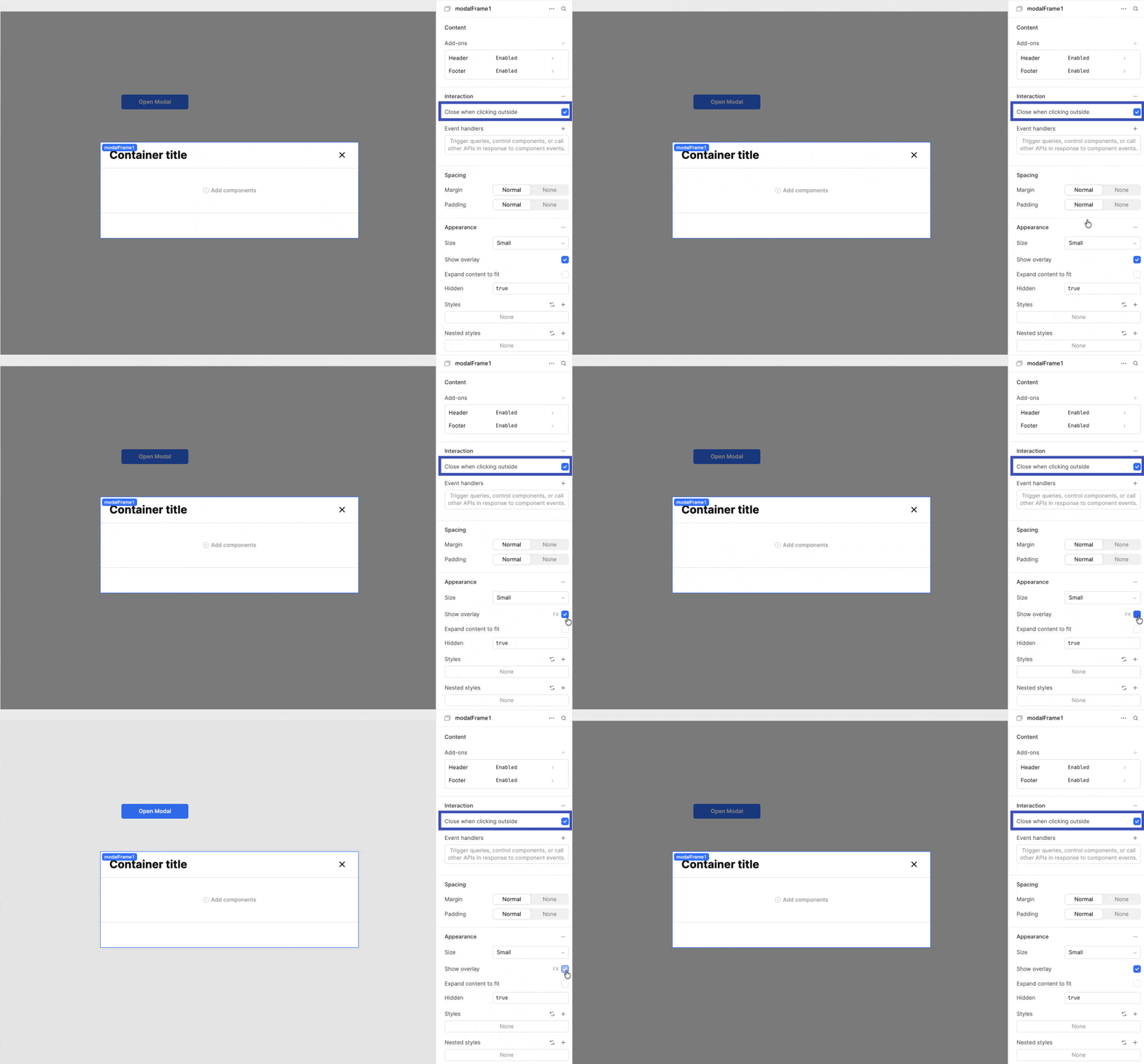
- To make the Modal Frame background go dim, open the Inspector, go to Appearance, and turn on "Show overlay".
- You can also enable "Close when clicking outside" if you want the modal to close whenever someone clicks the background. This will prevent people from altering the background when the modal is open.