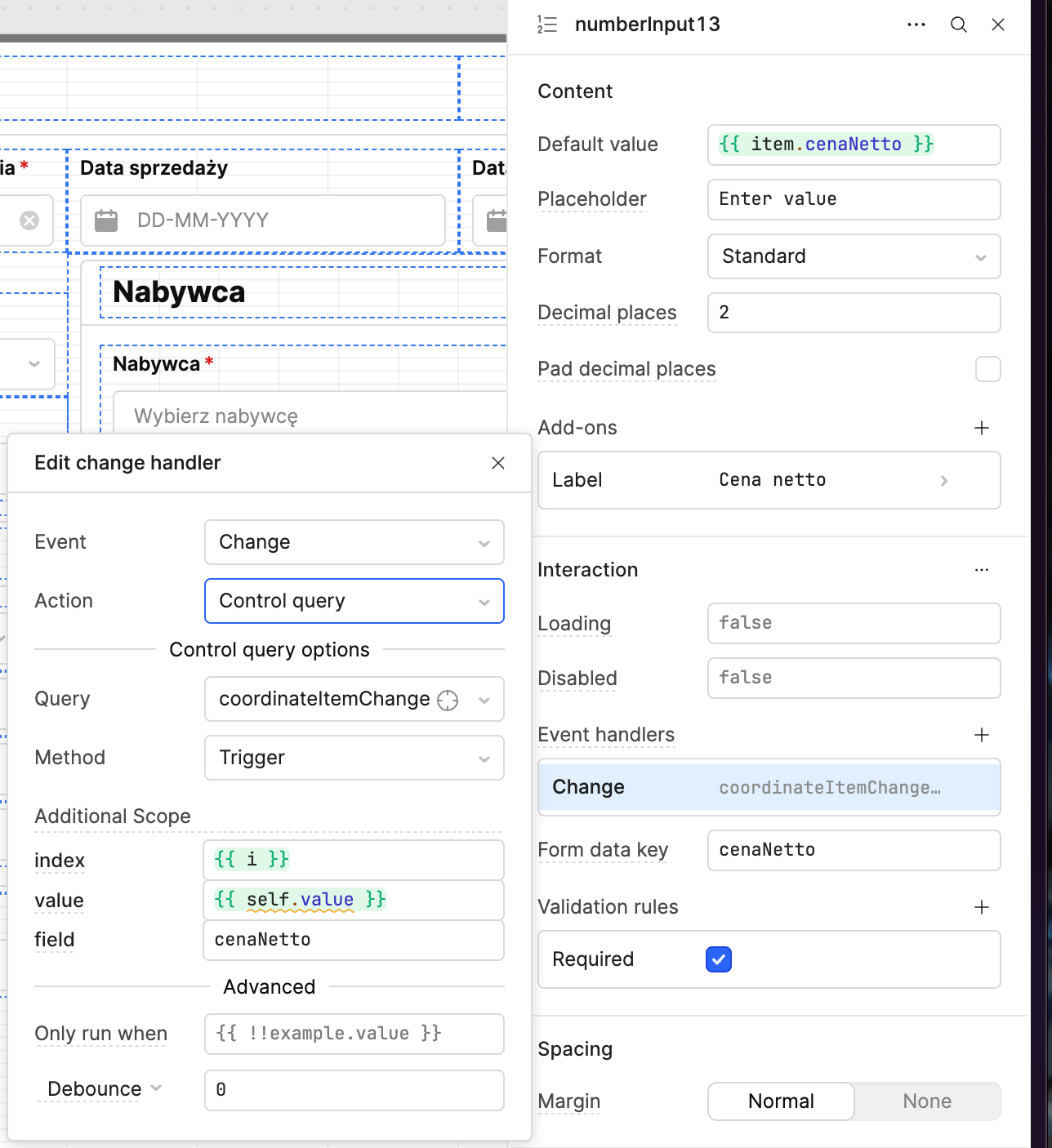
1) My goal: Create a dynamic invoice/order form where users can edit either net price or gross total, and all related values (net total, gross total, net price) are automatically recalculated based on quantity and VAT rate.
2) Issue:
- State updates correctly - the ListViewData state shows the correct calculated values in the State tab
- ListView UI doesn't refresh - the visual components (input fields) in the ListView don't update to show the new calculated values, even though the underlying state has changed
- Intermittent behavior - sometimes calculations work on first edit, but subsequent edits either don't trigger or don't display properly
- Steps I've taken to troubleshoot:
- Added proper error handling - wrapped code in try/catch blocks
- Verified data binding - confirmed ListView data source is
{{ ListViewData.value }} - Tried different update methods:
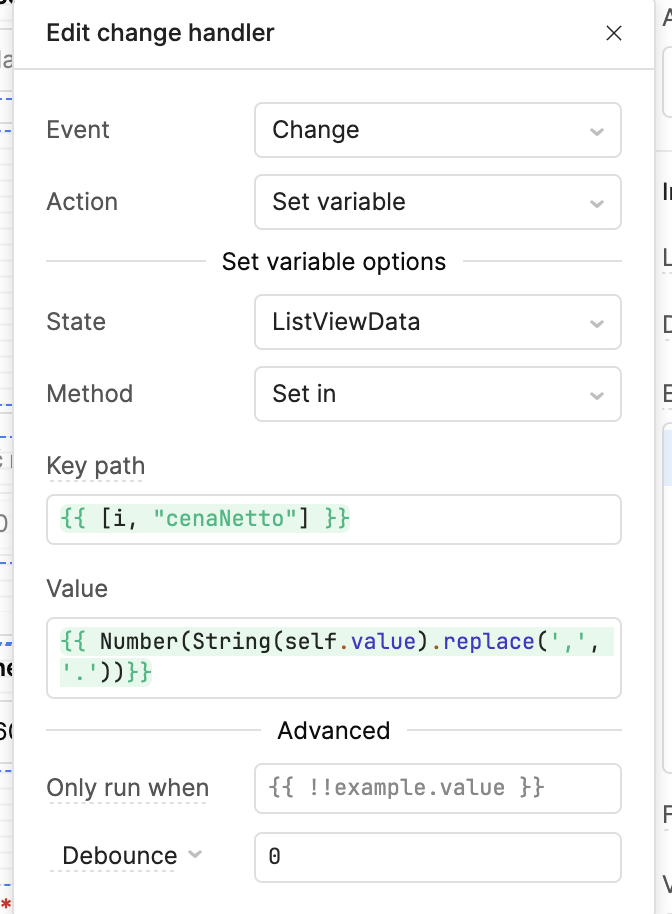
ListViewData.setValue(newArray)ListViewData.setIn([index, field], value)for individual fields- Added forced refresh - used
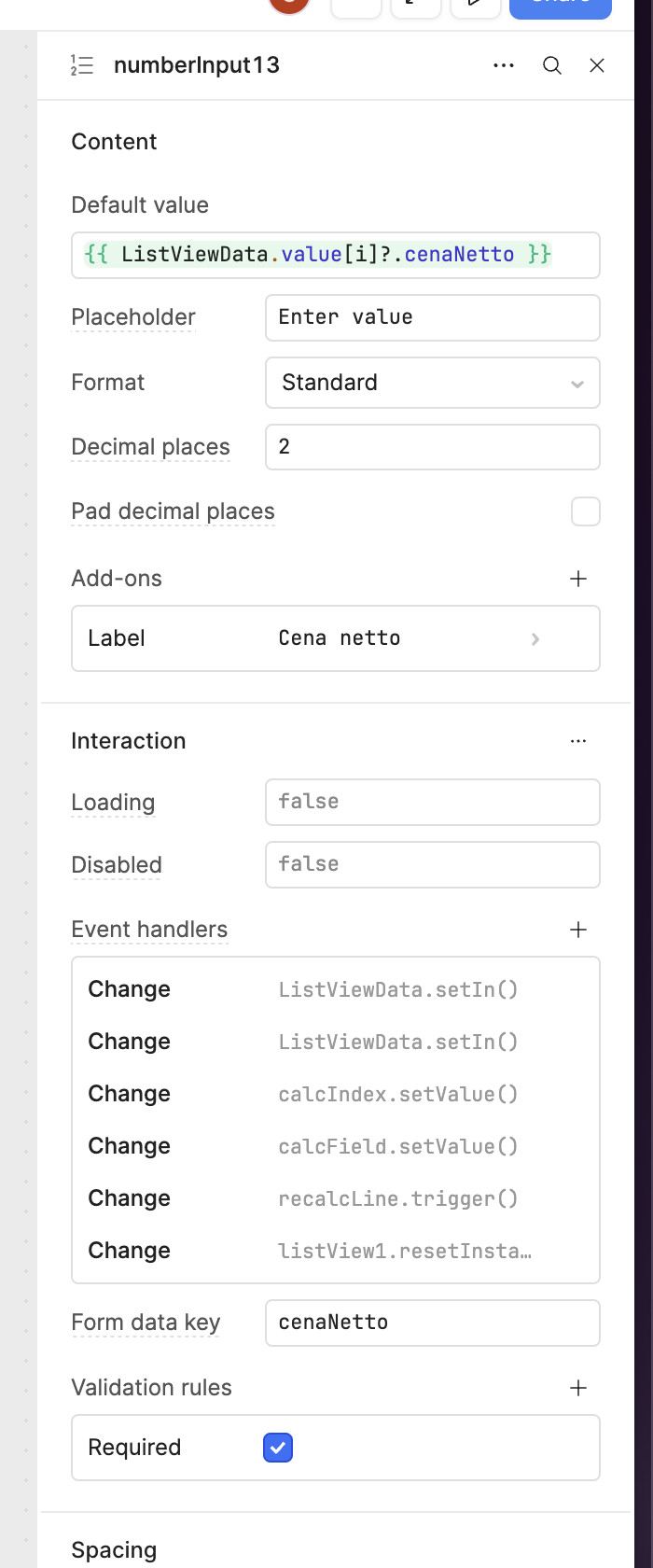
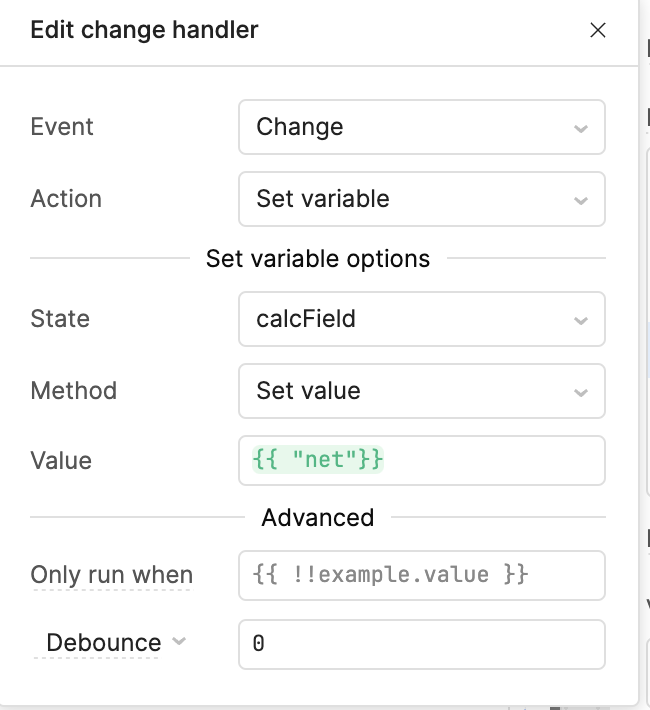
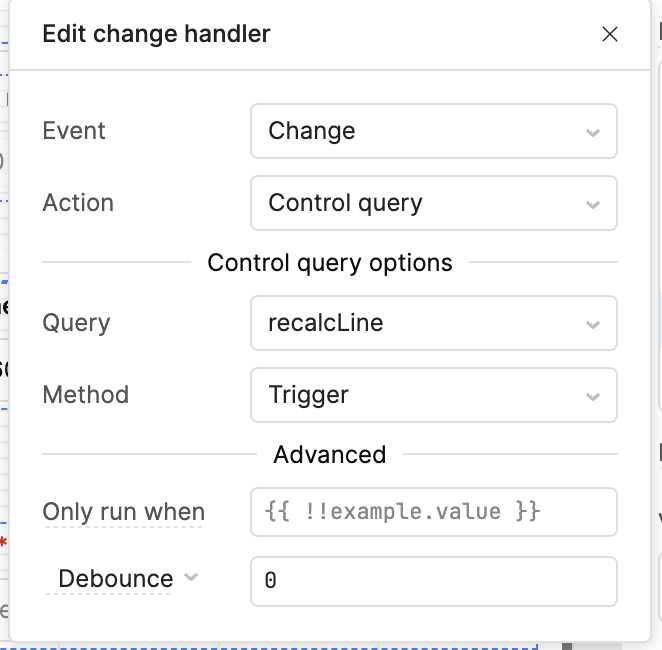
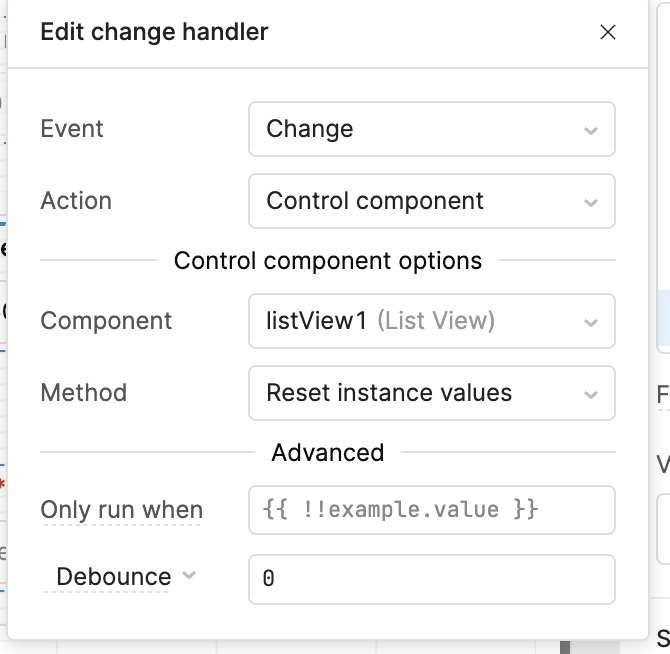
setTimeoutwithlistView1.setData() - Verified event handler configuration - passing correct
indexandfieldparameters - Added extensive console logging - confirmed calculations are working and state is updating
- Additional info: (Cloud or Self-hosted, Screenshots)
- Platform: Retool Cloud
- Component: ListView with embedded input components
- Data flow: User input → Event handler → JavaScript query → State update → ListView should refresh
- Current behavior: State updates
 , ListView UI refresh
- Error patterns: "Cannot read properties of null (reading 'id')" appears occasionally, suggesting timing or reference issues
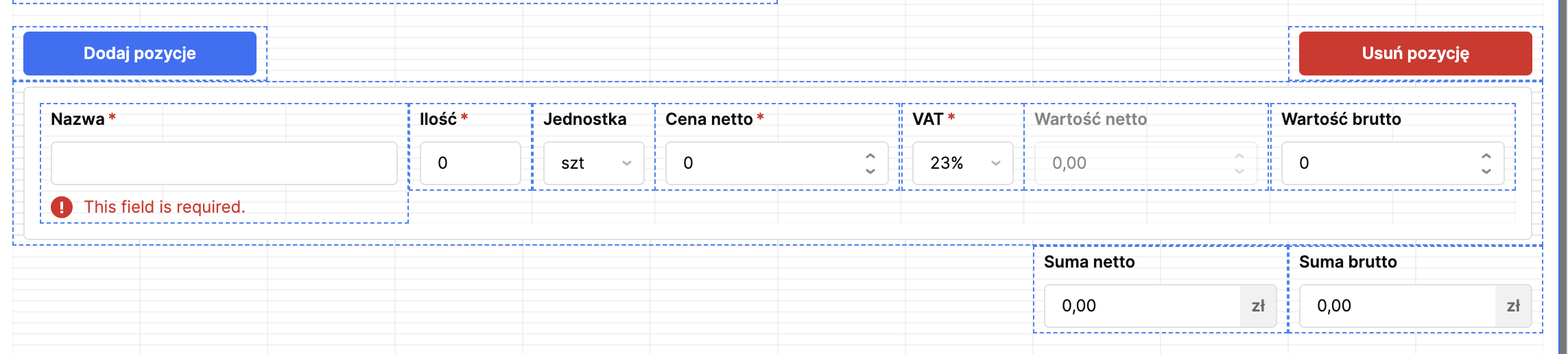
relacLine code
function num(v){ if(v==null) return 0; return Number(String(v).replace(',', '.')) || 0; }
function r2(n){ return Math.round((n + Number.EPSILON) * 100) / 100; }

const i = (typeof index !== 'undefined') ? Number(index) : Number(calcIndex.value ?? 0);
const f = (typeof field !== 'undefined') ? String(field) : String(calcField.value ?? 'net');
const rows = _.cloneDeep(ListViewData.value || []);
const row = rows[i] || {};

const qty = Math.max(0, num(row.ilosc));
const vat = Math.max(0, num(row.vat));
const k = 1 + vat/100;

let unitNet = num(row.cenaNetto);
let totalGross = num(row.wartoscBrutto);

if (f === 'net') {
  const unitGross = r2(unitNet * k);
  const totalNet = r2(qty * unitNet);
  const totalBrutto = r2(qty * unitGross);

  row.cenaNetto = unitNet;
  row.wartoscNetto = totalNet;
  row.wartoscBrutto = totalBrutto;
  row.source = 'net';

} else if (f === 'grossTotal') {
  const unitGross = qty > 0 ? totalGross / qty : 0;
  const calculatedUnitNet = k > 0 ? r2(unitGross / k) : 0;
  const totalNet = r2(qty * calculatedUnitNet);

  row.cenaNetto = calculatedUnitNet;
  row.wartoscNetto = totalNet;
  row.wartoscBrutto = r2(totalGross);
  row.source = 'grossTotal';
}


rows[i] = row;


ListViewData.setValue(rows);


setTimeout(() => {
  listView1.setData(rows);
}, 10);
listviewdata
[{
  id: 1,
  nazwa: '',
  ilosc: 0,
  jednostka: 'szt',
  cenaNetto: 0,
  vat: 8,
  wartoscNetto: 0,
  wartoscBrutto: 0,
  source: "net"
}]
additem
const currentData = ListViewData.value || [];
const newRow = {
    id: currentData.length + 1,
    nazwa: '',
    ilosc: 0,
    jednostka: 'szt',
    cenaNetto: 0,
    vat: 23, // To będzie wartość domyślna, ale powinna być możliwa do zaktualizowania
    wartoscNetto: 0,
    wartoscBrutto: 0
};
const newData = [...currentData, newRow]; // Prostsza składnia spread
ListViewData.setValue(newData);
deleteitem
// removeItem query - usuwanie po id
ListViewData.setValue(ListViewData.value.filter(row => row.id !== id));
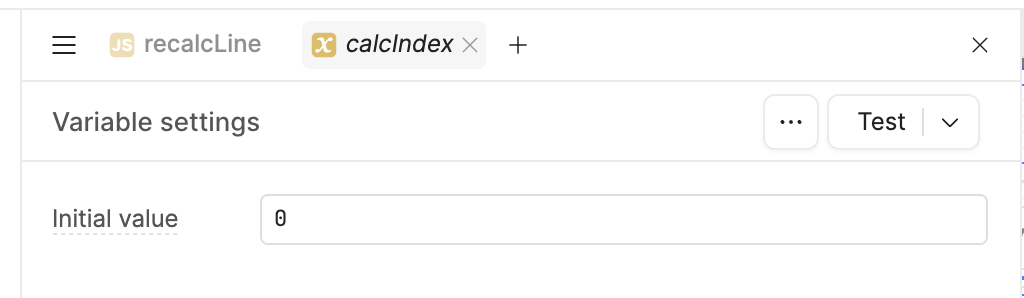
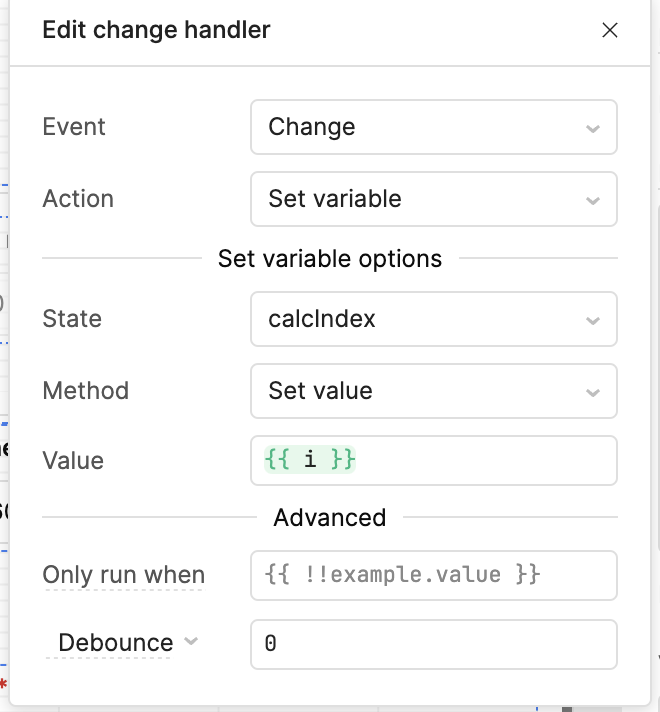
calcindex
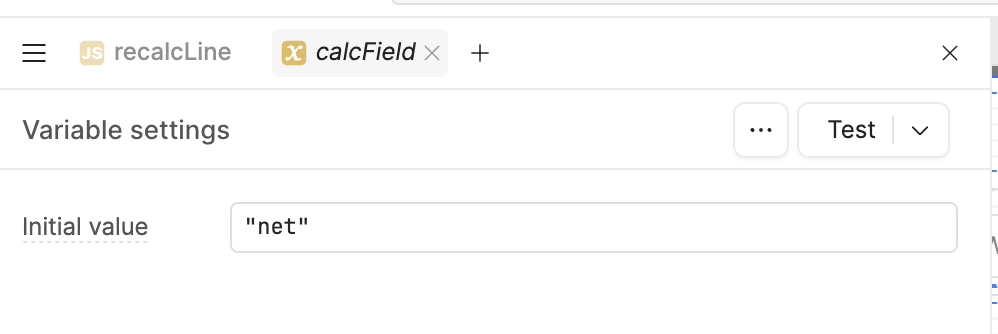
calcfield
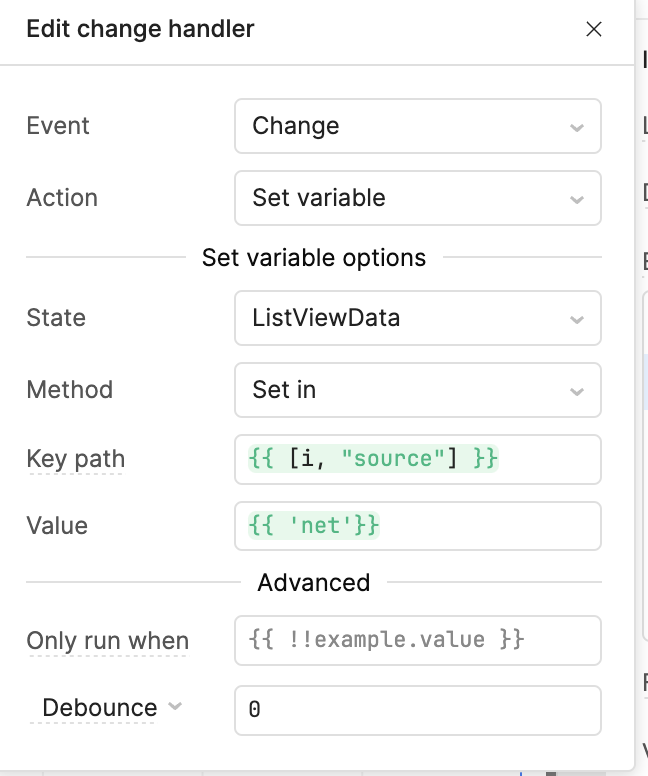
defaultvalue and event handlers
VIDEO PRESENTING PROBLEM: