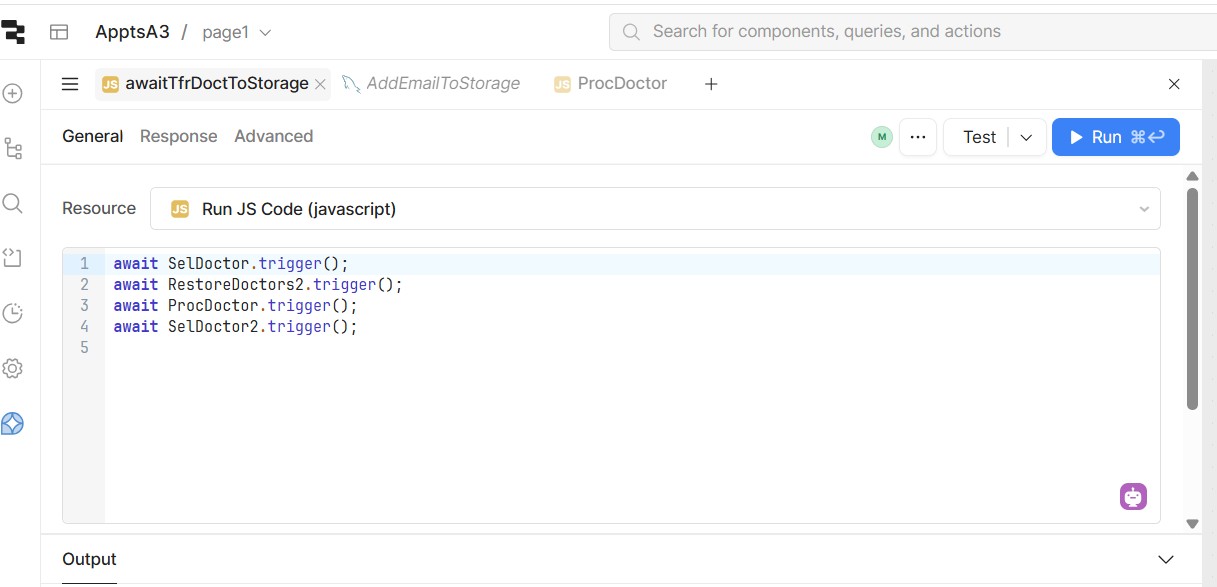
There seems to be a new twist in our User Interface.
We use to be able to have several apps on the header of our coding screen but I now see that we can only have a maximum of 3.
Is this a recent change. Why has this changed?
Mike
There seems to be a new twist in our User Interface.
We use to be able to have several apps on the header of our coding screen but I now see that we can only have a maximum of 3.
Is this a recent change. Why has this changed?
Mike
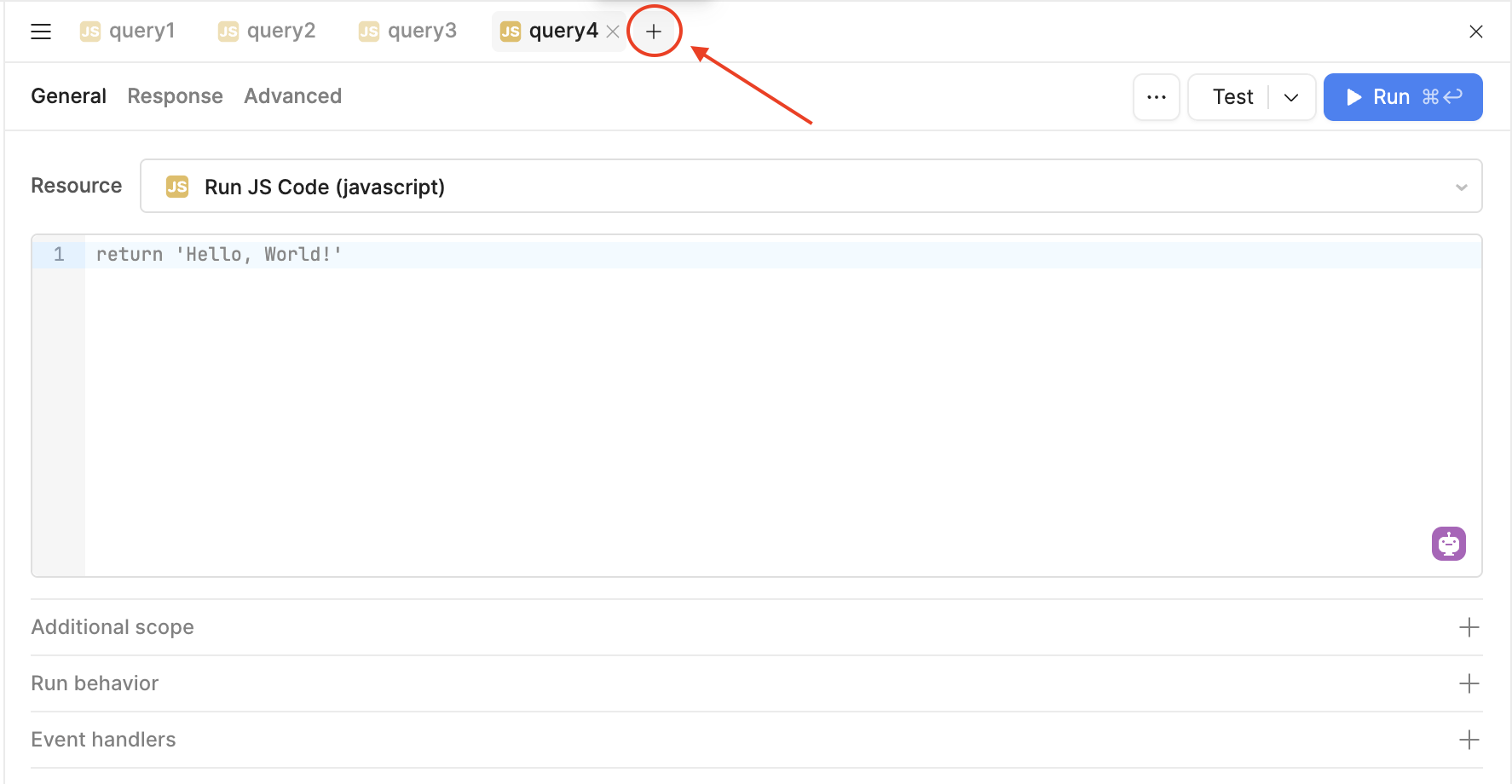
Hello happy new year @mdsmith1!  I wasn’t able to reproduce this in my app. Can you try clicking the plus sign to add more tabs and let me know what you see?
ChiEn:
Thank you for your reply.
It seems to be working now.
For me the + sign operates to add a new app. What I would like is the ability to scroll left and right to see the different apps that are open in the tab row at the top.
I have been working with about 10 apps to do testing and I can only see about 4 apps in the tab row at the top.
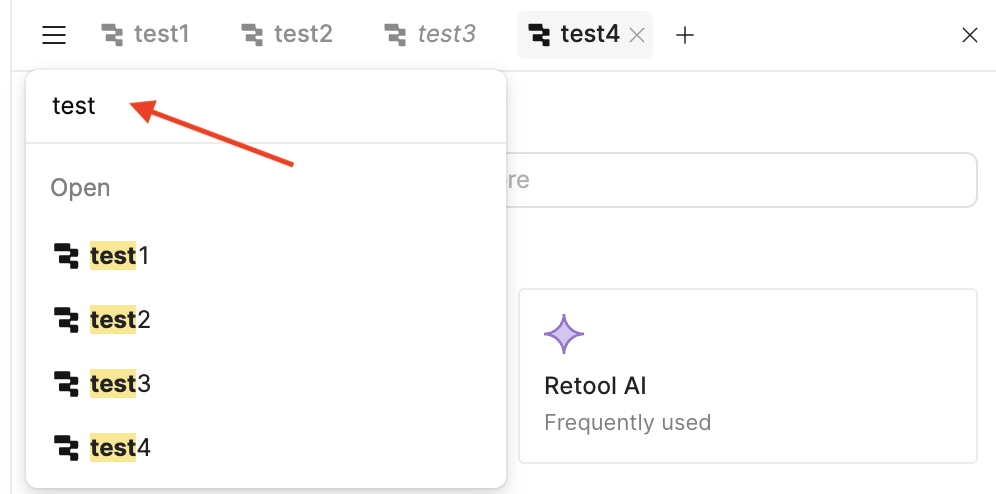
I use the triple bar a lot. That would work better if the apps were in alphabetical order.
Mike
Hey again @mdsmith1, you can use the "hamburger menu" which is the triple bar you mentioned to view all of your queries. The queries are listed in the order they were created. If it helps, you can also search by the query name to quickly find what you are looking for!
ChiEn:
Yes, I follow all that.
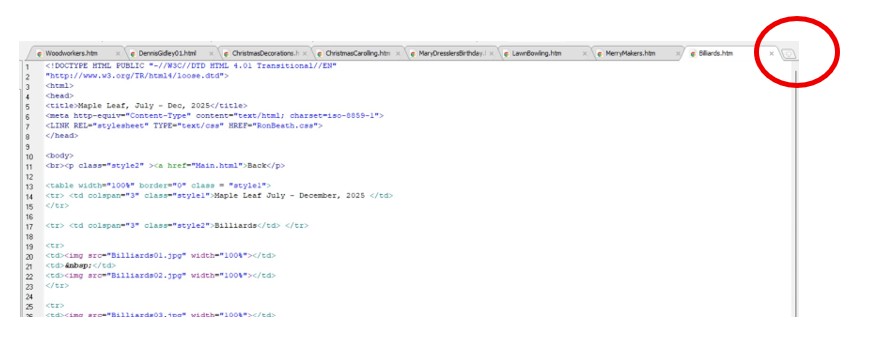
I am showing a screen shot from a different application.
The item in the red circle allows you to move to the right to the next file not shown in the tab list.
This feature would be really great for working on say 8 files when only 4 will show in the tab list along the top.
Mike