App works fine in the browser, but when I install to home screen I get a message “Not found - Bundled app not found, please re-publish your app”
I have republished several times plus tried to use the AI builder to help. This was the response:
This is a well-known iOS Safari behavior: web apps launched from a home-screen icon in standalone mode run in an isolated storage context, separate from Safari's normal browsing cookies/session. If the published app's server-side routing relies on a session cookie to resolve "which published bundle to serve" for that URL, a fresh standalone launch has none of that — it's essentially a brand-new, logged-out context — and the server falls back to a generic "bundled app not found" error instead of a proper sign-in prompt.
This lines up with everything you've reported:
Normal tab → has your existing Retool session cookies → resolves fine
Home-screen icon → new isolated storage, no cookies → can't identify the app → "not found"
This isn't something fixable by editing this app's frontend/backend code — it's about how the Retool hosting layer resolves and authenticates a published app for an installed PWA launch on iOS, which lives outside this repo entirely.
My recommendation: report this to Retool support with the exact repro, since it's a specific and actionable platform bug report:
App works normally when opened in a Safari tab
Same URL, added to home screen, opened via the icon → "Bundled app not found, please re-publish your app"
Occurs on iOS Safari specifically (standalone PWA launch)
Any help much appreciated, as I used to be able to install with no issue.
In the new app builder, a published app loads fine when opened in a Safari browser tab, but launching it from an iOS home-screen icon (standalone/PWA mode) returns "Not found - Bundled app not found, please re-publish your app," and republishing does not resolve it.
AI Response
This maps to a known Safari/WebKit issue with the new app builder: a home-screen (standalone PWA) launch runs in an isolated storage context with no existing Retool session cookies, so the platform can't resolve/authenticate the published bundle and falls back to a 'not found' error. Retool engineering has been actively addressing this class of WebKit authentication failure, and in reported cases it cleared up on its own after a fix. In the meantime, clearing cookies/site data and removing then re-adding the home-screen icon (or first signing in via a normal Safari tab) is the workaround that has restored access. This is a platform hosting/auth-layer behavior rather than something fixable in the app's own code.
The Community Team is testing out a new automation. Let us know if it's helpful (or not) by leaving a , , or . Or by marking this post as the "Solution"! Let us know if you have any feedback here.
Based on the info you have provided, it sounds like the home screen bookmark was pinned to the wrong URL (the one with https://appname.retool.app/_/assets/...). That URL should be a path for a single published build's static assets, and not the app URL itself.
So, I think the "Add to Home Screen" just grabs whatever URL that was currently showing in the address bar at that moment during app load.
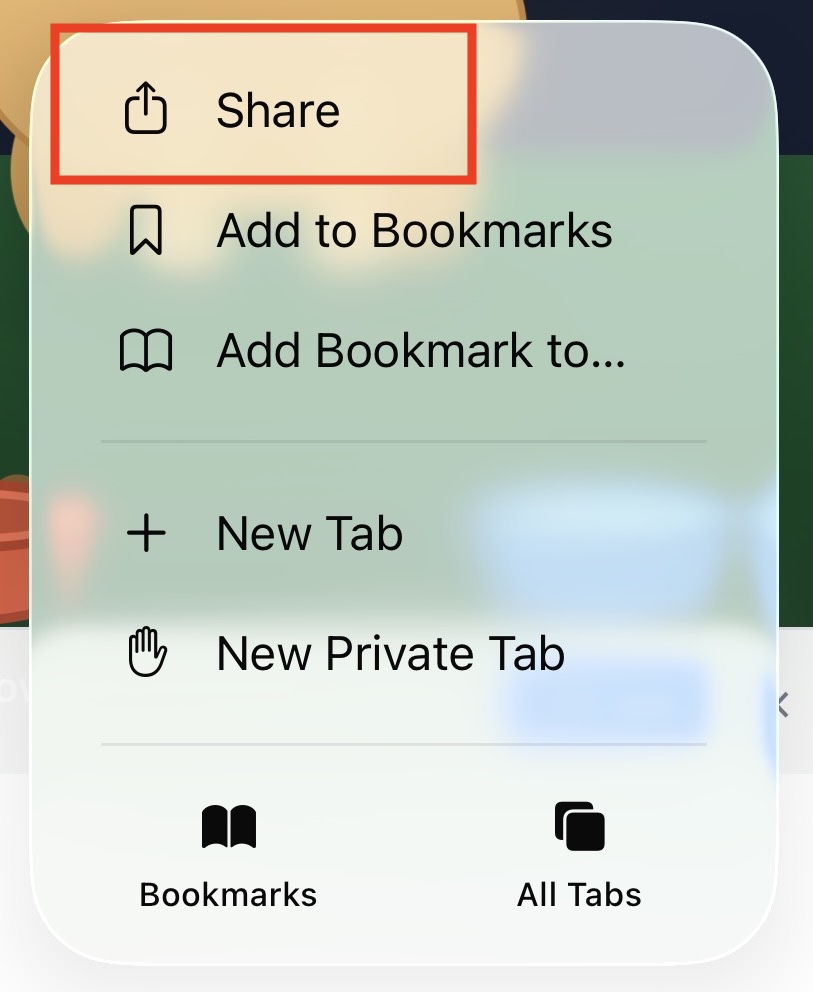
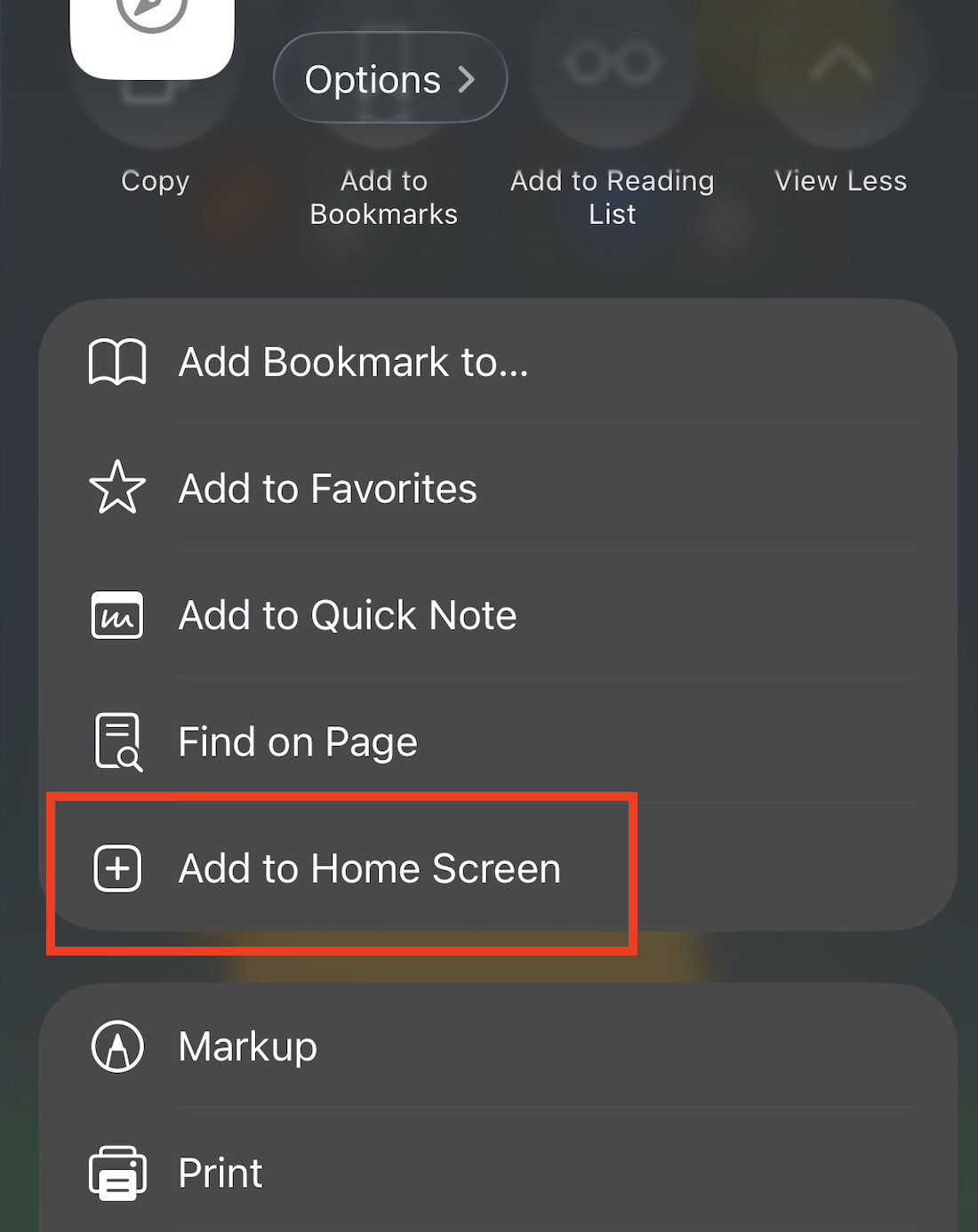
As a next step, could you delete your home screen shortcut icon, and go through the steps to add a fresh new one? Before saving, please wait until the page fully loads, and double-check that the right URL is showing https://appname.retool.app, not the one with https://appname.retool.app/_/assets/...
Let me know if you're still having this issue after doing this Thanks!

 ,
,  , or
, or  . Or by marking this post as the "Solution"! Let us know if you have any feedback


 Thanks!