Hello @Bilal_Asad,
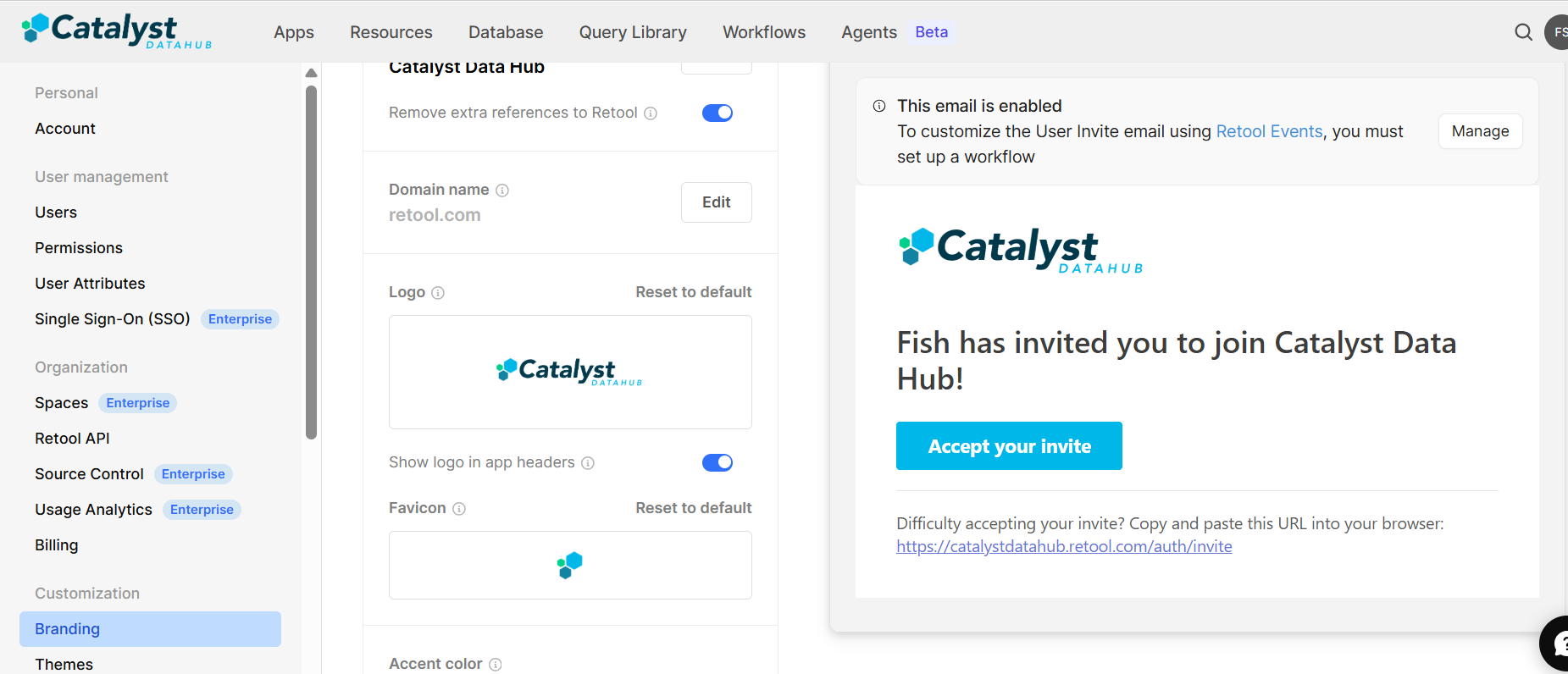
Changing the actual message text of the invite email is only possible on the Enterprise plan, using Retool Events. Here's how it works:
-
On the right side, under the invite email preview, click “Manage”
-
This will take you to Retool Events. From there:
- You can set up a workflow triggered by the User Invited event
- Use the "Send Email" block inside the workflow to fully customize the subject line, body message, formatting, and even branding.
Additionally, here's a response from the Retool team on the community forum that may be helpful Custom branding for invite and password reset emails - #4 by victoria
5 Likes