Is there any way to get a horizontal scrollbar to show when using a stack container?
1 Like
Hey Tom,
Yup, the horizontal scrollbar will appear depending on the width settings of the components within the stack container. If you set auto or fill, the expected behavior (although not always consistent) is not to see a scrollbar. However, if you set a fixed width, then if the screen size is not enough to cover the given px for the components within the stack container, then the horizontal scrollbar should appear automatically.
This is a bit trickier when expand content to fit setting is used. In general there's a lot of trial and error between setting container stacks, internal components width and related settings.
If the above doesn't help, do provide more context of the setting you're playing around with at the moment.
Hey @MiguelOrtiz,
I don't see a way to set the width. I see where to set the height to either auto or fixed, but nothing for the width.
Hey Tom,
What components do you have inside your container?
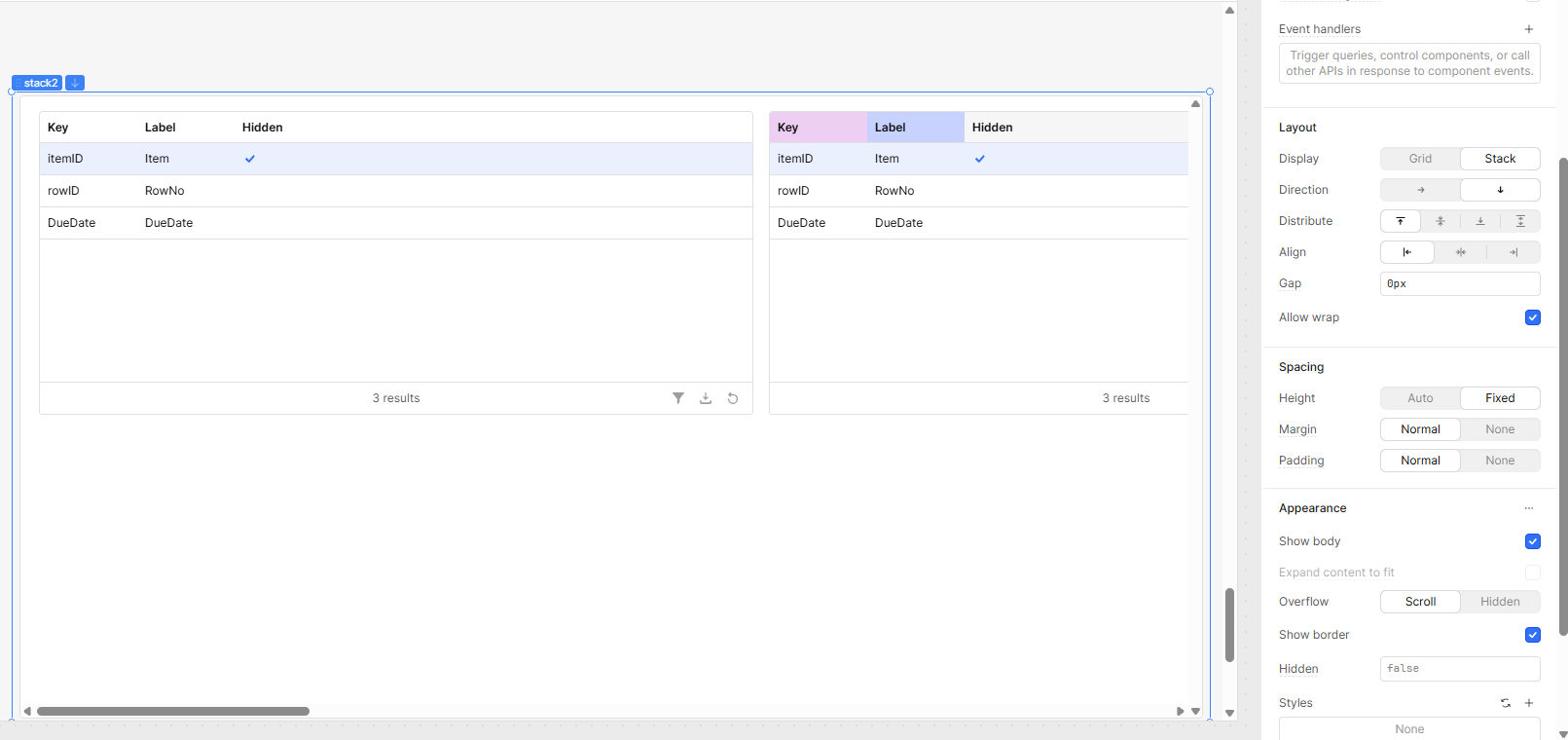
Just tables and they are all set to a fixed width. There are seven tables in the container. each is 750px wide, which is wider than container, but I still don't get a scrollbar. I've included a screenshot below.

Hello @tomm ,
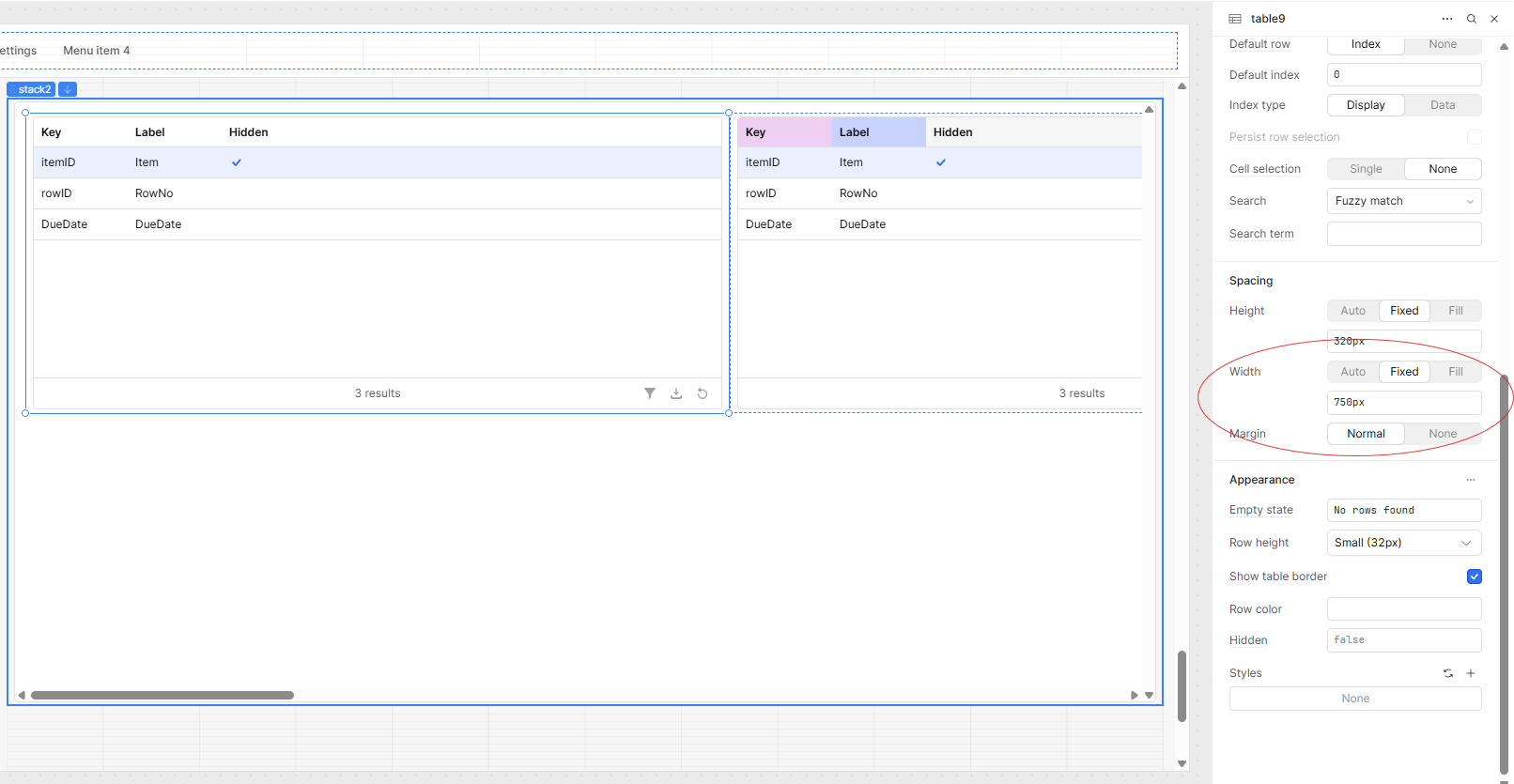
First, when adding a Stack container, set its direction to Down and assign a fixed height. Then, add your tables — for example, if you have five tables, start by adding the first one. It will automatically align side by side. After that, set the table width (e.g., 750px).
As shown in the screenshot, the horizontal scrollbar works perfectly in my app
3 Likes