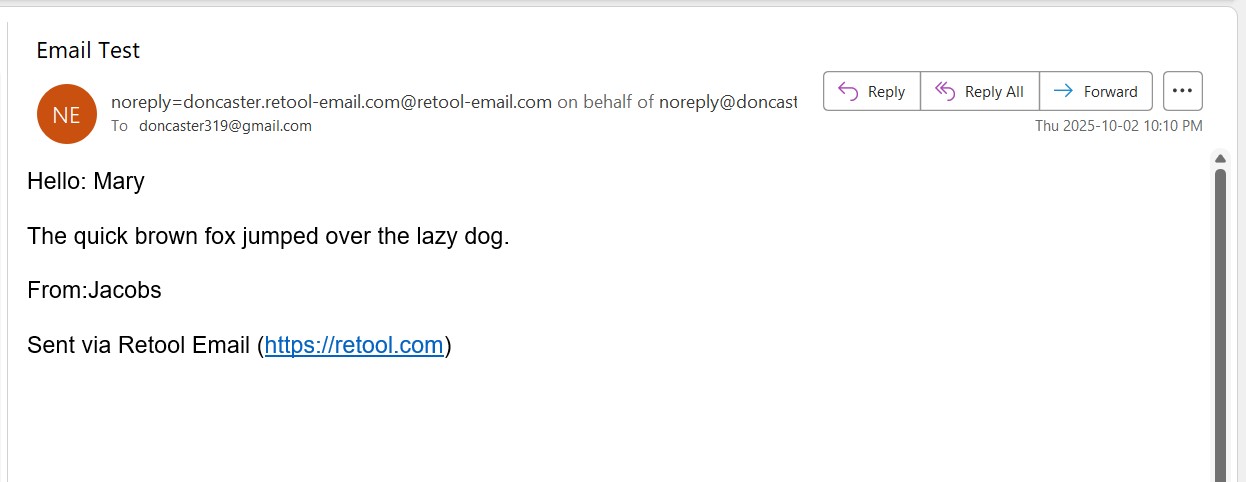
I am trying to generate emails according to a schedule from MySql.
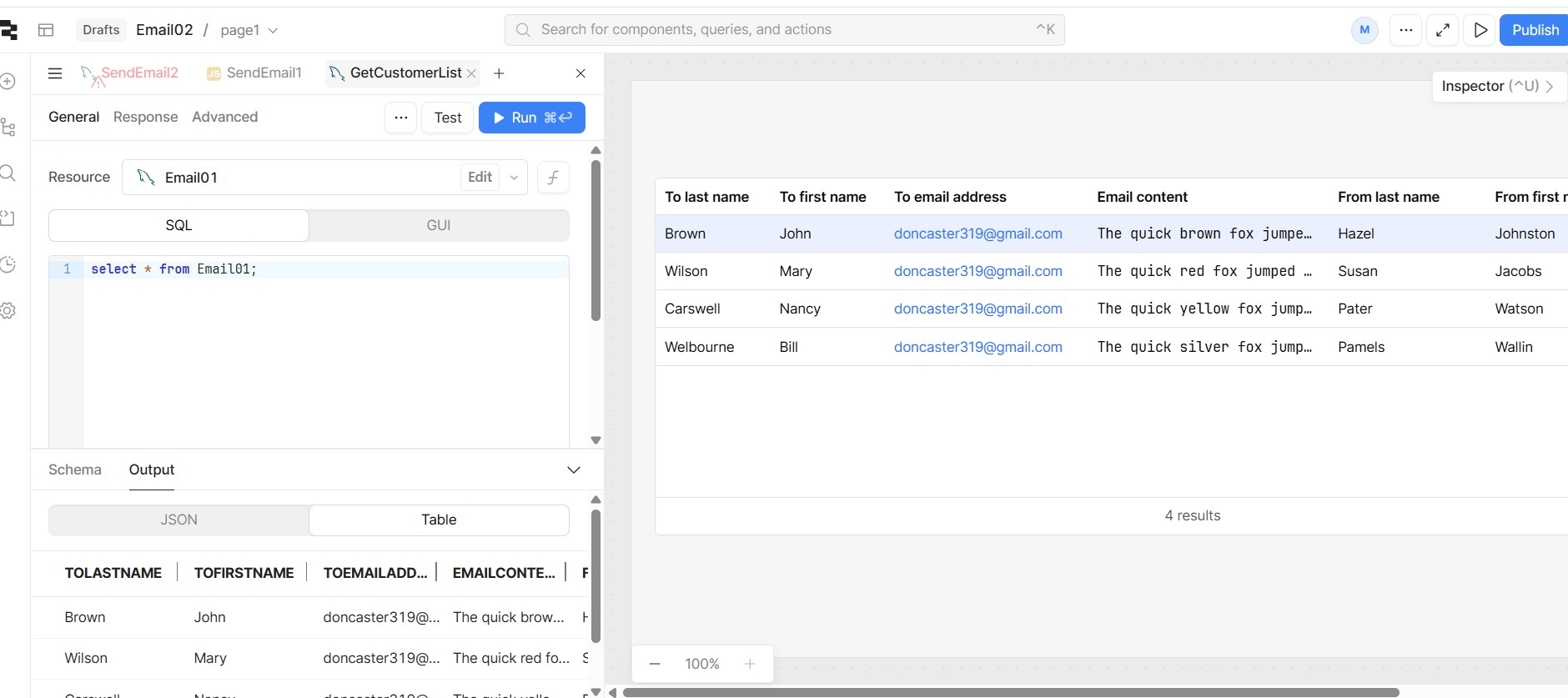
I have a table built with email generation dates along with names and email addresses.
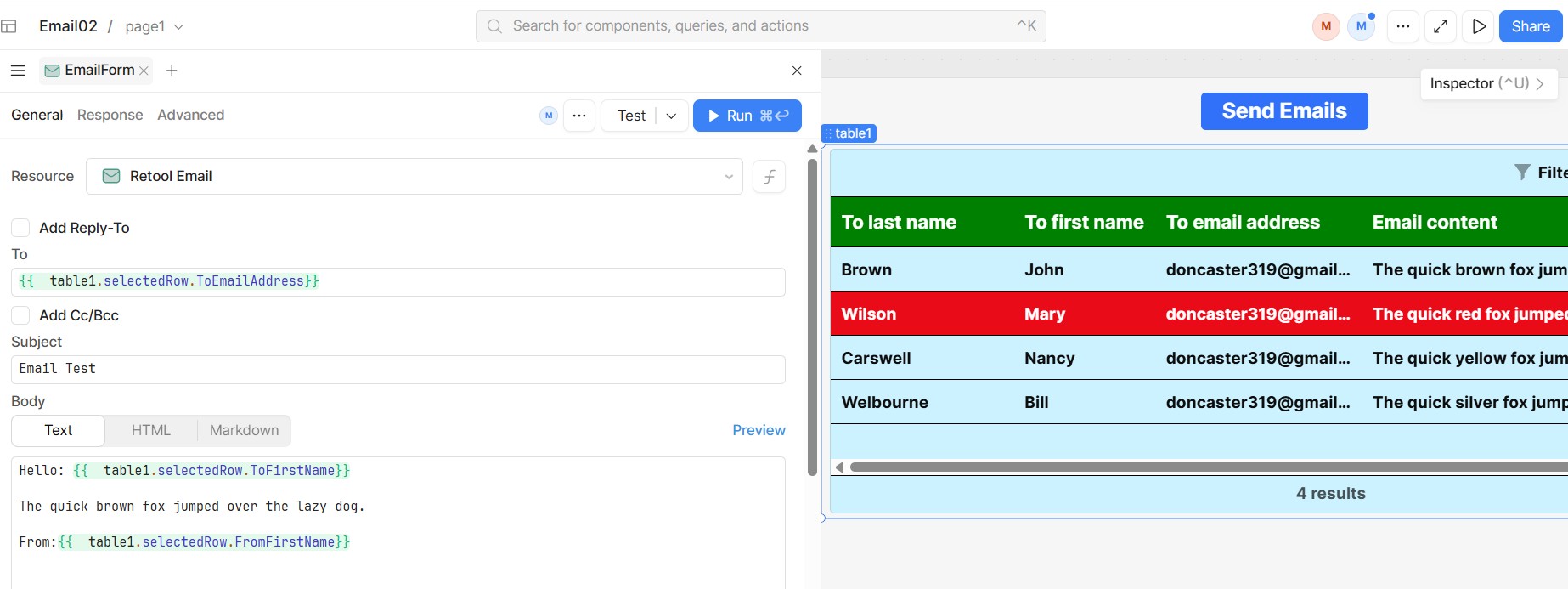
I have read the Gmail material on this subject and I have a bit of an idea but I am unsure how to get the content (like First Name, Last Name) into the email.
Before I go too far in figuring this I wanted to check if there was anyone in this Community who has had experience with this.
I am not looking for specific answers right now. I just wanted to confirm that there is someone in the Retool Community, I can lean on, if situations arise.
Our team makes tons of apps that create dynamic emails based on data thats been pulled into a Retool app. Instead of Gmail, I would suggest using something like Sendgrid to push these emails through. (Or Retool email!)
We have a great example of using our Workflows tool to send emails and it has some images of how to use our {{curly bracket}} synax which is how you would put a first name and last name into the body or subject like of the email!
You are not too far off, think of the Work Flow methodology as a conveyer belt.
The two most important parts are:
The trigger which gets the conveyer belt to run.
The inputs (Data) that is going to be doing something or have something done to it while it is on the conveyer belt.
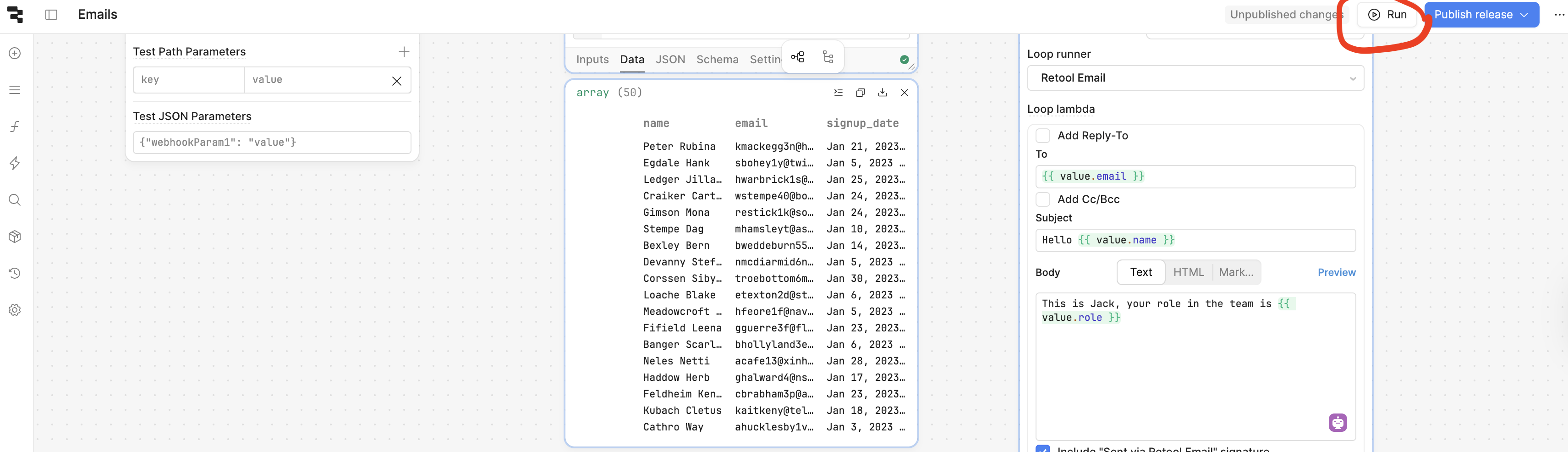
Here is a basic example of me building a workflow, using a Retool Database block to get usernames and emails from a table (exact same as MySQL in your example, this block is equivalent to an App's query).
And then I use a loop block to run some code for each row I get from the table in the Retool Database block who's data flows into the loop block.
Check out how I use {{value}} to get data from each row as the rows move into the loop one by one.
The only other part missing from my video example is 1 from what I mentioned before, the trigger, to run the conveyer belt
You can manually trigger a workflow with the Play Button Arrow in the top right of the workflow.
First I can't read the graphics and even if I could I would not learn anything from the moving pictures.
The first picture refers to a "Start Trigger". How do I get the "Start Trigger" to show up?
Earlier I saw something that referred to "curly brackets". I was unable to get to the starting point for that but it looked like something I could work with. If you could help me get to the "curly brackets" form, I think I could learn from that.
I am confused by "can't read the graphics", the first piece of media in my comment above is a video recording via Loom. Did you click on the play button and click on the full screen button in the bottom right corner?
The video will show you exactly how to take data from a SQL query and send multiple emails using each row's data.
As soon as you create a workflow, there will automatically be a start trigger. Also they cannot be removed from a workflow.
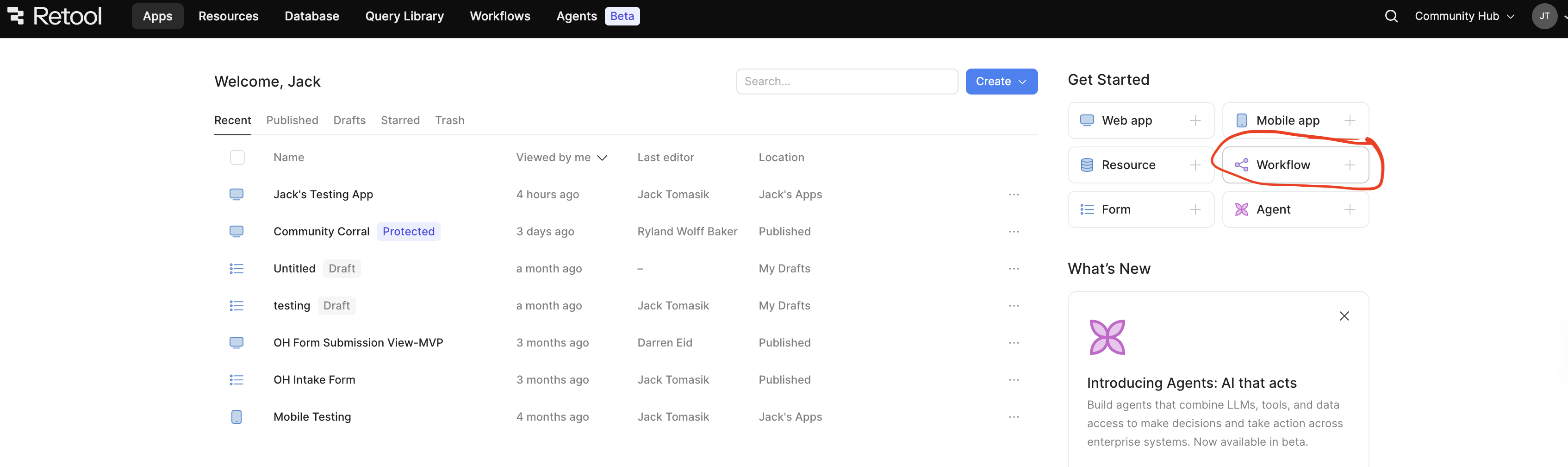
You can create a workflow from the same page you would create an app.