- My goal: To use the editor feature to work on my app
- Issue: It is so slow, I cant actually do anything.
- Steps I've taken to troubleshoot: Cleared cache, deleted components, stopped queries loading, checked internet speed, restarted PC
- Additional info: This feels like it has come out of nowhere. My app editor was perfect last week and all of a sudden it is unusable so im not sure whats triggered the change.
Summary
The Retool app editor has suddenly become extremely slow and effectively unusable, even after clearing cache, deleting components, stopping queries, checking internet speed, and restarting the machine — despite working fine the prior week.
AI Response
Sudden editor slowness like this most often traces back to one of two things on Retool Cloud. First, try closing/collapsing the Graph (dependency) pane in the editor — an accepted community solution resolved identical slowness this way. Second, transient Cloud latency has produced this exact 'came out of nowhere' behavior for others and cleared on its own within hours. Since these are the confirmed patterns, collapsing the Graph pane is the fastest thing to try right now, and if load times are purely spinner-based, monitoring for a short period may show it self-resolve.
Sources
Extremely Slow Edit Mode When Using Multipage Apps
Solved report of extremely slow/laggy edit mode fixed by collapsing the editor's Graph (dependency) pane — a direct, actionable workaround.
Solved, recent Cloud case of sudden multi-minute editor load times that turned out to be temporary Cloud latency and resolved on its own, corroborating the sudden onset described.
The Community Team is testing out a new automation. Let us know if it's helpful (or not) by leaving a  ,
,  , or
, or  . Or by marking this post as the "Solution"! Let us know if you have any feedback here.
Further to the above, I have noticed the main issue is when trying to resize or move components. My whole app will crash everytime.
1 Like
Here is a link to a video showing the issue. This has been all day. Im stumped at what I can do here??
1 Like
Hi @JStowflake, thanks for the detail so far!
Next time you hit the crash while resizing/moving a component, could you:
- Reproduce it as soon as you can after it happens, and
- Grab the Error ID from the crash screen, or copy the error text from your browser console at that moment.
That'll let us confirm whether this matches a known issue we're tracking. Thanks for bearing with us! 
Adding on to the above - it does't look like this is a widespread outage, which suggests a local dependency loop or similar app corruption. Some additional questions:
- Is this only happening with the one specific app?
- Can you share a performance profile of the app during a crash?
- Can you share a JSON export of the app in question?
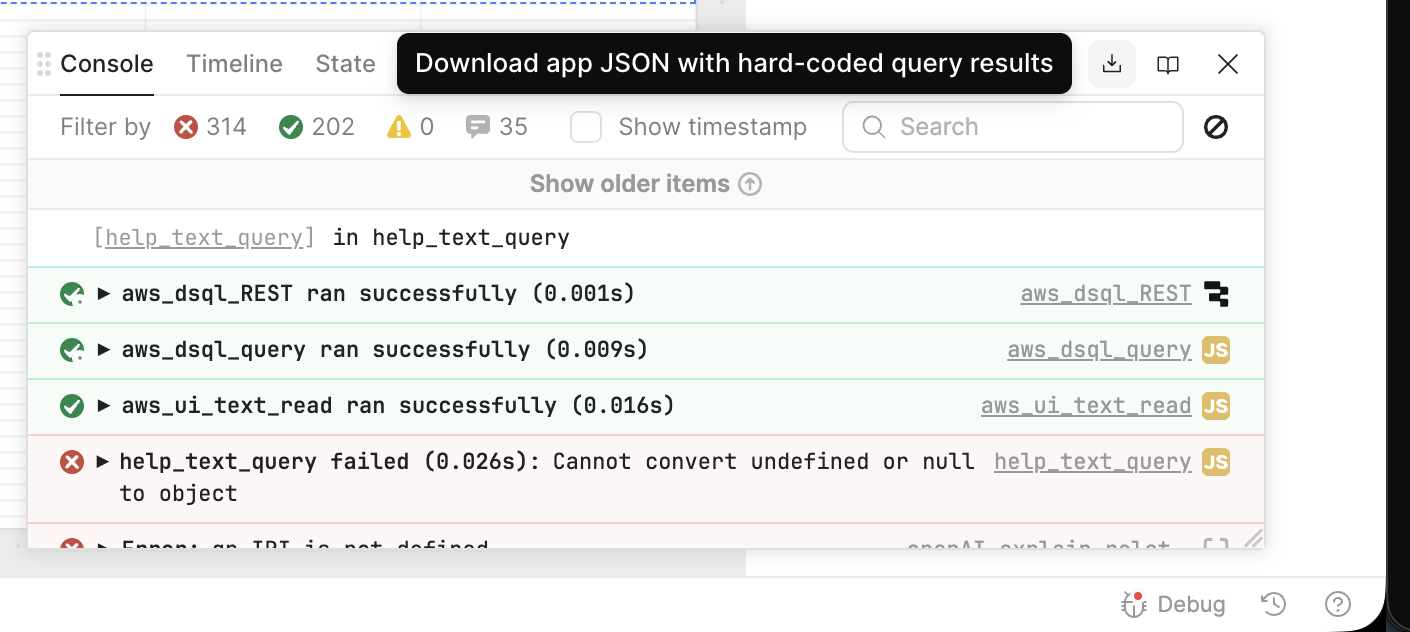
Thanks for the reply 
- The only way out of screen after I try to move or resize is to refresh. Then this same error happens everytime after I refresh the app.
- I dont get an error ID because I dont get a crash screen. My screen just freezes and there is nothing I can do.
Thanks Darren,
Yes this seems to only be happening in this one app.
When testing performance profile etc, I noticed that I dont have this issue when in Incognito mode in Chrome. Does that change any troubleshooting?
That suggests there may be a browser extension blocking certain browser activity. Do you run any sort of ad blocker?
Thanks Darren, No I dont and I just turned off any other chrome extensions with no improvement.
HI Darren, update that I used chrome incognito as a work around today but the issue seems to have fixed itself in normal chrome - not sure of the cause though.
I appreciate your assistance.
Glad to hear it, @JStowflake! Don't hesitate to reach out if you notice anything similar in the future.
1 Like
Just read the discussion and found it very useful. Actually I was facing the same issue  .
.
1 Like