In September we opened a beta of the new layout engine for the classic app builder, starting with presentation mode. We said editing would come in a later round. After lots of testing and bug fixes, we’re ready to share it with you.
What it changes
-
Drag-and-drop reliability. Drop previews use measured widget positions instead of approximations, so where you see a widget land is where it lands.
-
Editor performance. Dragging, resizing, and selecting in large apps should feel smoother and more consistent.
-
Auto-height and scroll behavior. The fixes from the presentation mode beta, such as expandable table rows and unnecessary listview scrollbars, now apply while you edit too.
What it doesn't change
-
Your apps. There's no migration or rebuilding, and your apps should look the same.
-
Your app templates. In this round, the new engine still doesn't write to your app. Editing with the new engine saves to your app in the same format as before, so teammates and the classic engine see your changes.
-
Mobile. Mobile apps aren't included yet.
What to expect
-
A small hit to load time. In the first post, we said load time wouldn't change. For editor mode it will, slightly, because we convert your app to the new engine's format each time the page loads. Once the app is open, editing should be more reliable.
-
Drag-and-drop may feel different. Moving components can behave a little differently than before. For example, dropping a widget onto an existing one may no longer push the existing widgets down.
-
Yes, you can test business-critical apps. The new engine builds its layout from your saved app each time the page loads, which is where the small load-time hit comes from. If you switch the toggle off, we save your latest layout and remove the beta's extra data first. We did this to enable testing of the new engine while minimizing risk to builders.
-
It's a toggle, not a commitment. If an app looks wrong, switch it back and tell us what you saw.
What we're asking of beta testers
Turn it on for the app that's most painful to edit: lots of components, nested containers, big tables, list views. Tell us where it breaks or where it still feels slow. Specifically useful:
-
Drag and drop. Dragging in new widgets, moving them, and dropping into containers.
-
Resize. Resizing widgets, including auto-height widgets.
-
Undo and redo. Whether these actions behave as expected.
-
Fidelity. Whether the app looks and behaves the same after you edit and save.
-
Performance. Whether editing heavy apps feels faster, and where it doesn't.
Who can join right now
Cloud orgs already in the presentation mode beta. We're enabling editor mode for you, so you're already in. This round is cloud only. We've made many bug fixes that won't be released until next year, so we aren't including self-hosted customers yet.
Getting set up
You'll see a new toggle in the app's status bar.
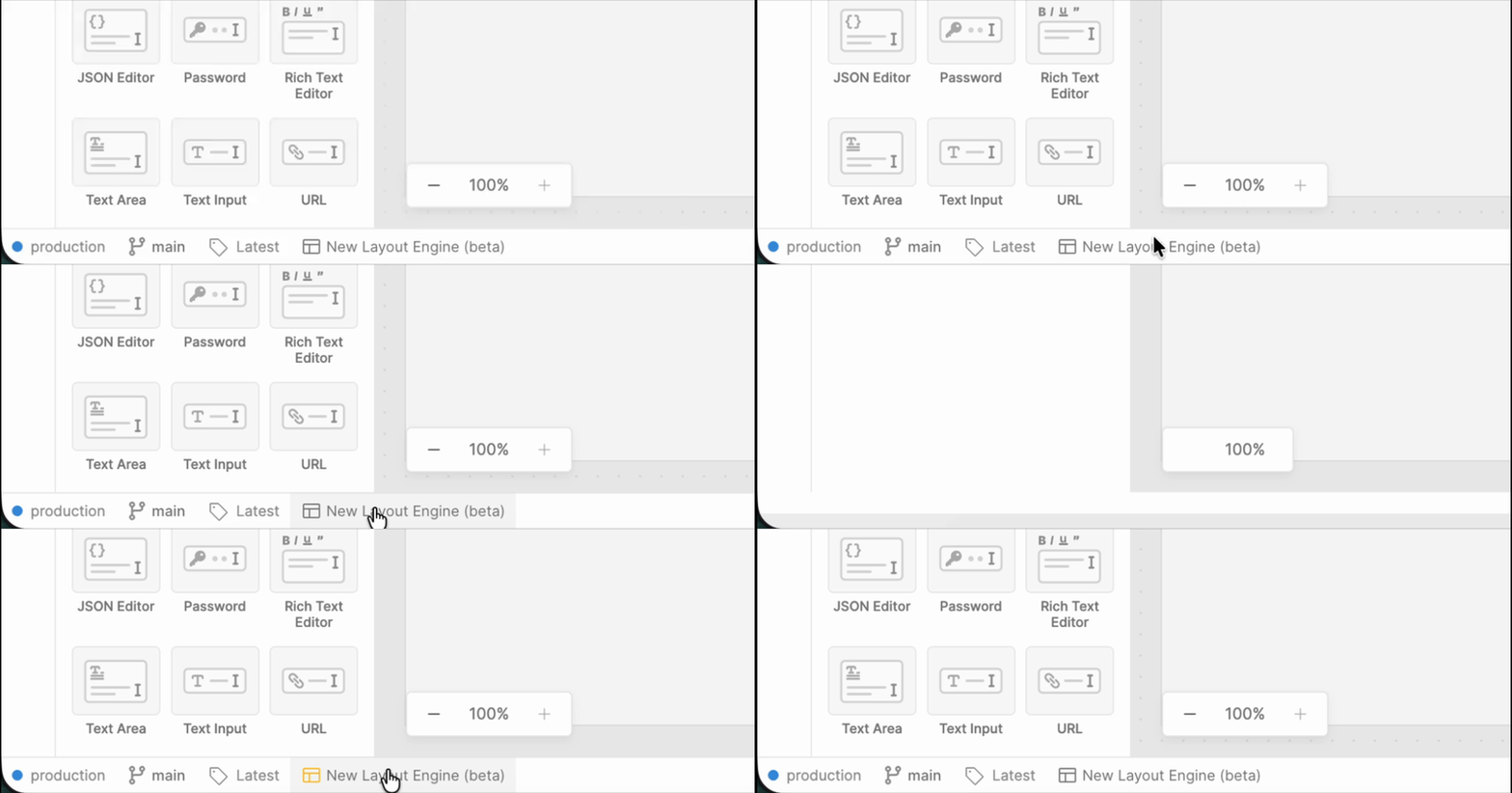
Click it to edit with the new engine, and click it again to switch back. Like the presentation mode toggle, this setting applies only to you.
How to sign up
If you're in the presentation mode beta, you're set. Otherwise, reply in this thread, send me a DM, or email layout-beta-feedback@retool.com. It helps if you include:
-
Your org name
-
Whether you're on Cloud
-
(Optional) An app or two that's painful to edit, and roughly what makes it heavy: component count, nested containers, big tables, list views, etc
We'll be reading every report in this thread or that you DM me. If you've posted about stack drag-and-drop, this round is meant to answer it.