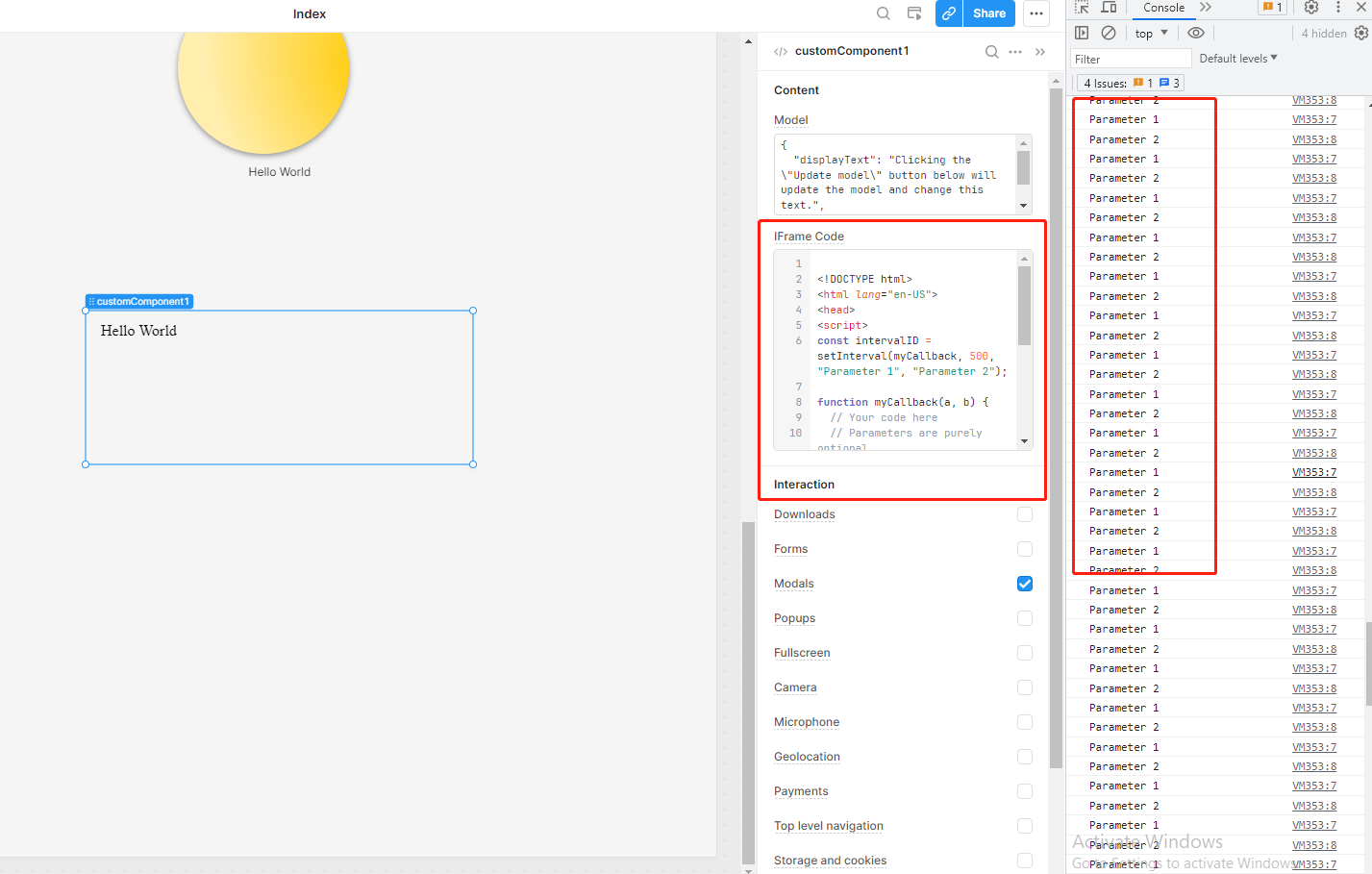
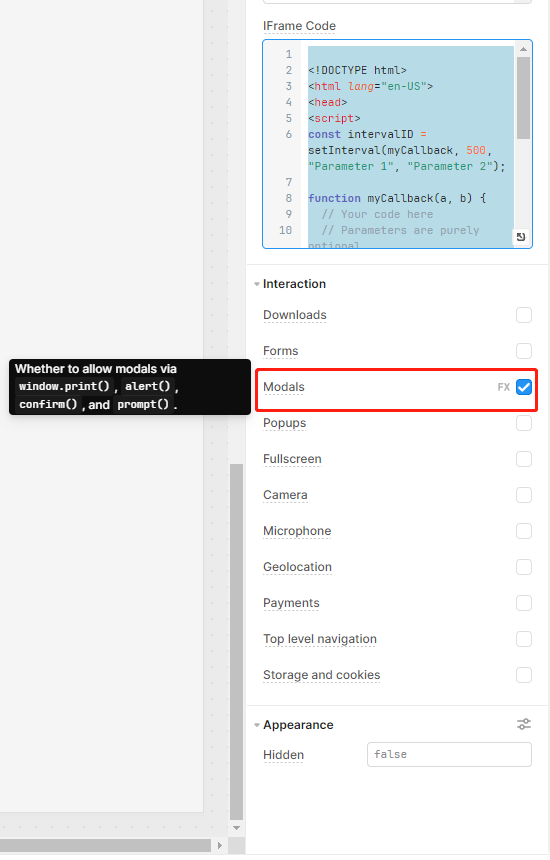
In Custom components for web apps using the html component. If I have html with javascript built in, how do I enable the javascript.
java script is set to update every 10 seconds but it is not.
#<html>
#<head>
#<script src="https://cdnjs.cloudflare.com/ajax/libs/jquery/1.11.1/jquery.min.js"></script>
	#<script src="https://cdnjs.cloudflare.com/ajax/libs/respond.js/1.4.2/respond.min.js">####</script>
#<script src="https://cdnjs.cloudflare.com/ajax/libs/jquery/1.11.1/jquery.min.js"></script>
#<script src="https://cdnjs.cloudflare.com/ajax/libs/jquery-visible/1.2.0/jquery.visible.min.js">##</script>
#<script src="https://cdnjs.cloudflare.com/ajax/libs/jquery.pjax/1.9.6/jquery.pjax.min.js"></script>

<h1 id="clock">10:00</h1>

#<script>
function $(a){
 return document.getElementById(a)
}
#function ajax(a,b,c){
 c=new XMLHttpRequest;
 c.open('GET',a);
 c.onload=b;
 c.send()
}
function reloadData(){
 ajax('http://71.88.142.51:8080/results.json',updateText)
};
#function updateText(){
 var db=JSON.parse(this.response);
 $("clock").innerHTML=db.clock; //clock indicated from $("clock") is the ID perameter of the <h1> above, while the db.clock is the name of the .json string
}
# window.setInterval(reloadData,1000);

</script>


</body>
</html>