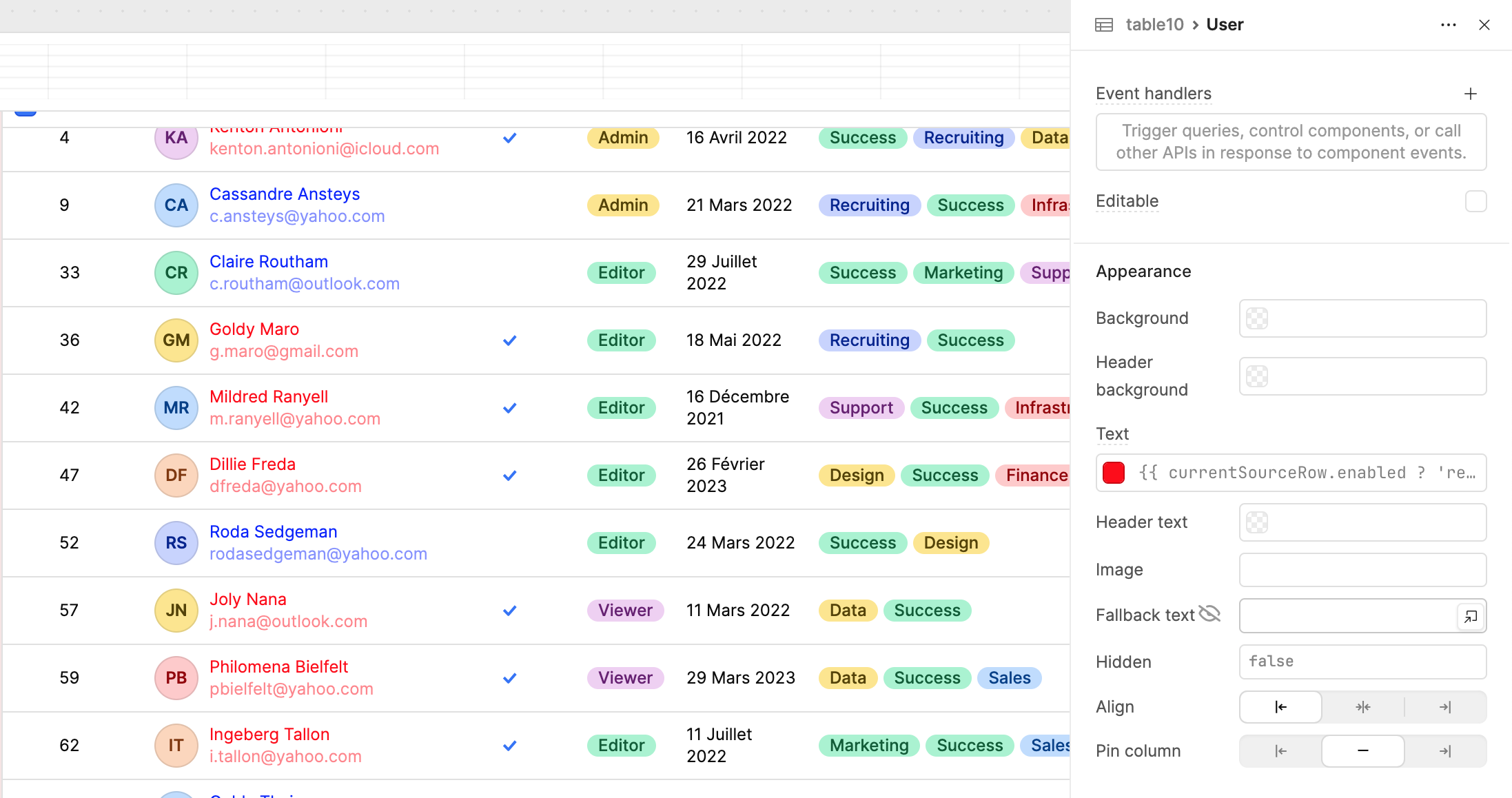
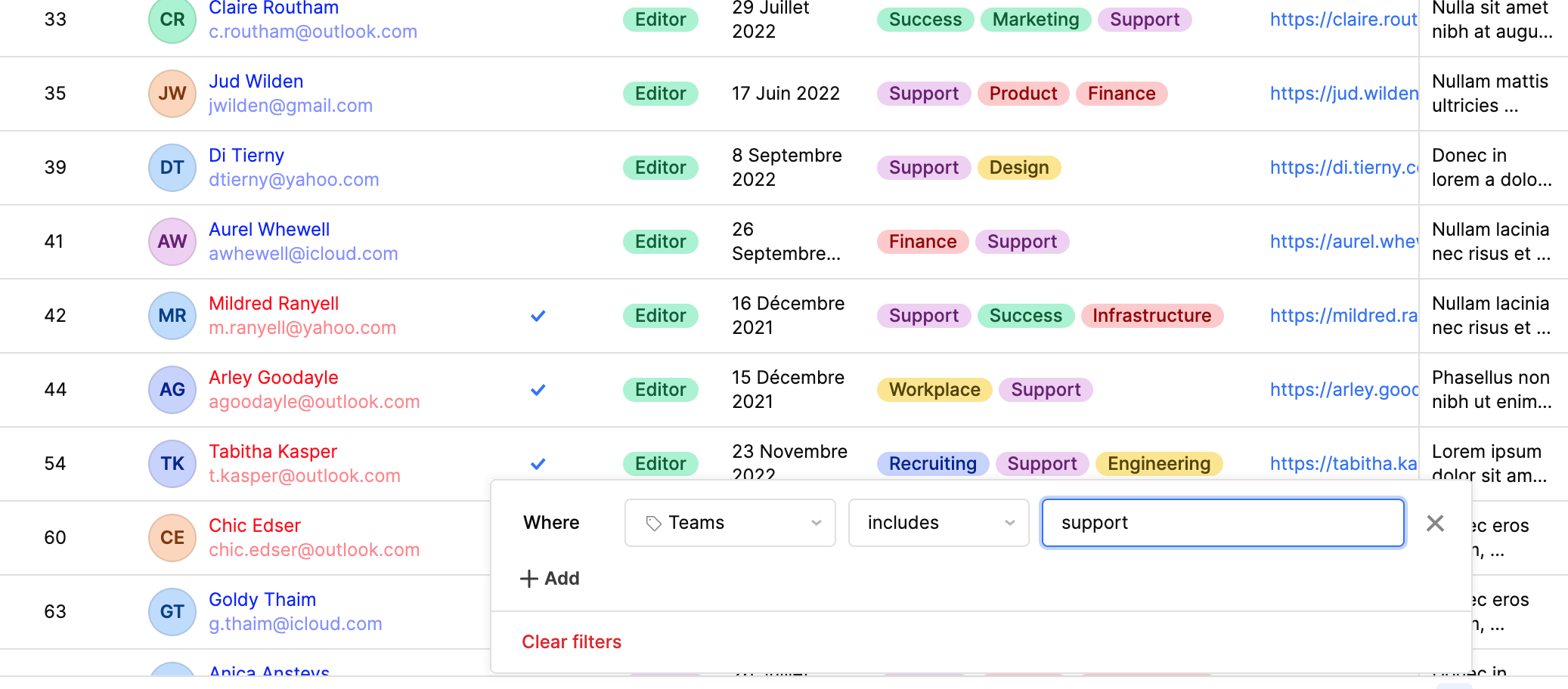
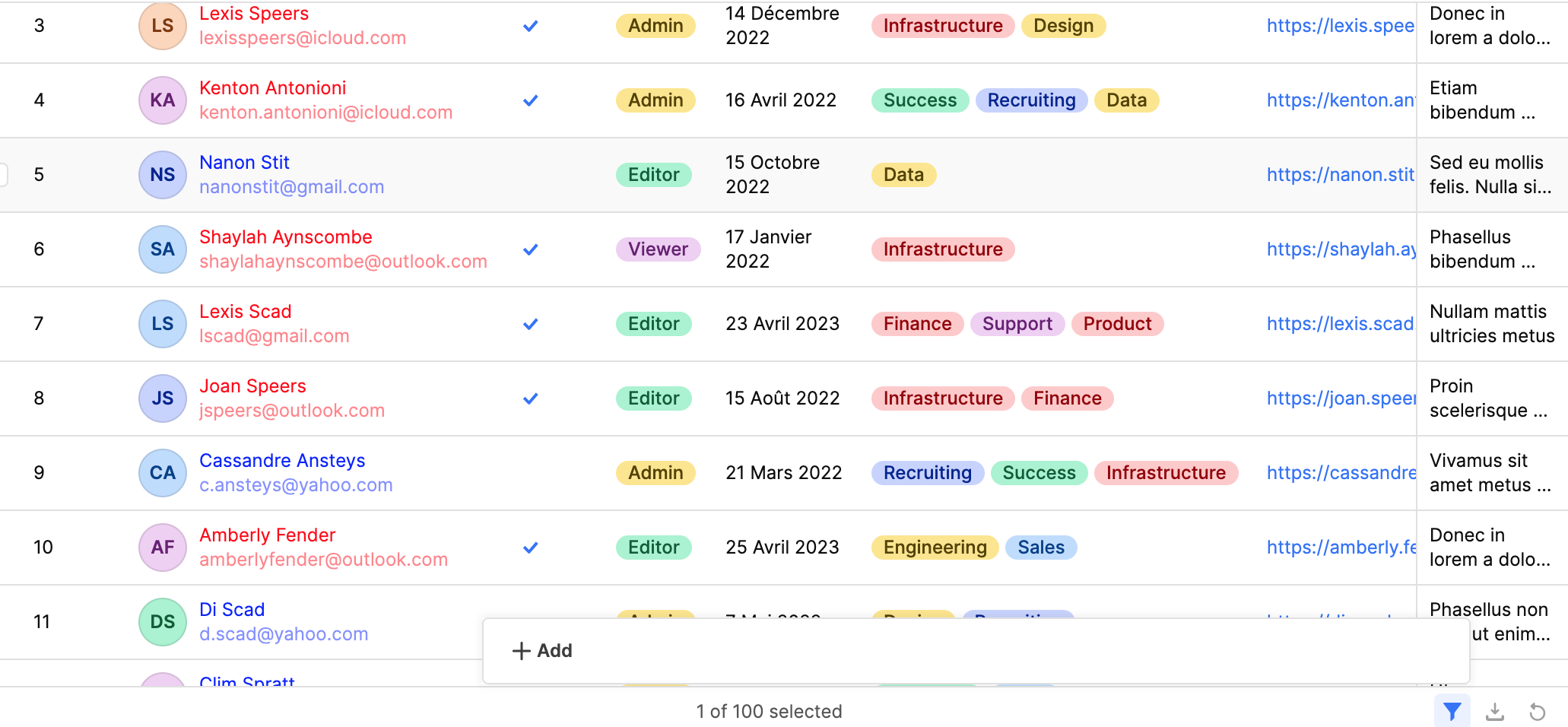
I am looking at at a specific row that should validate to false and so display in black. When the table is unfiltered, this works correctly, but I have noticed that when I filter to the 1 row, then it validates incorrectly to true (Red). I can also see that in the unfiltered table, the first row correctly validates to false (Red).
Should I be using a different condition for the colouring, and not currentSourceRow?
If nothing else works, could you conditionally also account for if there is only 1 row in your record series and currentSourceRow.HasCreditHold == false, or if currentSourceRow.HasCreditHold == false then color should be ‘black’? Else color should be ‘red’?
Use currentRow instead of currentSourceRow.
currentRow → shows the row exactly as it appears in the table after filtering or sorting.
currentSourceRow → shows the original raw data before filtering or sorting.
So when the table is filtered, currentSourceRow may point to the wrong row, which causes the text color to be incorrect.
use this:{{ currentRow.HasCreditHold ? 'Red' : 'Black' }}
This does not work as the object currentRow is not available for column settings, e.g. text colour. I get an undefined object warning, and when run the condition using currentRow is ignored.
Neither currentRow nor self (e.g. to use as self.row) are available, i.e. they are undefined. I have also tested in case the intellisense is incorrect, and they conditional logic is then ignored completely.
I have just tried this in my own instance and have been able to produce the wanted result with the exact query {{ (currentSourceRow.yourColumn=== false) ? 'Black' : 'Red' }}, it might be worth opening up a separate app editor and seeing if the problem still persists.
In both scenarios, currentSourceRow works exactly as expected for me — it correctly evaluates whether the row is enabled and returns the appropriate color.
If the issue keeps happening on your end, try the following steps:
Hard refresh your browser (Cmd + Shift + R on Mac / Ctrl + Shift + R on Windows)
Reset the app state in Retool
Double-check if any transformers or query dependencies might be interfering
Try reproducing it in a fresh temporary app to see if it’s environment-specific
If you’re still seeing inconsistent behavior, please share a short screen recording. That will help us understand exactly what’s happening and guide you better.
If not, do you have more details such as a screen recording or screen shot so we can better troubleshoot? From my testing, currentSourceRow.enabled should work.