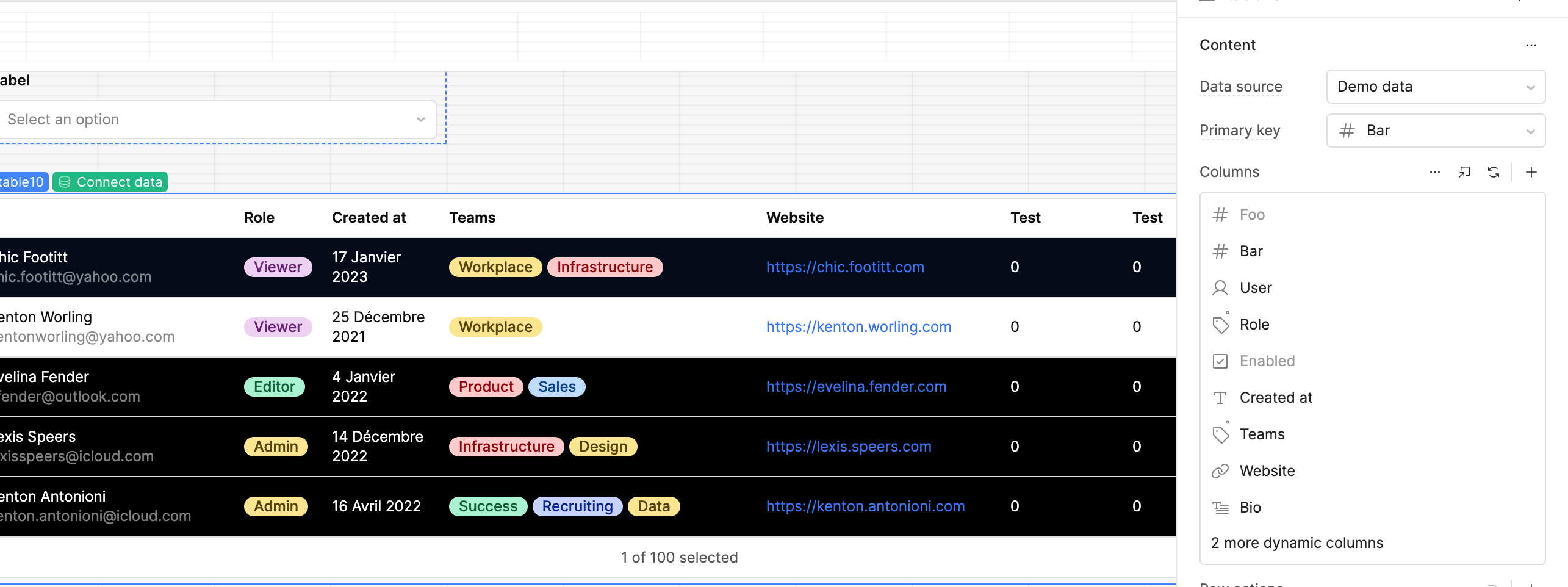
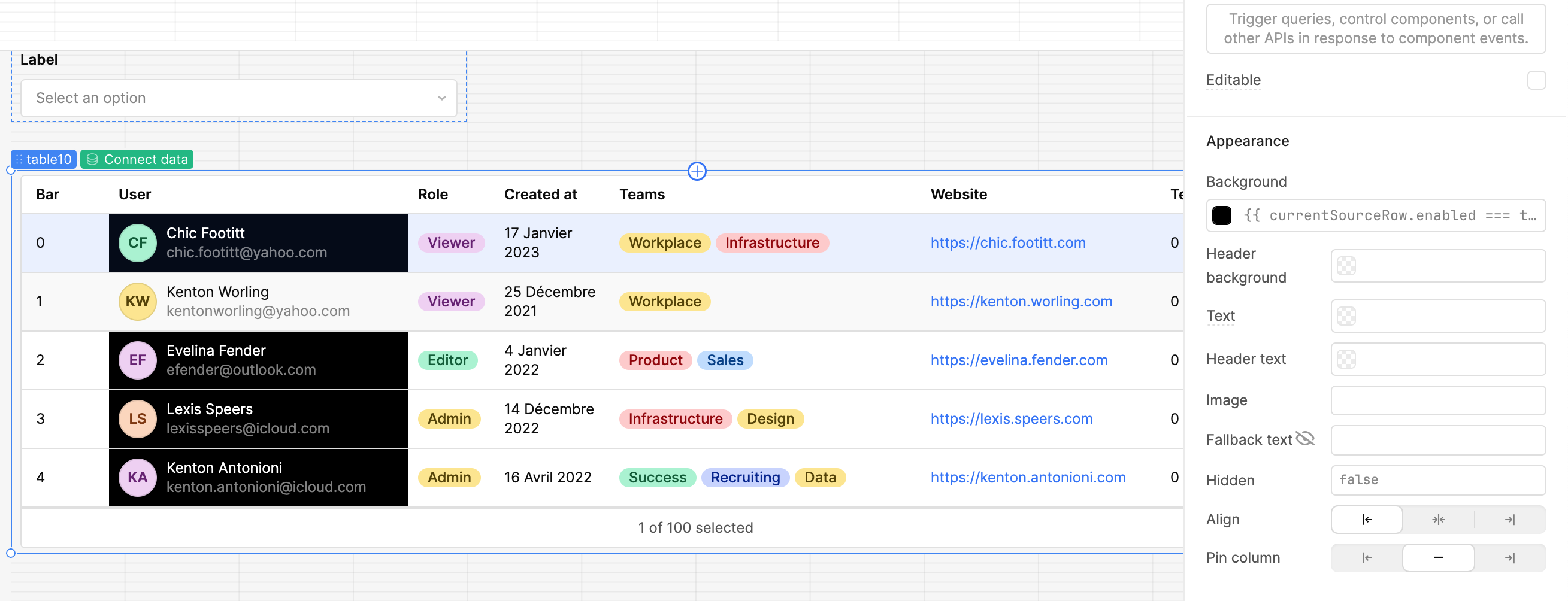
My understanding is that currentRow references only the displayed form for visible columns, while currentSourceRow references the raw values for all columns. Once a table is filtered, currentSourceRow seems to become confused and can point to a row from the original unsorted and unfiltered table that was at the same index. My question is how can I then reference the correct row for a hidden column, e.g. to set colours? As the column is hidden, currentRow would not be applicable.
Example:
I have a hidden column called IsDisabled with a boolean value of true in row index 0. I filter my table to a single result using a visible column (e.g. name) that was originally index 10 with IsDisabled = false. After filtering, using currentRowSource, it returns IsDisabled = true.
You’re exactly right about the difference in behavior:
currentRow → follows the displayed row (after filters/sorts/pagination)
currentSourceRow → points to the original data index (pre-filter / pre-sort), so it becomes “misaligned” once you filter or sort
That’s why after filtering, currentSourceRow is giving you the wrong IsDisabled value – it’s still looking at “row 0” of the original data, not the filtered result.
How to get the correct hidden column value
The key detail: hiding a column in the table does not remove it from currentRow.
You can still reference that field even if the column itself is not visible in the UI.
So in your example, if you have a hidden column IsDisabled, you can do something like this in a visible column’s color / style:
Thank you for the full response; interesting to know.
Unfortunately, neither currentRow nor self.row are available on properties such as table column text colour, there is only currentSourceRow. I get an undefined object warning with these (on self and currentRow), so, this does not fix the issue.
I understand the issue you’re facing with using a hidden column to set a row or column color. You actually don’t need to rely on a hidden column for this—Retool gives you access to currentSourceRow, which works perfectly for conditional formatting.
Example: Set Row Background Color
If you want to set the background color of a row when enabled = true, you can use:
You should be able to use the conditional logic for styling via currentSourceRow.property even if the row for .property is hidden and the table is being sorted.
 How to get the correct hidden column value