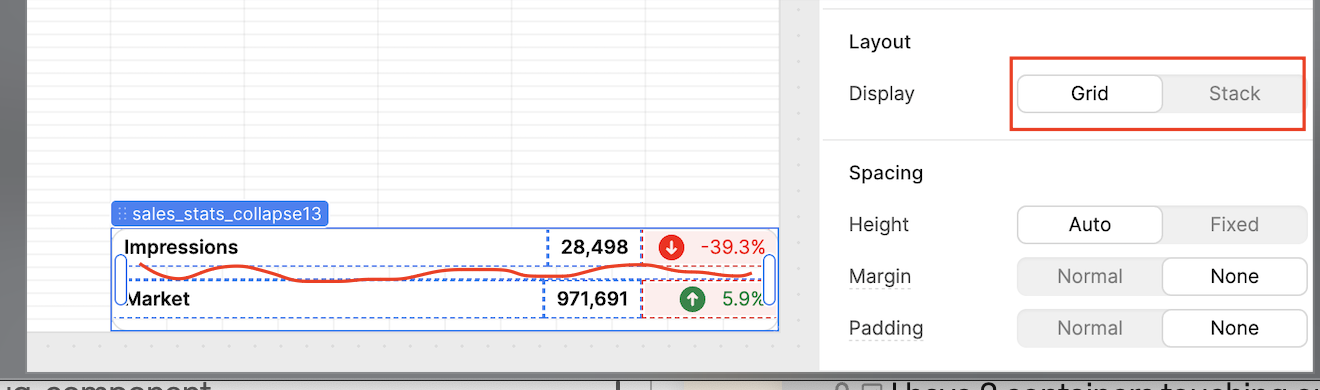
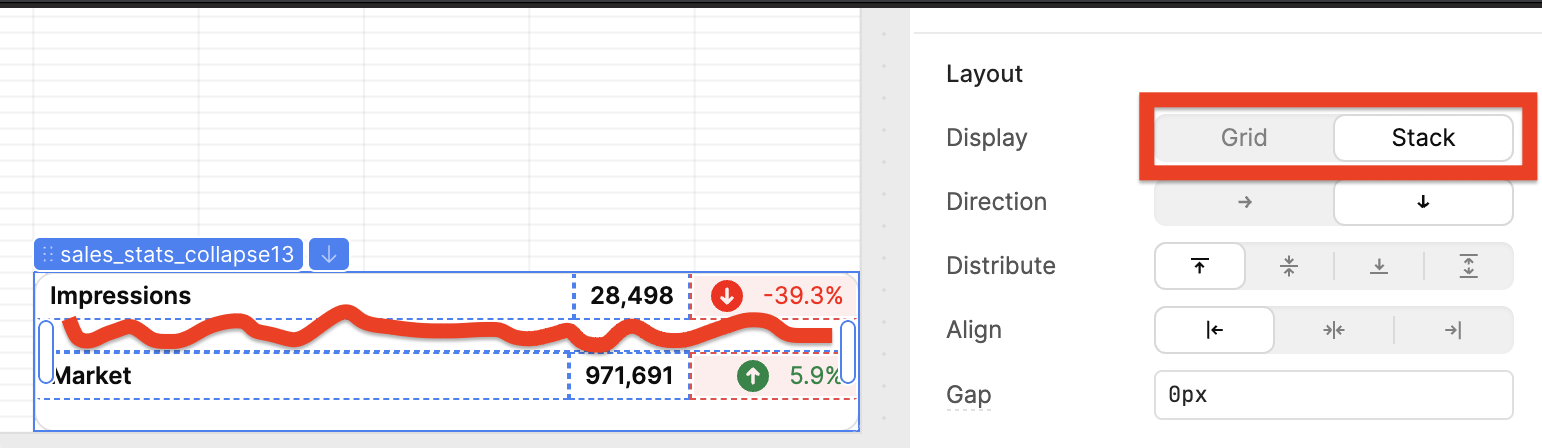
I need to remove the whitespace in between two stacked containers (within another stacked container). When I switch the parent to the grid view, the space, for the most part disappears. I've tried all the spacing configurations (margin, padding messing with the height, etc)
I was able to reproduce this, and indeed the stack container seems to have a minimum heigth of 3. Even when set up to fixed, it is not possible to make it smaller, and automatic will leave that white space.
The only "workaround" I found is to change the upper component to Fixed Height and Align to Bottom. But that will work only if you have two containers, which I'm guessing you won't.
So I'll let the Retool team speak more into this potential bug.
I think I'm confused. Is sales_stats_collapse13 a container with 2 components inside it: one being "Impressions" and the other "Market" with the red line being the space between the 2?
If so, I notcied you set the Margin and Padding on the main container sales_stats_collapse13 to None but did you set the Margin to None and Height to 'Fixed' on the inside components as well (the "Impressions" and "Market" containers)?
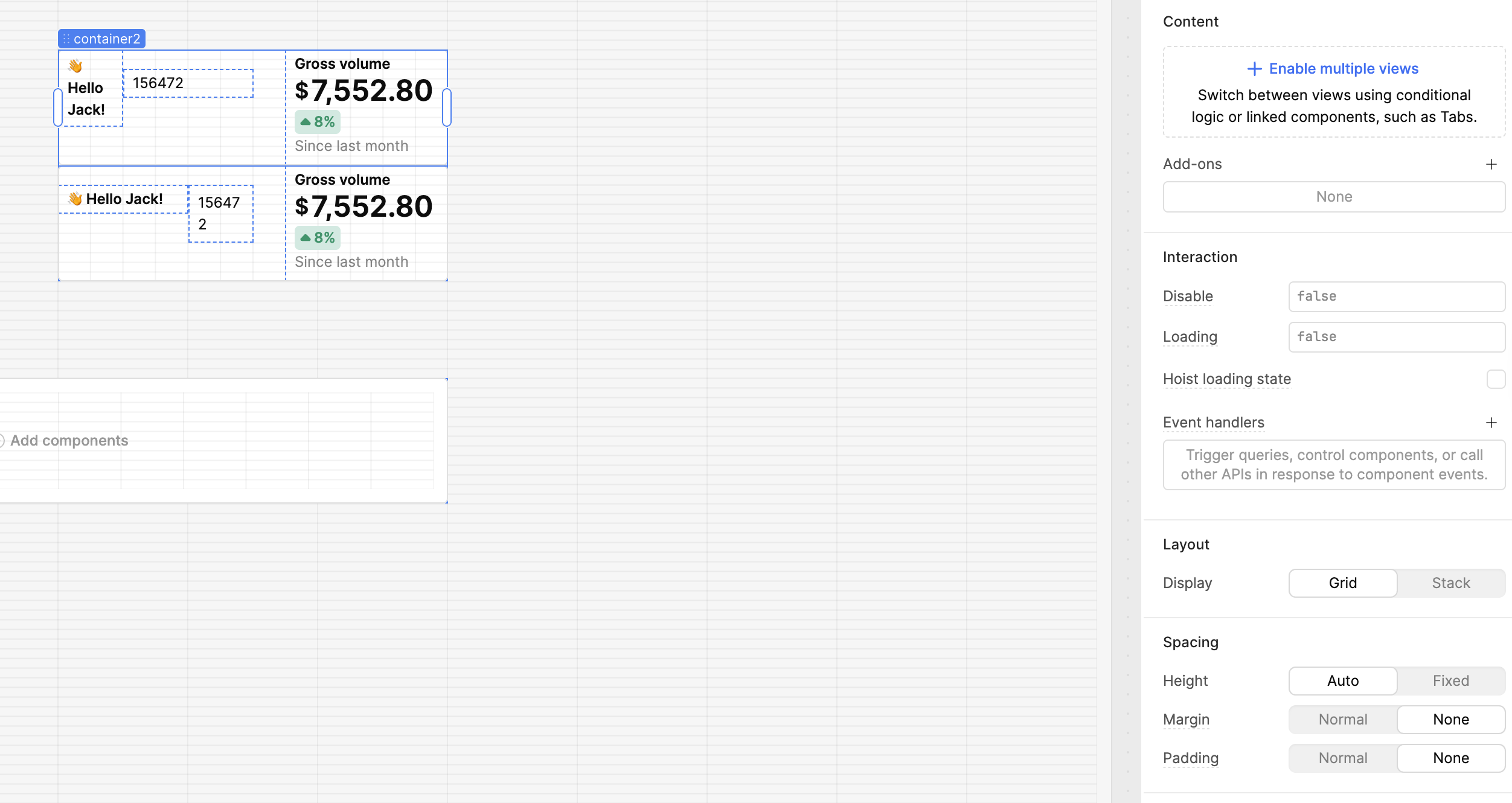
Thank you for that last comment, it helped me to rebuild your components to test this out.
It looks like that last little bit of space can't be removed, not sure if its a bug. It seems like a feature to help users when mousing over things to help with mousing over and selecting the components. But I can definitely ask the UI team about how we think about situations where users want to have absolutely zero space between child components.
In the short term, I moved the two containers out of the top level parent and under Spacing after I set Margin and Padding to None I was able to get the space between as small as I could