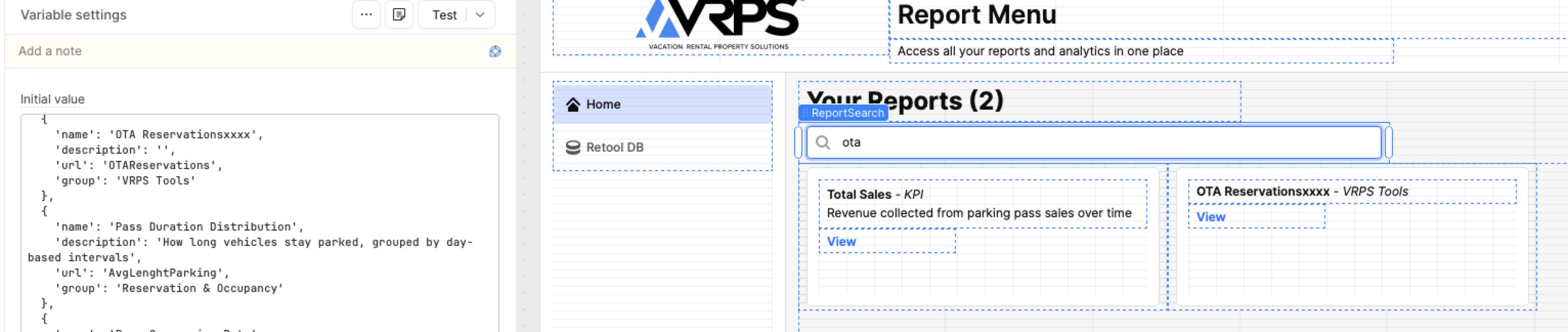
1. Issue: Changes made in the Editor view are not reflected in the user view. 2. Example:
I'm adding XXXX to the report name. The change is clearly vible in the UI. Note: more complete chnage like adding or removing components do not work either.
3. Step to resolve this: I've tried the following things
Opened a Breakage report and had them try the same thing. Their chnages worked
Cleared my browser cache
Tried different browser (Safari and Chrome)
Tried in Incogito mode
Duplicated the app and tried to make changes
Upgraded to the Team Editon to benefit from the Relese functionality
I am completely at loss with this and don't knwo what to try next. As it stand this App within this insatnce are stuck as they are. Rebuiding them woudl take a lot of work!
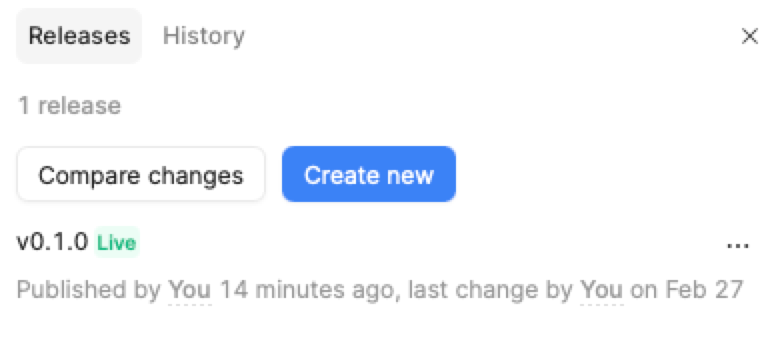
Based on the screenshots you shared of the release version, it looks like the issue may be related to the version that was published. In the release history, v0.1.0 shows that it was published 14 minutes ago, but the last actual change in the code appears to be from February 27.
It seems that the change you made to the name inside variable may not have been included in the latest published version, or the variable value might not have been stored correctly before publishing.
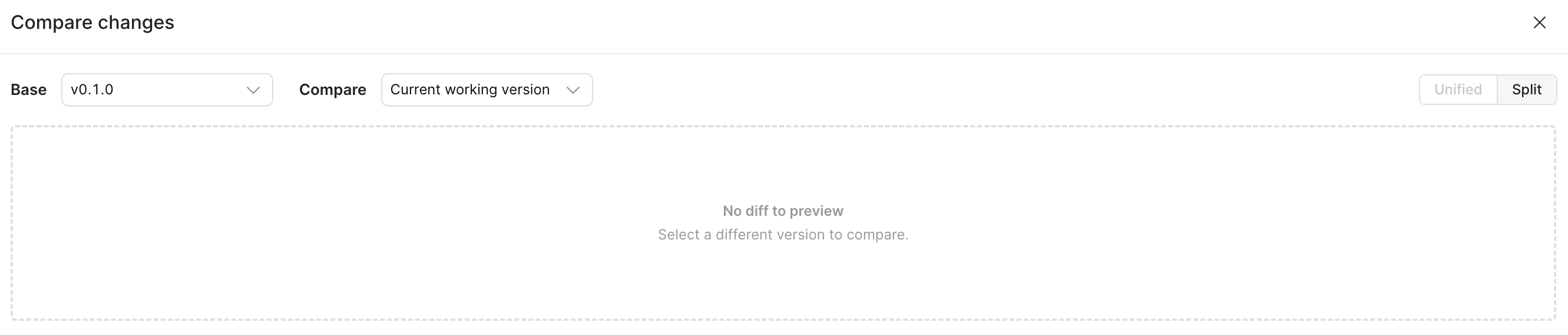
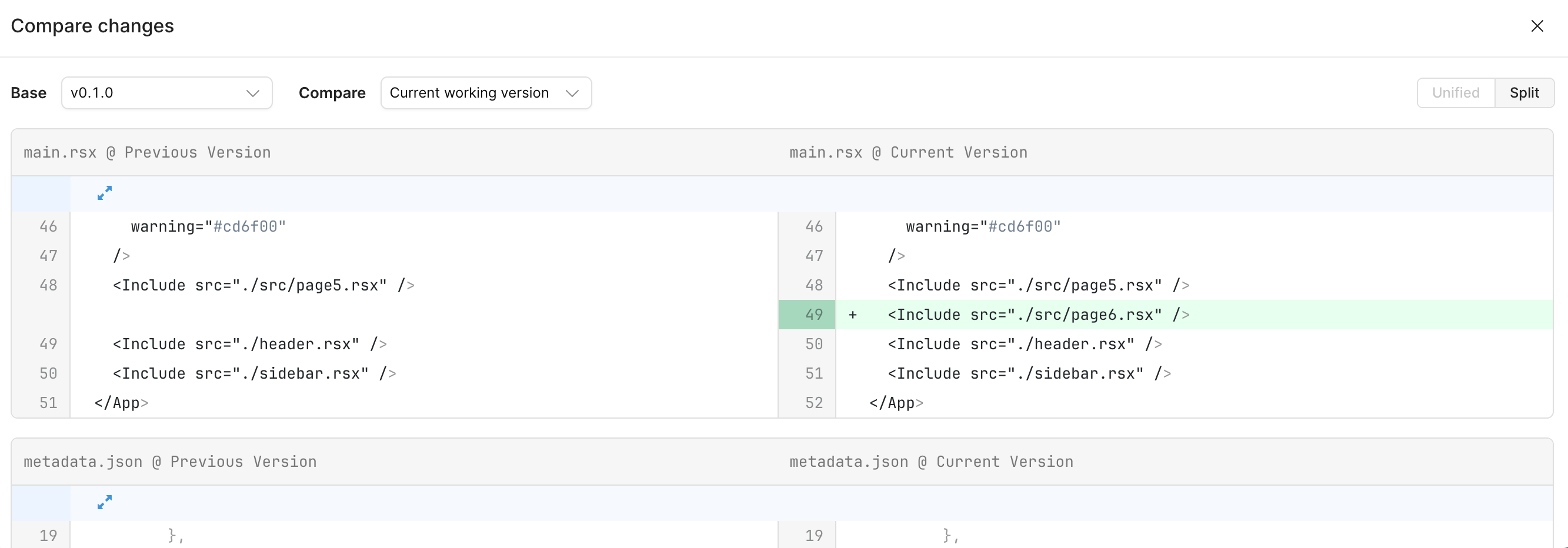
Before publishing a new version, you can verify the changes using the “Compare Changes” option in the release panel. This helps confirm whether your updates—such as variable updates or static values—are properly saved and included in the new version.
Checking this section should help you confirm whether the updated variable values are correctly stored before publishing.
I have narrowed down that the issue is with my home Internet. As long as I am not workign form home or connecting to a VPN everythign works as designed.
I've yet to figure out how to resolve this with my home internet provider!
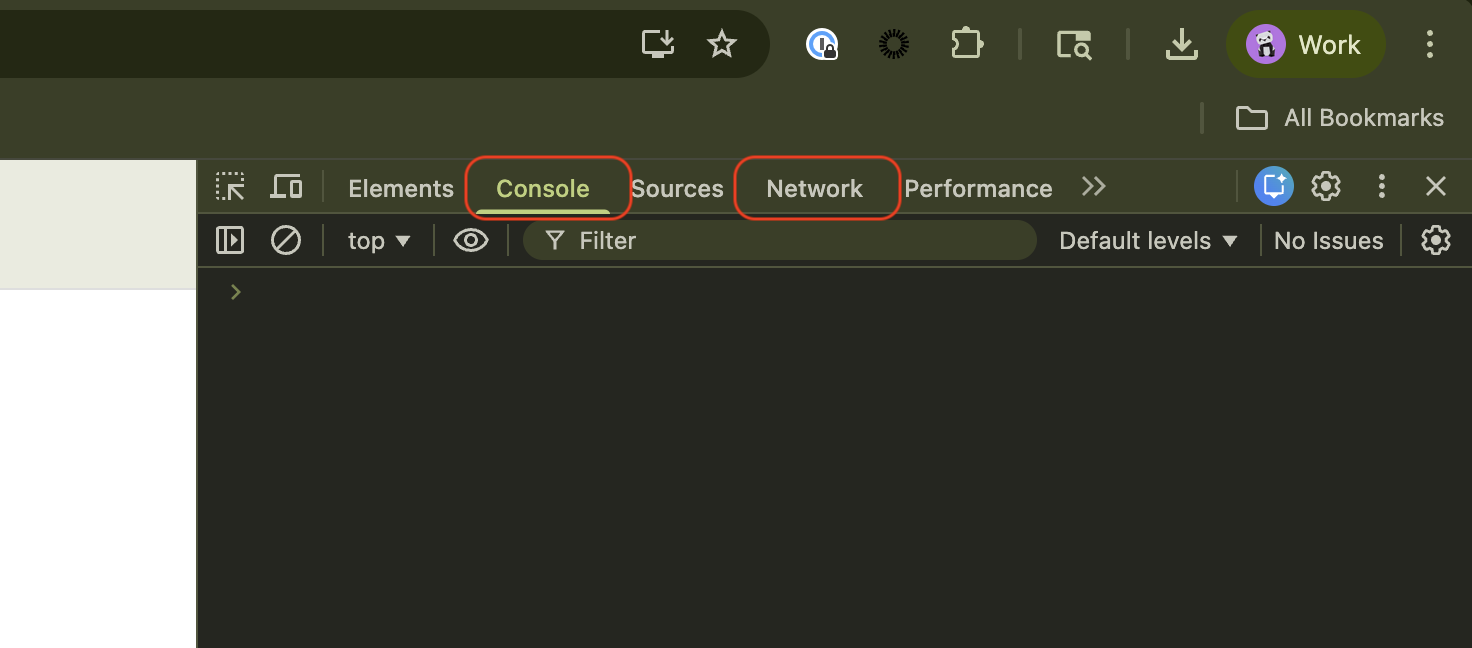
That's very odd. It sounds like your VPN or firewall may be blocking some of your outgoing traffic. Just to confirm, can you check to see if there are any errors in your browser console? Or failed network requests?