-
My goal: Run a Retool Workflow on a scheduled trigger or manually
-
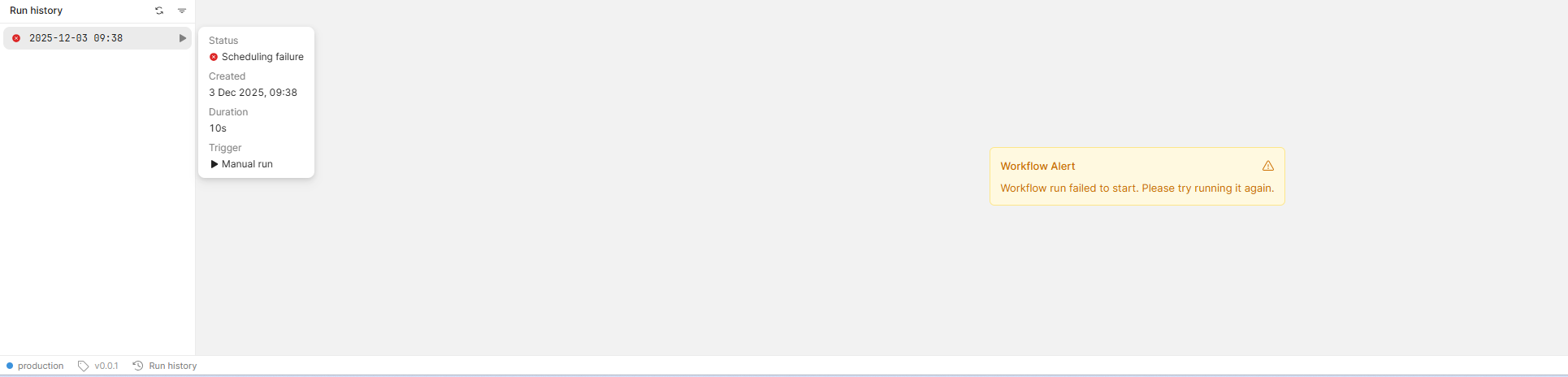
Issue: Scheduled Triggers do not run. Manual trigger trigger returns ‘Workflow failed to run’ error.
-
Steps I've taken to troubleshoot:
a) Tested all workflow steps to ensure they run correctly
b) Exported and Reimported the workflow via JSON object
c) Duplicated the workflow
d) Checked that I have correctly published the workflow, scheduled the trigger and other basic steps prior to manually triggering. -
Additional info: (Cloud or Self-hosted, Screenshots): Self Hosted Instance
Screenshot shows the error following an attempt to ‘Run’ the workflow.
hi @bvlaard ,
As i can see in your screen shot that you did not have startTrigger block in your workflow that might be the causing this trigger error.
1 Like
Hey bvlaard,
Welcome to the Retool community forums. My name is John and I will be helping out on this request.
For Workflows to run they are going to need all of the Workflow specific services up and running along with either your own Temporal or Temporal be reachable for the Retool provided one.
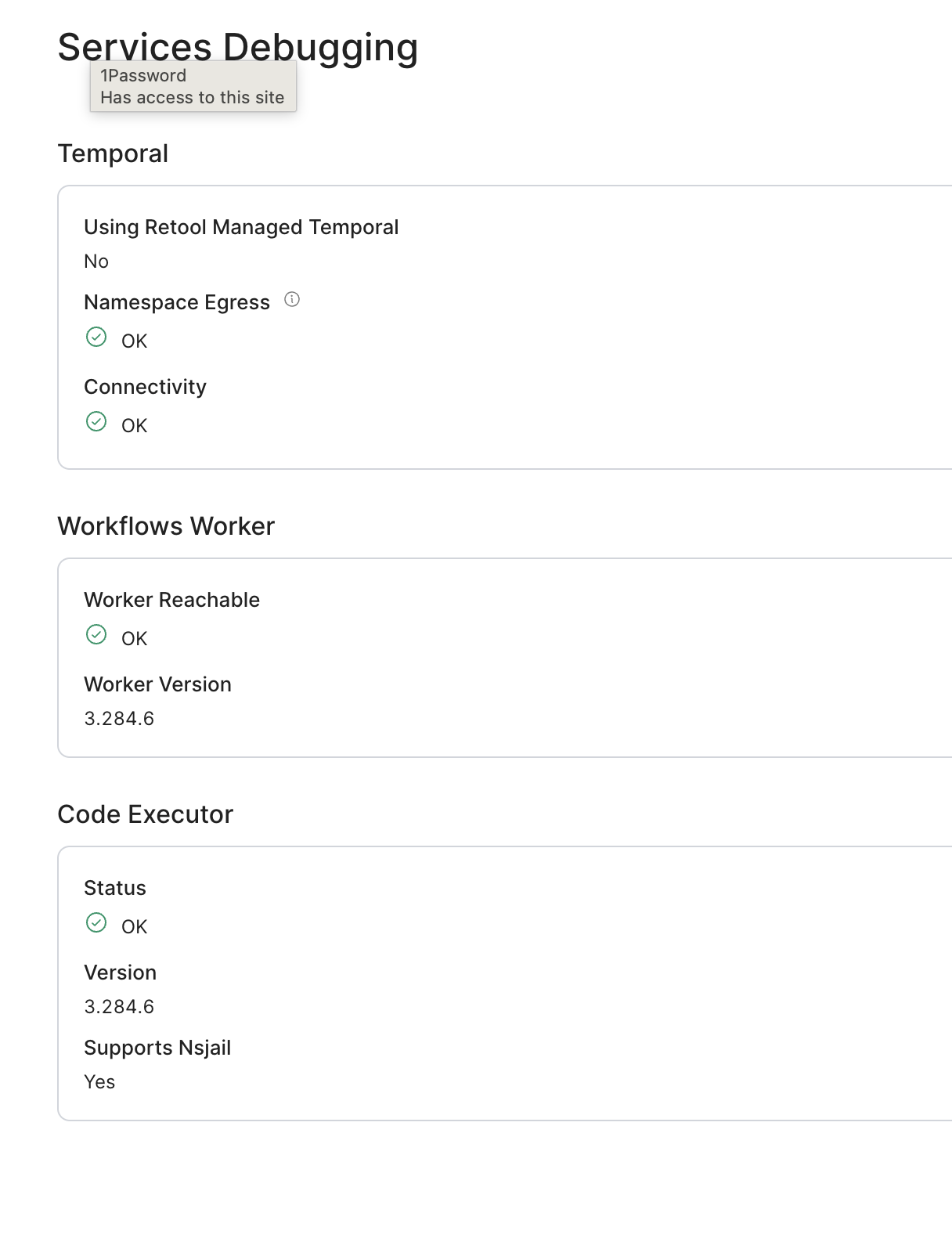
Can you please let me know if all of your services are up with something like a docker ps? You can also go into the Retool Settings > Services Debugging page or /settings/services-debugging. On this page it shoud provide some details about your services and clarify which Temporal you are using.
If all things seem fine here, we can check each containers/service logs to see why this might be.
TLDR; we should check the core services that Retool uses here and double check they're all up and reachable so Workflows can run on any schedule.
Looking forward to hearing back 
John | Retool Support
Hey John,
Thanks for the response. This was indeed the issue: our systems team needed to make an update to the Temporal configurations (don’t ask me specifics, haha) and we were able to resolve.
Thanks for the prompt.