I run into cases where I build a workflow, then later on realize that I want to move the existing blocks into a loop function. I know, I should plan better, but it would be nice to be able to move existing blocks into a new function so that I don’t have to rebuild the workflow within the multi-step function.
I have a feeling a lot of people have this issue, seeing how easy it is to get carried away building workflows Not a deal breaker, but it is a PITA and cause for misconfiguration
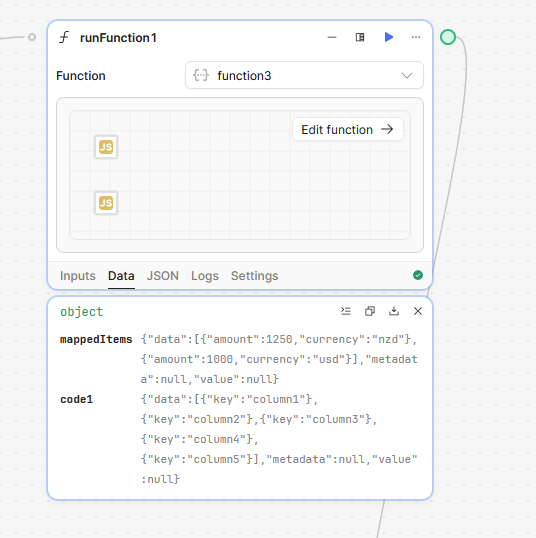
I’m not sure why the Loop Runner in the last screenshot isn’t showing function3 in the selection drop down, but that’s the one I created in the previous step. I looped it 4 times and got the output back 4 times so it seems like you should be able to do something similar.
You will have to setup the inputs/outputs properly to continue the processing from the current workflow so depending on the function YMMV.
 Not a deal breaker, but it is a PITA and cause for misconfiguration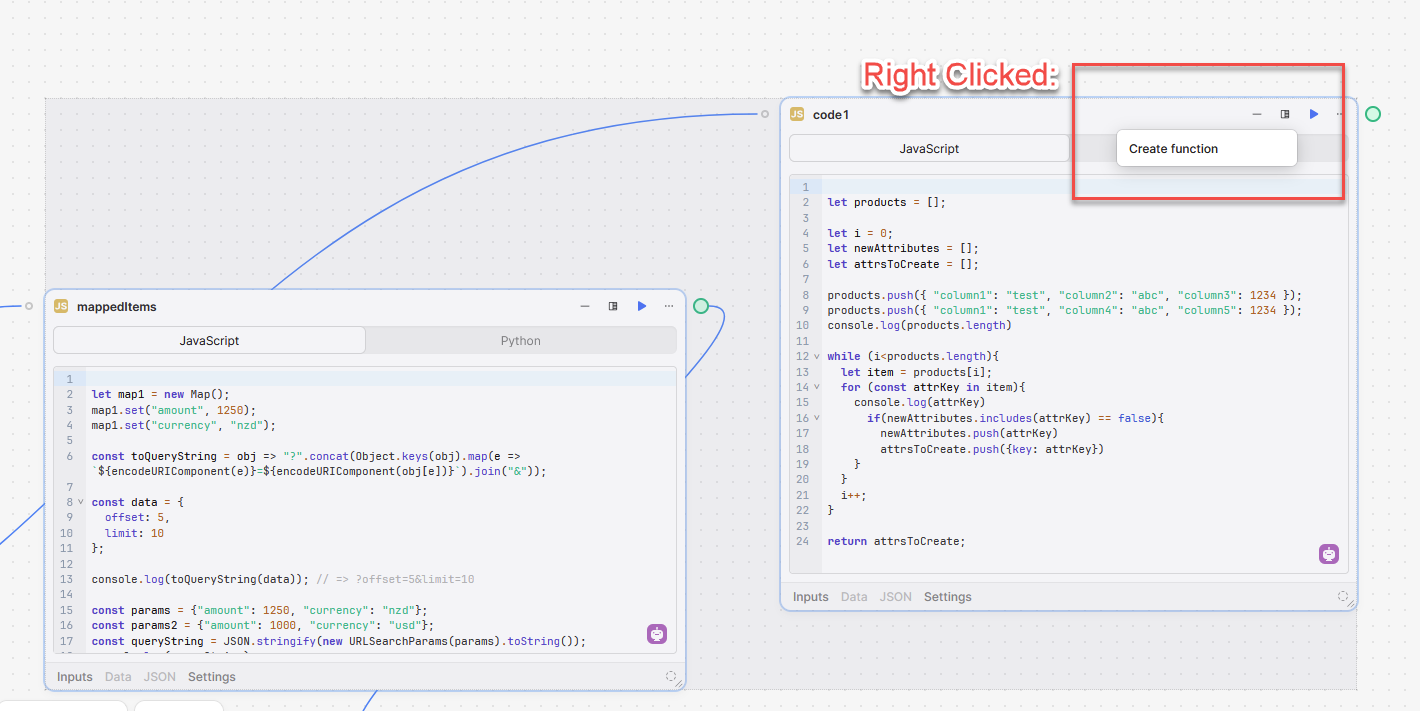

 Were you able to try out