I have a Affiliate user group that is very locked down - they can only view certain apps, use certain resource and so on. Also the All Users group can basically do nothing.
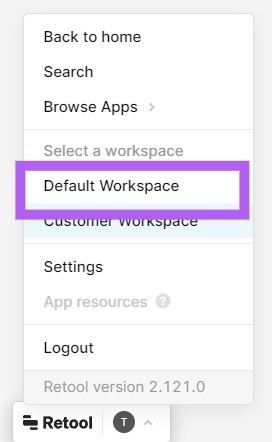
If they go to their Default Workspace like this:
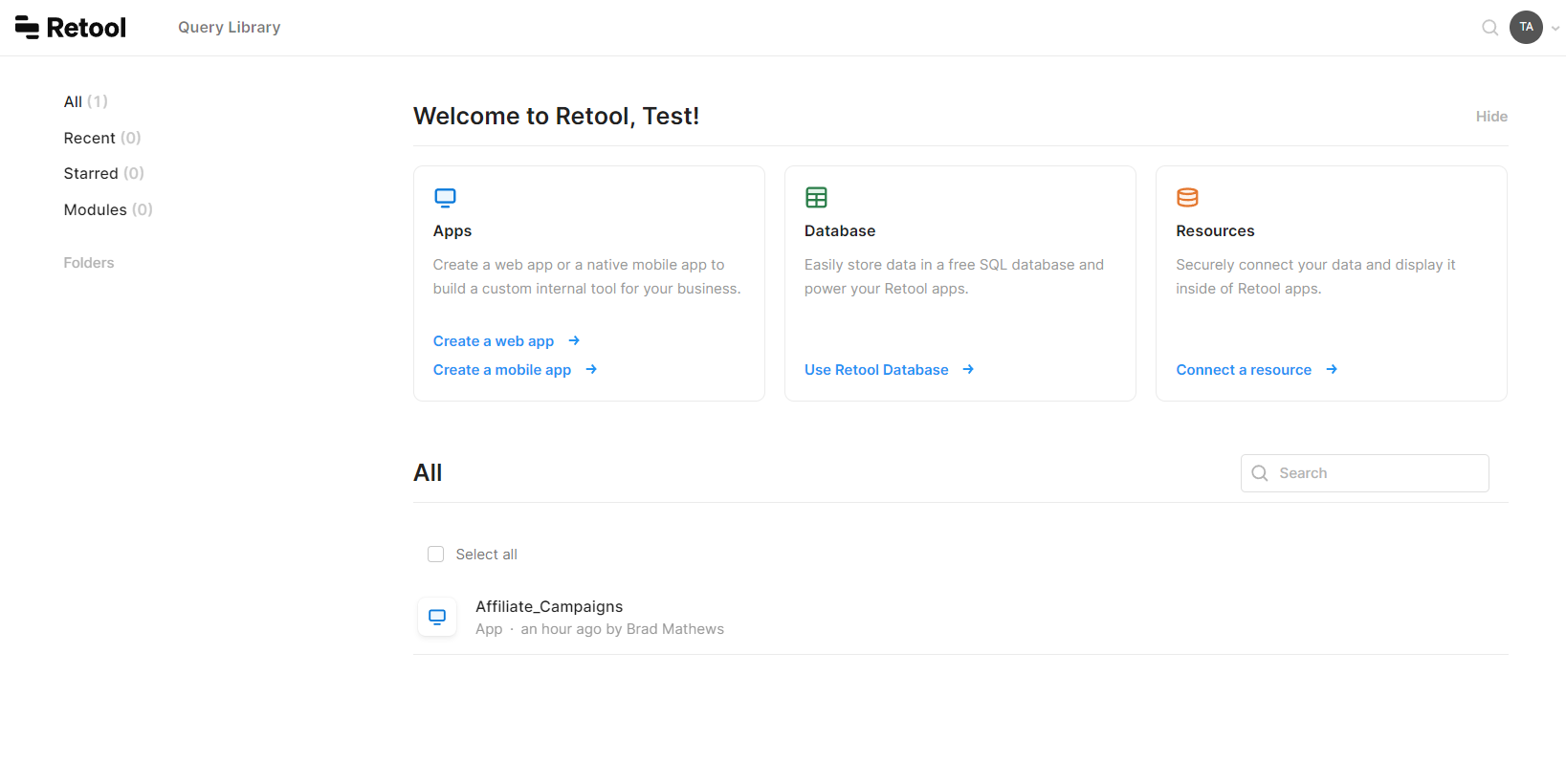
It opens the normal App view, all of the Create App/Database/Resource options show up. These are not functional thankfully!
I missed that setting in All Users - was set to Edit queries there. I now have All Users set to Use queries in apps, editors and admins to Edit queries and everyone else to No Access.
Now they can still see the queries, but not edit them. They really, really should be even be able to see them though. We will be giving customers access to certain apps and we don't want them seeing any of the sausage making or other proprietary secrets. Anything else I am missing?
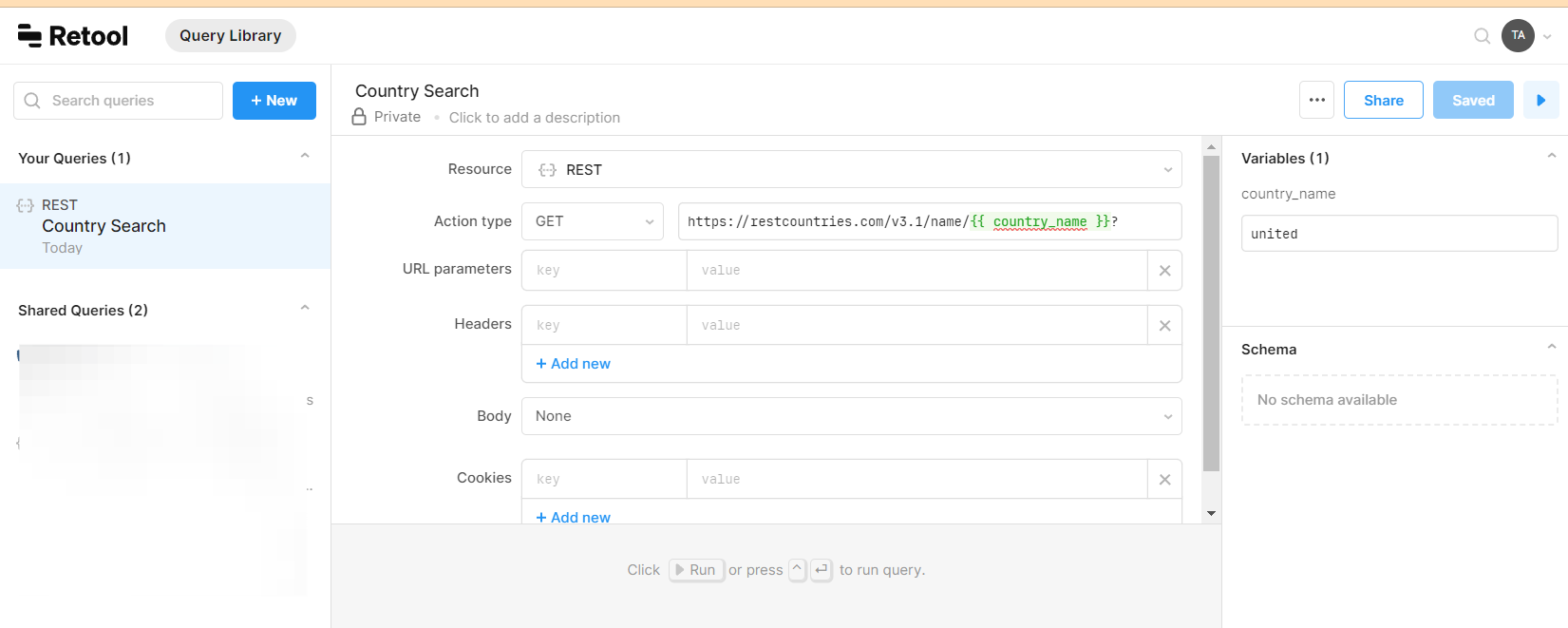
I have a similar problem when I want users to be able to use queries from the Query Library in my apps but not run or see them on the Query Library tab.
Right now users with Use queries in apps can access /querylibrary endpoint where they can see and run queries that could end up with data corruption.
Hi @Mathias, as @bradlymathews mentioned, we currently cannot hide some of the sausage making steps of our organization. However, we can choose which queries we want to share with our users. In addition to the "Use Only" configuration in "Permission Groups" (available on Business plan and above), we can also share specific queries in our "Query Library."
Permissions setting for custom user group:
Here are two queries I created using the same "Resource", and I shared only one with my users:
This is what my users see on their end:
We don't have any updates yet on the Feature Request to hide the QL from those with run permissions, but we will keep you posted on any updates.
Hey @Paulo, I'm having this same issue, so commenting for a plus one on this feature and to follow it.
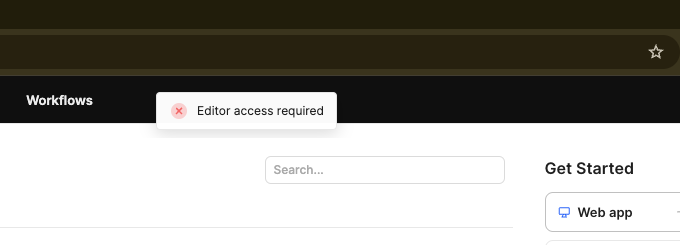
I previously had my app domain redirect to an app landing page to avoid showing the Retool dashboard, but during the redirect, it seems like the header items, like Query Library and Workflows are visible and clickable, which leads to the "sausage being made" view.
This seems to have recently (like in the last several months) started happening and is breaking the redirect workaround. The headers aren't in the same branding as the app and makes for a very confusing experience for external users. And this is not ideal from a security POV like @bradlymathews has mentioned.
Hey @eman31 - can you provide a bit more information about your current approach? It sounds like maybe you've specified a landing page for certain permission groups, but let me know if that's not the case.
@Darren correct. I had two permission groups, each designated a different landing page. After logging in, it seemed like with two separate pages, there was a delay in the routing, which showed the Retool interface. Ideally, it would have taken the user straight to the landing page.
The workaround I’m using now is to set all groups to land on a single landing page app, then I have a script on that app that runs on load to direct the user to the correct experience depending on what group they’re in. This seems to increase app load times, which isn’t ideal, but better than the previous option for me.
Just to close the loop on this, @eman31 - it does look like there was a regression in the handling of redirects in August of last year, but the fix went out in November. You can likely switch back to your original configuration! Let me know if you have any questions.

 I surfaced it as a feature request with the dev team. And will follow up here if it gets included.


 I was quite shocked this was the default behaviour.