cz0840
August 22, 2025, 1:11pm
1
I'm having an issue with uploading a file with the revision added to the file extension (weird, I know).
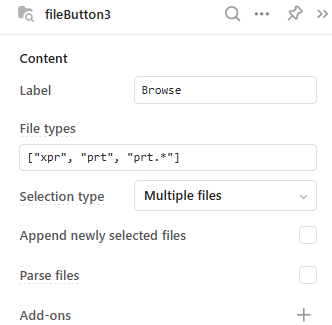
For an example, I have a file extension of prt.7 in this example (can be different for other files):
I added a file extension with a wildcard for the file browser to filter on (prt.*):
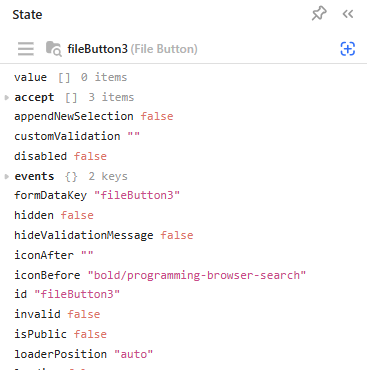
I can see the file and select it to upload but its not recognized and the value is empty:
I'd hate to force the user to manual change the file name extension if there is a solution to accept one like this -> prt.7
Any suggestions?
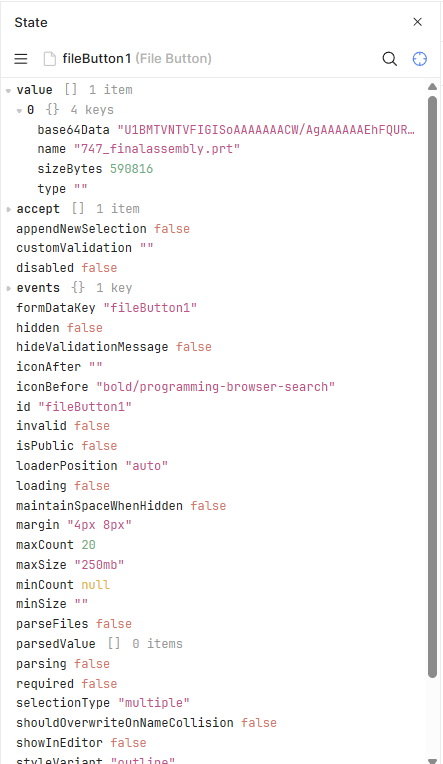
The file type shouldn't matter at all.... just to make sure I went and downloaded a sample .prt file from GrabCAD and checked (it's just a guess on the file type, but I think i got it right considering the xpr type also?):
So it does work. Is there anything you've tried already? if there isn't, can you try and delete the fileButton3 component and remaking it?
cz0840
August 25, 2025, 1:18pm
3
The geniuses here added the file version to the file extension (e.g. .prt.7).
Your example was with a .prt file extension.
I assume there is no way then to load that file unless the file extension is changed to prt.
jg80
September 12, 2025, 4:11am
4
So the file type is ".7" (and presumably can be any ".X" for any integer X...)? What happens if you allow any file type?
You could try to specify the MIME type instead of the file extension, this should get around the strange naming convention.
Darren
September 25, 2025, 5:06pm
6
Have you had a chance to revisit this, @cz0840 ?