Unable to view Retool DB connection string

  1. My goal: Get Retool DB Connection string
  2. Issue: I’m unable to view the tab with the connection string details
  3. Steps I've taken to troubleshoot: I’ve verified that I’m an Admin
  4. Additional info: (Cloud or Self-hosted, Screenshots)
    Cloud Hosted

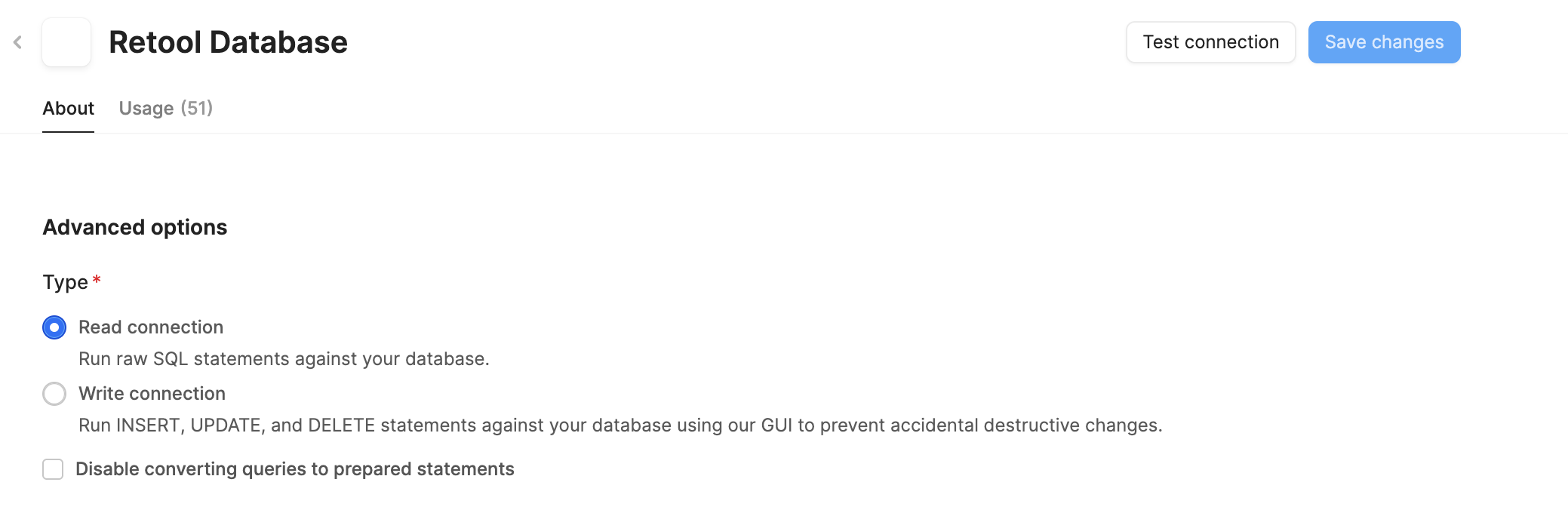
This is all I can see:

According to this thread How to get Retool DB connection string - #3 by Gabriele_Filaferro

I may be one of the “small number of orgs where this hasn't been enabled yet”

Thanks!

1 Like

Hey @Victor_Barclay ,

I understand the issue you’re facing. It appears that only older discussions (from 2024) are available on the forum, with no recent updates addressing this.

No worries—I’ll help you with this.

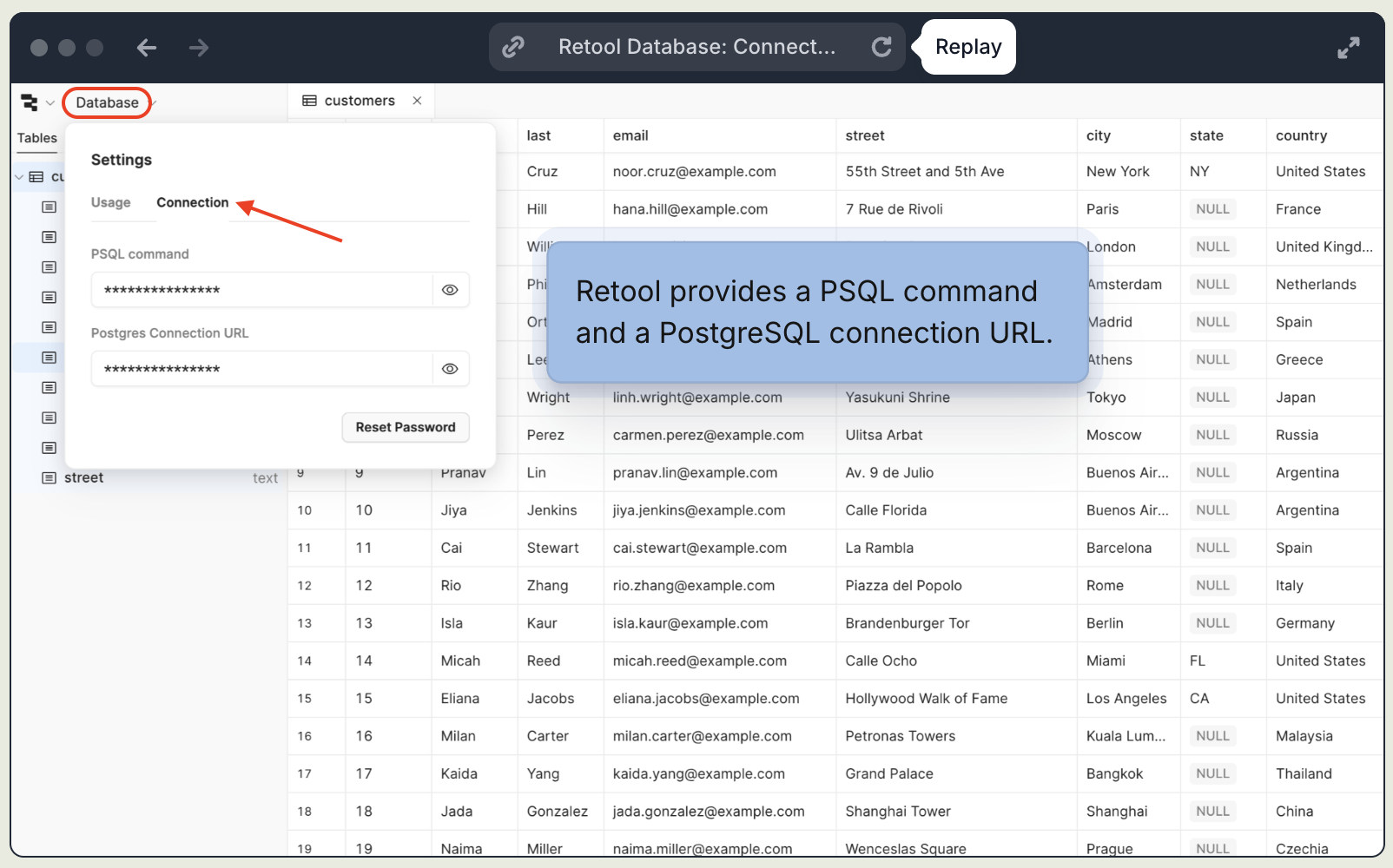
Here are the steps to locate your Retool Database connection string:

How to Find Your Connection String

  1. Navigate to the Database tab from the main navigation menu in your Retool organization.

  2. Open Connection Settings by clicking on the Settings or Connection option (usually located near the “Usage” tab).

  3. Copy the connection details provided by Retool. You will see two formats for external access:
    • PostgreSQL Connection URL:
      postgresql://retool:password@host:5432/retool?sslmode=require
    • PSQL Command: A ready-to-use command for terminal access.

Following these steps will help you retrieve the connection string successfully.

Let me know if you need any further assistance.

Hey @Victor_Barclay Victor, this is ChiEn from Retool, I checked your org info, the feature is enabled on your org. Can you walk through the connection string steps in the docs above and share what you find? Access Retool Database tables externally | Retool Docs

1 Like

Found it - thanks @WidleStudioLLP and @ChiEn !

3 Likes