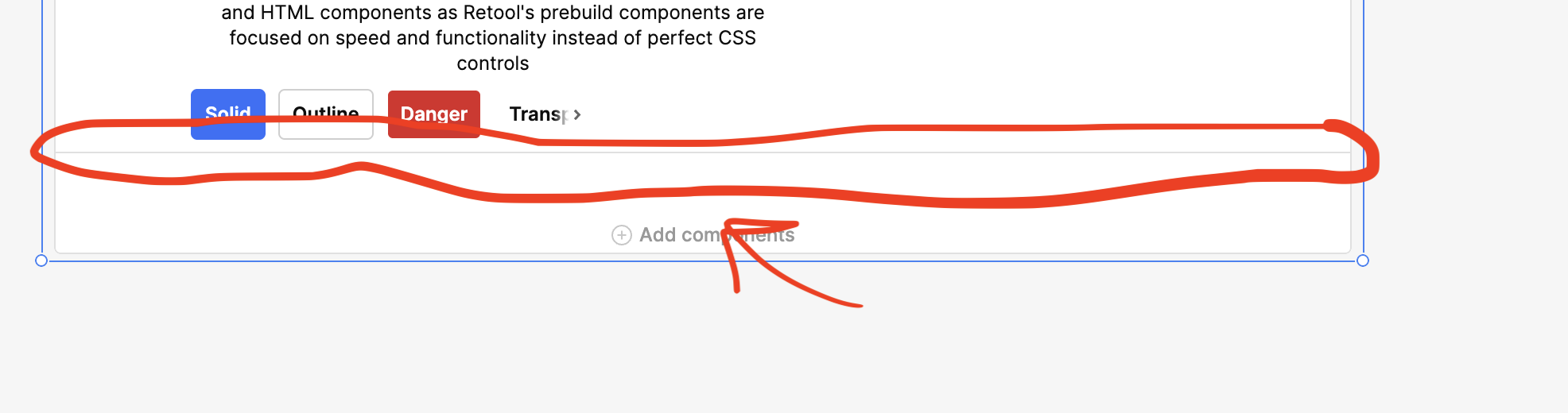
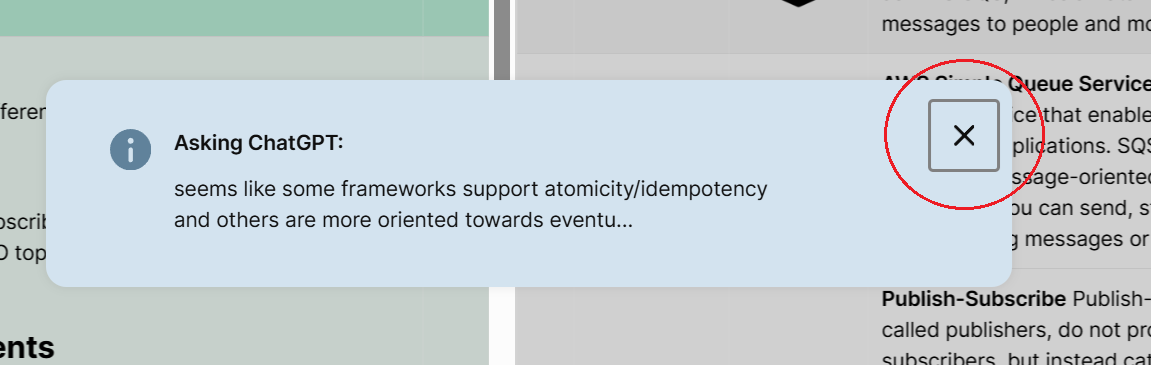
This is not "in the IDE" but just using the app. I had been debugging that modal box where the X appears for the last couple of hours and had not once seen this border (in fact, not since yesterday). Then I turned my attention and was just using the app like a normal user and the modal was displayed in the normal workflow. And....surprise! They’re heeere!
An observation. The box appears to have a meaning. If it is present I can "click the X" with the [Enter] key. If the box is not present I must use the mouse.
The button has a configuration option for Interaction type. It's Default or Submit.
One might think that has something to do with this issue but I have always had Default selected and it does not seem to make any difference.
My guess is that this may have something to do features in the new modal frame supporting a11y but that's just a guess.
Very spooky Thank you for the detailed write up and visual examples
For the line around the X in the modal, I do believe this has to do with accessibility. Where the HTML element under the hood is going to show users when it is being "targeted" and can then be closed with enter instead of a mouse click.
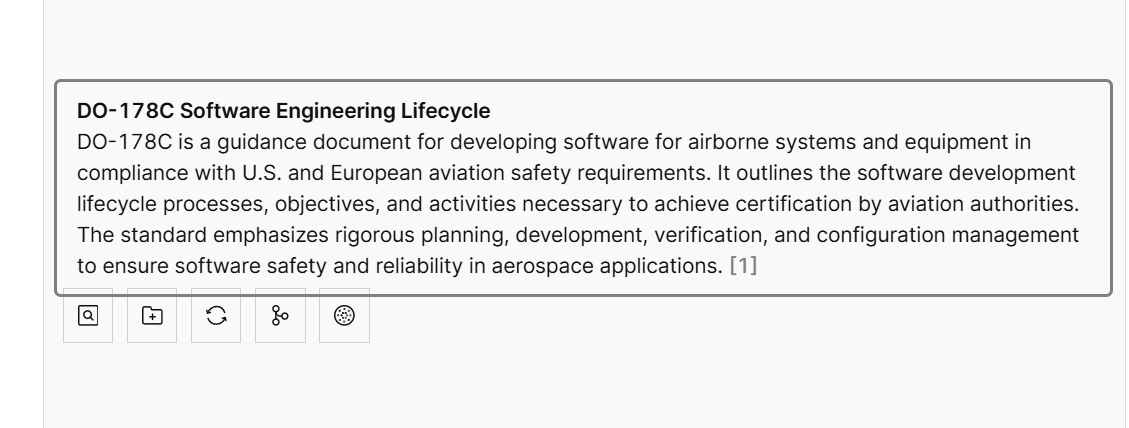
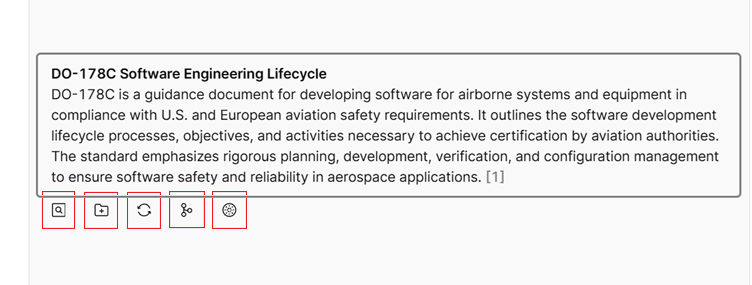
For the other screenshot where the grey box around D0-178C is appearing, can you give me more details about what kind of component that is. The more I know about what that is, what component it is living inside of and what components those little logos with the red lines around them the better I can look to reproduce this to see if this is due to some styling configuration or spacing bug.
DO-178C is an HTML component.
The row of icons is a ButtonGroup.
They are inside a Container just touching. Container is Stack, Fixed Height. Normal margin and padding.
The ButtonGroup WAS a fixed-width for no apparent good reason so I set that to Auto. Can't be confident that will "fix" anything as the "border" effect is rarely sighted anyway.
I just tested it out a similar component set up, although I was not able to get the HTML component to have the thick grey boarder as shown in your image, I saw that the container component has a default line break to separate out components so they do not 'collide' or risk floating over each other.
If your main goal is to keep the button group icon borders separate from the HTML component boarder, it shouldn't be too hard to move the button group to the lower area of the container.
Do you have any suggestions on what I could do to get an HTML component to show they grey boarder if removing the grey boarder is your goal?
I don't think the problem is "overlap". My components touch, the IDE makes that easy enough, and I've never really seen it allow them to stack/overlap.
In any case my only issue is the appearance of the grey border. I think the idea that it has something to do with ally is a reasonable theory. In the case of my close button with the X, it is an input control and the user may want to click it and they may appreciate ally support to do so.
In the case of HTML components (which is where I think I see this the most often) they are not really "input" controls so the user has little reason to focus on them and activate anything with a click. EXCEPT when the HTML markup contains an embedded href which in fact some (definitely not all) of my HTML components can have.
In any case I see two issues:
Is this a bug or intentional design supporting ally?
If yes, what is that design? Is there some "control" I can have that would allow the border when it is a legitimate focus target and block the border when it is not?
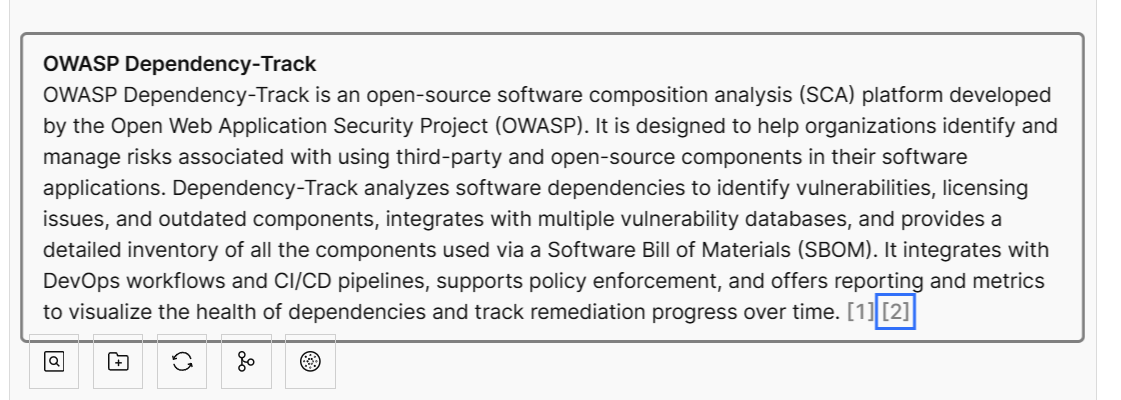
Here is some more evidence that the boxes are related to ally. Here we have an HTML component and inside it are two hrefs; one of which I clicked before I noticed this "view".
My only ask would be that the box is never drawn IF there is nothing inside the HTML that is clickable. This is probably already true and when I have seen the box there was in fact at least one link and I just didn't notice.
Yes this is part of our initiative to have greater accessibility in our apps.
I believe that the boxes are only drawn when there is something that can be clicked. If you run into an instance where this is not true. Let me know how to reproduce this and I can make a bug report for the team as that is a very reasonable request

 Thank you for the detailed write up and visual examples